
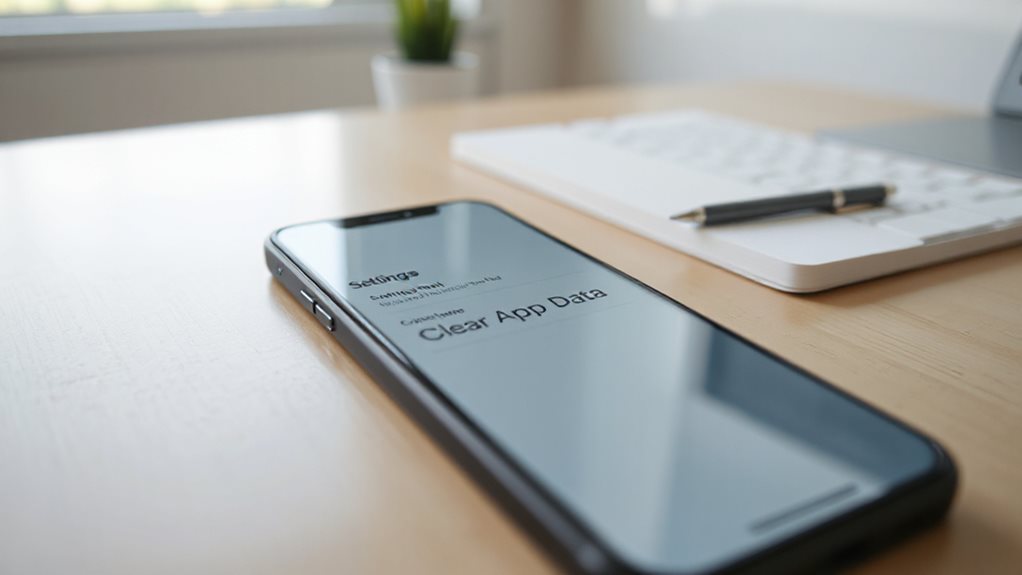
iPhone Clear App Data Without Deleting App: How-To
Tackle hidden iPhone app data without uninstalling, and discover the secret steps that free space while keeping your apps intact.
Tackle hidden iPhone app data without uninstalling, and discover the secret steps that free space while keeping your apps intact.
On iPhone, uncover hidden recovery tricks for permanently deleted videos without a backup—learn the secret steps that actually work.

If your AirPods connect but audio plays from speakers instead, this frustrating glitch has a simple fix you need to know.

Learn why your AirPods keep beeping and discover quick fixes for battery alerts, connection issues, and annoying sound glitches.
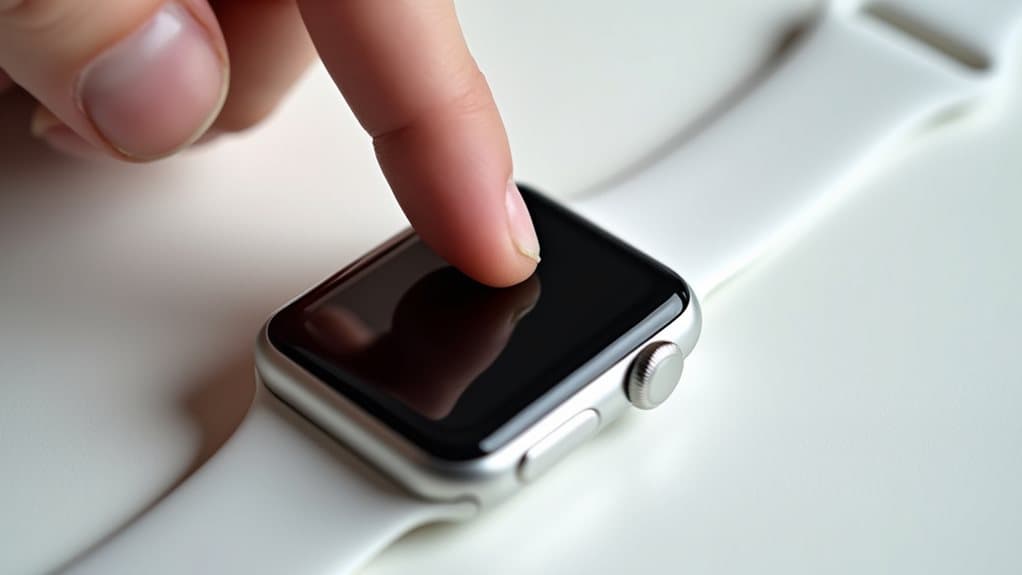
Stuck with an unresponsive Apple Watch that refuses to force restart despite pressing both buttons?
Keep your Spotify playing when your iPhone screen locks by adjusting these three critical settings that most users overlook.
Keep your iPhone connected with these quick WiFi fixes that solve disconnection issues in minutes using proven troubleshooting methods.
Unable to access voicemail due to authorization errors? Discover the simple restart trick that fixes this frustrating iPhone problem instantly.
Learn how to get Ring doorbell notifications on your Apple Watch through a clever workaround that most users don’t know about.
Discover how iPhone 5G with Visual Voicemail transforms your messaging experience with lightning-fast speeds and revolutionary features you haven’t explored yet.
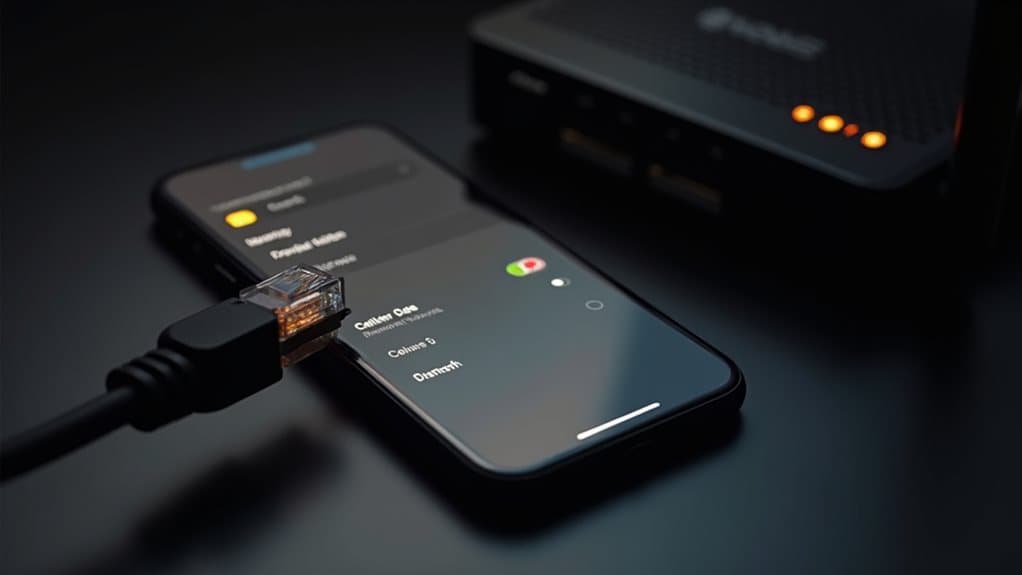
Learn why your iPhone can’t create Wi-Fi hotspots without cellular data and discover surprising workarounds that Apple doesn’t advertise.

Uncover why your iPhone’s battery icon turned yellow and how this mysterious change could actually benefit your daily phone usage.

Caught in the rain with your AirPods? Before risking damage to your investment, explore their weather resistance. While some models offer limited protection, none are fully waterproof. Learn how to protect your AirPods and consider waterproof alternatives for wet conditions.
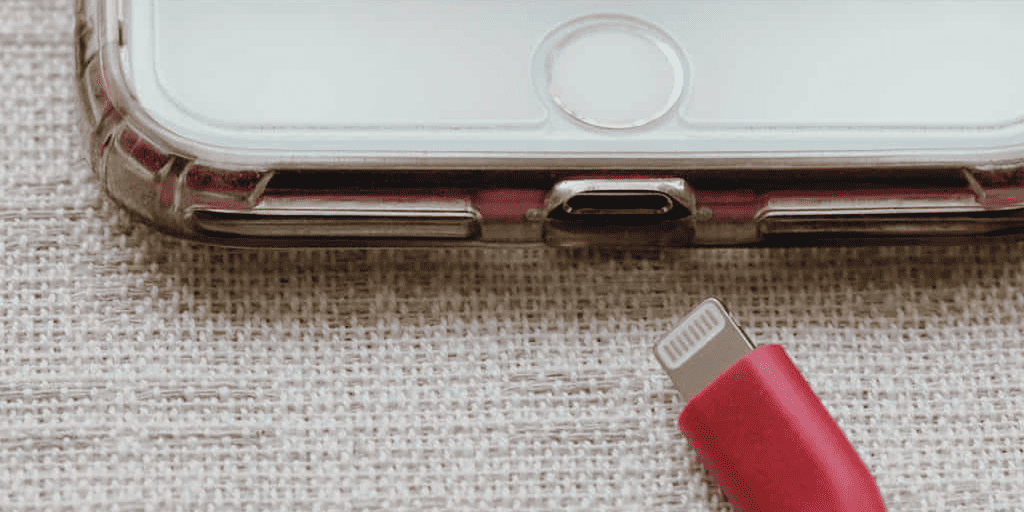
Swiftly removing water from an iPhone charging port is crucial to prevent damage. Learn how water infiltrates, risks it poses, and effective drying methods like silica gel or air exposure. Avoid using a wet iPhone, and seek professional help if signs of damage persist.
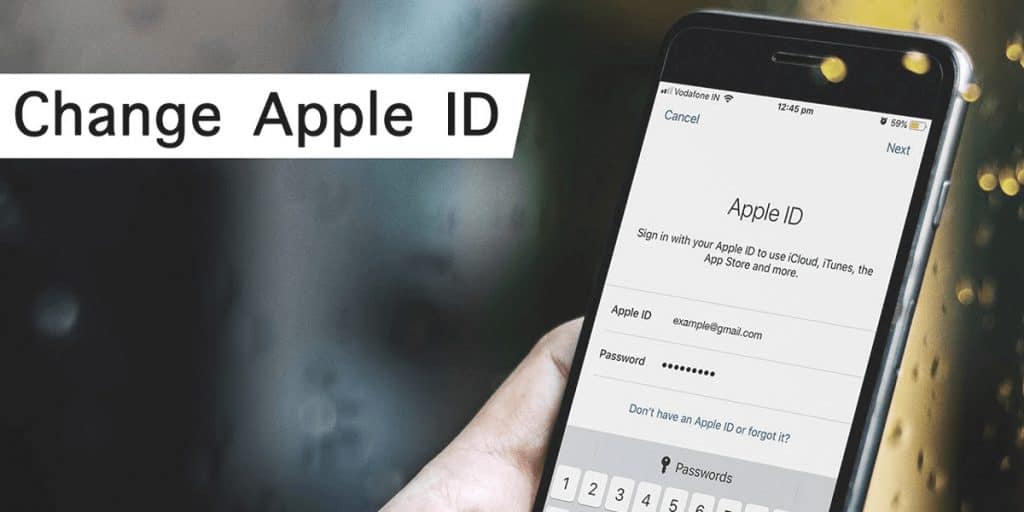
On occasions, you may need to change settings on your iPhone. It may appear awkward, yet here you can learn how to change Apple ID country quickly
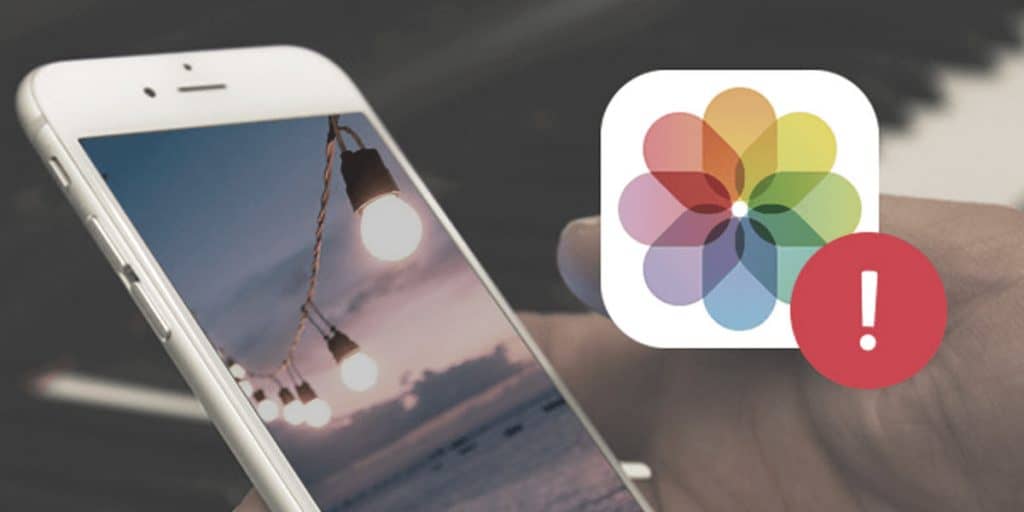
Maybe you deleted photos you recently took. If this is the case, you may not need to worry immediately. Follow our guide to finding deleted photos on iPhone