You’ll need a stable wired Ethernet or 5 GHz Wi‑Fi link that delivers at least 10 Mbps download and stays under 80 ms latency to an NVIDIA data center. Your device must be a 64‑bit PC or Chromebook with a dual‑core 2 GHz (or faster) processor, 4 GB RAM, and a DirectX 11‑compatible GPU (GeForce 10‑series or newer). Run a 64‑bit OS like Windows 10 or Ubuntu 24.04 LTS, and use a privacy‑focused VPN on public networks. Meet these specs and you’ll be ready to launch cloud games instantly, and the guide will show you how to optimize performance.
Quick Guide
- Stable internet: wired Ethernet or 5 GHz Wi‑Fi with ≥10 Mbps download (≥15 Mbps for 720p 60 fps) and latency < 80 ms to an Australian data center.
- Minimum device specs: dual‑core 2 GHz CPU, 4 GB RAM, DirectX 11‑compatible GPU (GeForce 10‑series or newer), 64‑bit OS (Windows 10/Ubuntu 24.04).
- GPU/decoder support: hardware that can decode H.264/H.265 and supports DirectX 11+; RTX‑enabled servers required for 4K/120 fps.
- Regional server proximity: choose a server in Sydney, Melbourne, Brisbane, Perth, Adelaide, Canberra or Hobart to keep latency under 50 ms.
- Subscription tier & bandwidth: Performance tier (≈AU$19.99) for 1440p 60 fps (≈25 Mbps); Ultimate tier (≈AU$24.99) for 4K 120 fps (≈45 Mbps).
Australia Cloud Gaming Quick Start Checklist
How do you get started with cloud gaming in Australia? First, secure a wired Ethernet or 5 GHz Wi‑Fi link that delivers at least 10 Mbps download speed and under 80 ms latency to an NVIDIA data center. Choose a subscription—Essential, Premium, or Ultimate—based on desired resolution and perks. Verify your device meets the service’s click‑to‑play requirements, then launch and stream instantly. Technical evaluations of gaming equipment are required to ensure compliance with the Gaming Services Branch Technical Unit’s standards. To ensure you stay protected while streaming games, consider using a trustworthy privacy-focused VPN to help maintain a stable connection and protect your data, especially when using public networks. VPNs and Smart DNS provide viable options for accessing services from Australia while maintaining performance and security.
Australia Cloud Gaming Minimum PC Specs
A minimum‑spec PC for cloud gaming in Australia needs a dual‑core x86 or x64 processor running at 2 GHz or faster, 4 GB of RAM, and a GPU that supports DirectX 11 (such as a GeForce 10‑series card) to handle H.264/H.265 video codecs. Use a 64‑bit OS like Windows 10 or Ubuntu 24.04 LTS. ensure a stable NBN or 5G link, preferably wired Ethernet or 5 GHz Wi‑Fi, to keep latency below 80 ms for smooth play. VPN usage for geo‑restricted streaming may be necessary in some regions to access certain services Dazn and ensure uninterrupted access to live content ACR.
Australia Cloud Gaming GPU & DirectX Requirements
If you want to game in Australia using cloud services, you need a GPU that supports DirectX 11 or newer and can decode H.264/H.265 video streams. GeForce 10 series or newer meets this, with RTX and GTX 650+ for desktops and GTX 700M+ for notebooks. CloudGG streams from RTX 4080 servers, offering 4K/120 fps or 1440p/60 fps depending on tier, while free tiers lack RTX features. The experience improves with a stable, low-latency internet connection and a wired Ethernet setup where possible to minimize buffering and latency. hardware requirements
Australia Cloud Gaming Chromebook & Mobile Specs
You’ll need a Chromebook with a 64‑bit dual‑core CPU at 2 GHz or faster, at least 4 GB RAM, and a DirectX 11‑compatible GPU to meet the minimum specs.
For smooth streaming, aim for a wired Ethernet connection or a 5 GHz Wi‑Fi network that can keep latency under 80 ms and provide at least 15 Mbps for 720p 60 fps.
Mobile devices should use a 20 Mbps (or higher) 5 GHz Wi‑Fi link, with the same latency limits, to ensure reliable cloud‑gaming performance.
Chromebook Minimum Specs
Wondering what hardware you actually need to game smoothly on a Chromebook in Australia?
You need at least an Intel Core i5 or i7 processor, 8 GB LPDDR4X RAM, and a 128 GB PCIe SSD.
A 120 Hz display with 1080p resolution ensures crisp visuals.
Wi‑Fi 6E or a 2.5 G Ethernet port provides the bandwidth for cloud streaming.
These specs enable GeForce NOW RTX 3080 tier performance.
Mobile Network Requirements
Typically, you’ll need a stable, high‑speed connection to stream games smoothly on a Chromebook or mobile device in Australia. Aim for at least 10‑15 Mbps for 720p, 35 Mbps+ for 4K. 5G often delivers 250 Mbps, sometimes up to 1 Gbps, with latency under 100 ms. Use Ethernet or 5 GHz Wi‑Fi, keep packet loss below 5 %, and ensure reliable coverage from your provider.
Australia Cloud Gaming Internet Speed Benchmarks
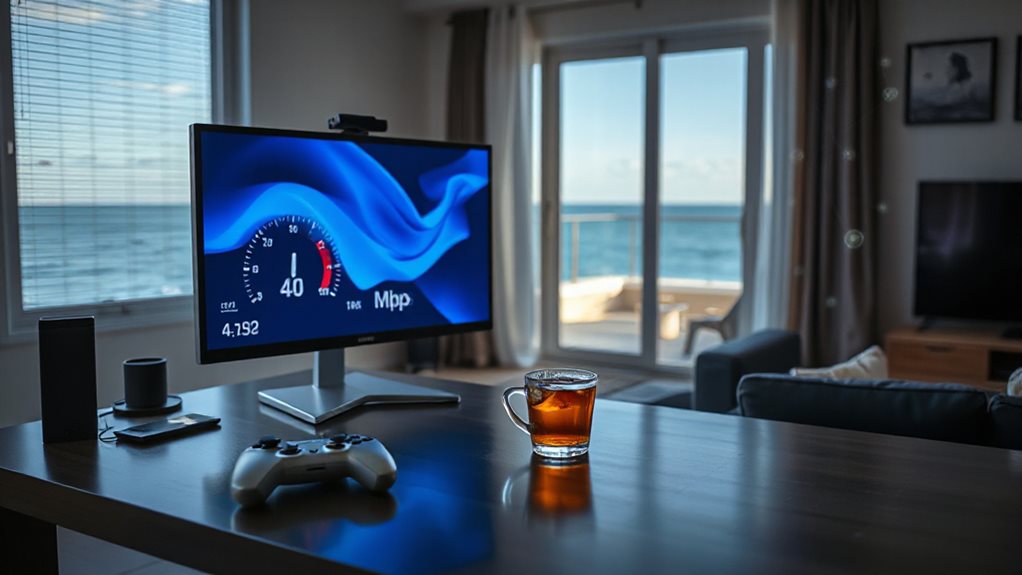
You’ll need at least 10‑15 Mbps for 720p, 25 Mbps for 1080p 60 FPS, and 35 Mbps or more for higher resolutions, while keeping latency under 80 ms for smooth play and under 20 ms for competitive titles. Your experience will also depend on how close the cloud servers are to you, since regional proximity cuts input delay. For the most reliable play, ensure your network supports stable CEC-enabled devices and consistent HDMI setups across your home entertainment system, which can help minimize input delays and improve overall responsiveness HDMI-CEC automation. To stay reliable, use a wired Ethernet connection or a 5 GHz Wi‑Fi router and consider an NBN plan that meets these bandwidth and latency thresholds. Regularly checking VPN or privacy considerations can help protect your data when connecting to cloud gaming services, especially on public networks. privacy considerations
Minimum Bandwidth Requirements
How fast does your connection need to be for cloud gaming in Australia? You’ll need at least 15 Mbps for HD, 25 Mbps for FHD, 35 Mbps for QHD, 45 Mbps for 4K, and 65 Mbps for 5K at 120 FPS. Competitive gamers should aim for 50 Mbps or higher to avoid performance drops. A stable, high‑bandwidth link ensures smooth, immersive play without interruptions.
Latency Impact on Gameplay
Your connection’s speed sets the stage, but latency determines how responsive the game feels. In Australia, round‑trip times of 30‑50 ms keep shooters and fighters crisp, while RPGs tolerate a bit more lag. 5G and edge servers near data centres shave milliseconds off the path. Stable 25‑50 Mbps broadband prevents jitter, ensuring smooth multiplayer sessions without noticeable input delay.
Regional Server Availability
Where can you find the closest cloud gaming server in Australia? You’ll locate them in Adelaide, Brisbane, Canberra, Hobart, Melbourne, Perth, and Sydney via Cloudflare’s seven data centers, plus Azure’s four regional hubs, DigitalOcean, Vultr, Firebase, and Wasabi. These providers give low‑latency, high‑bandwidth connections, ensuring stable gameplay and minimal downtime across the continent.
Australia Cloud Gaming Latency Targets & Test Method
Ever wondered what latency you actually need for smooth cloud gaming in Australia? Aim for sub‑5 ms client‑server round‑trip, but 100 ms or lower keeps Xbox Cloud Gaming and GeForce NOW responsive. Test by injecting 15‑1000 ms delays, measuring ping to NVIDIA data centers, and monitoring upstream rates at 20 Mbps. Keep total end‑to‑end latency under 150 ms for optimal play. Additionally, ensure your connection remains stable by avoiding intermittent outages and maintaining a clear signal path, as outages or network interruptions can cause sporadic latency spikes that degrade cloud gaming performance firmware updates or downtime and may require verification of your modem’s status. Building on the idea of consistent performance, consider using a VPN for cloud gaming to reduce throttling and improve routing when accessing global servers.
Australia Cloud Gaming Subscription Plans Overview
What subscription options are available for cloud gaming in Australia? You can pick CloudGG’s Performance Plan at $24.99 AUD monthly for 1440p/60 fps, six‑hour sessions, RTX On and unlimited play. The Ultimate Plan costs $32.99 AUD monthly, delivering 4K/120 fps, eight‑hour sessions, DLSS 3.5, Reflex, and the same unlimited features. Xbox Game Pass Ultimate $≈$19 AUD gives 500+ games, cloud streaming, and cross‑platform access. PlayStation Plus Premium adds cloud streaming via the $199.99 Portal.
Australia Cloud Gaming Tier Selection Guide
You’ll want to compare the Premium Tier Pass from GamingNetwork with the budget‑performance balance each tier offers, while also checking how regional server latency affects your play.
The Premium tier gives you top‑queue priority and full RTX support, but it comes at a higher price.
If you’re sensitive to cost, the mid‑range tiers may still meet your needs with acceptable latency across Australian servers.
Premium Tier Pass GamingNetwork
How do you decide which Premium Tier Pass fits your Australian cloud‑gaming needs? Compare GeForce NOW Ultimate’s 4K/120fps, 8‑hour sessions, and RTX 4080 servers for $32.99 / month versus Xbox Game Pass Ultimate’s $18.95 / month, 1440p, 400+ titles, and $100 rewards. Check your internet—45 Mbps for GeForce 4K, 20 Mbps for Xbox. Choose the tier that matches your desired resolution, library size, and budget.
Budget‑Performance Balance
After reviewing the Premium Tier Pass options, the next step is to weigh budget against performance for Australian cloud‑gaming. Choose GeForce Performance at $19.99 / month for 1440p/60fps if you need high‑quality visuals without breaking the bank. Opt for Xbox Game Pass Ultimate at $19.99 / month for a massive library and day‑one releases. If 4K/120fps is essential, the Ultimate tier at $24.99 / month delivers top‑tier fidelity. Balance cost, desired resolution, and session limits to match your freedom‑focused play style.
Regional Server Latency
Where should you choose your cloud‑gaming tier? Pick a tier that targets Sydney servers if you live in NSW or ACT; you’ll see 10‑20 ms latency and smooth play. If you’re farther west, expect 50 ms+ and consider a tier with closer Melbourne or WA nodes. Avoid overseas servers; they push latency past 150 ms and ruin responsiveness. Choose fixed‑line or 5G connections for the lowest jitter.
Australia Cloud Gaming Compatible TVs, VR & Consoles
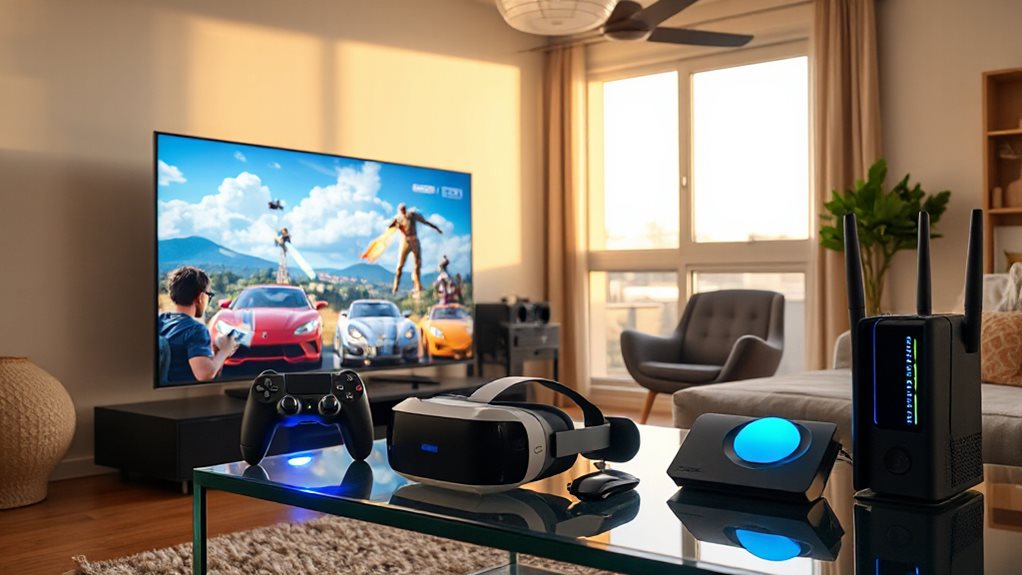
Looking to set up cloud gaming in Australia? Choose an LG OLED Evo G6 or Samsung S95H for 4K 120 Hz performance, both with built‑in gaming hubs. Budget options like Amazon Fire TV sticks or Hisense mini‑LEDs also work via HDMI 2.1.
Pair any TV with a compatible controller, enable ALLM/VRR, and you’ll enjoy low‑lag, high‑refresh gameplay without a console.
Australia Cloud Gaming Data Centers & Performance Impact
Choosing the right TV or console is only half the battle; where the cloud gaming servers sit determines how smooth your experience will be.
Australia’s data‑center map puts most servers in Sydney (91 sites) and Melbourne (51), delivering sub‑20 ms latency to eastern players. Regional hubs in Brisbane, Perth, Adelaide and Canberra shave ping for local gamers, while Tier III/IV facilities guarantee uptime and consistent performance.
Australia Cloud Gaming Troubleshooting Guide
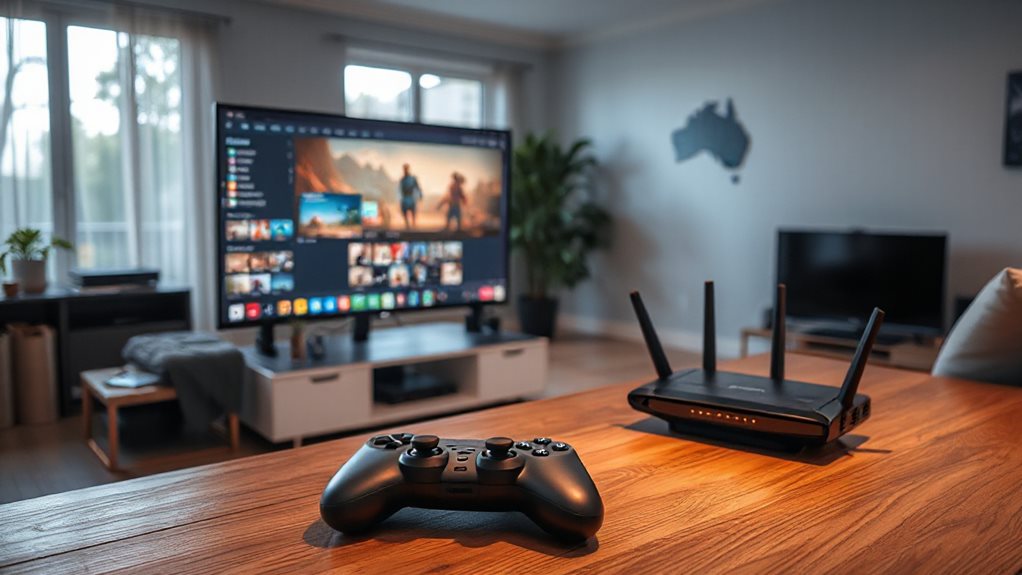
Ever faced lag, audio dropouts, or unresponsive controllers while streaming games in Australia? Check your connection: 10 Mbps minimum for mobile, 20 Mbps for PC or tablet, and use Ethernet if possible.
Restart your TV or device, update Xbox, enable remote play, and verify controller compatibility on Xbox’s site.
Change your Microsoft account region, sign out and back in, then test. If needed, use a VPN on PC or mobile.
Wrapping Up
By meeting the listed hardware, internet, and service requirements, you’ll enjoy smooth cloud gaming in Australia. Follow the checklist, verify your PC or mobile specs, and choose a tier that matches your bandwidth. Keep an eye on data‑center locations for optimal latency, and consult the troubleshooting guide if issues arise. With these steps, you can start playing instantly and maintain a reliable, high‑quality experience.