In 2026, you’ll crush lag with Wi-Fi 7 routers like the ASUS ROG Strix GS-BE1800 or TP-Link Archer GE800, which use Multi-Link Operation (MLO) and 320 MHz channels to juggle 2.4/5/6 GHz bands, cutting latency for gaming and 8K streaming. AI-driven QoS prioritizes traffic, while multi-gig Ethernet ports keep wired connections rock-solid. Position routers centrally and stick to 6 GHz bands for congestion-free performance—key tweaks to master bandwidth-heavy setups without stuttering or buffering.
Quick Guide
- Prioritize Wi-Fi 7 routers with MLO and 320 MHz channels for sub-10ms latency and 19 Gbps+ speeds to handle 8K streaming and gaming.
- Seek tri/quad-band routers (e.g., ASUS RT-BE96U) with dedicated gaming bands and AI-powered QoS to minimize lag during heavy use.
- Look for multi-gig Ethernet, 10 GbE ports, and mesh compatibility to ensure stable wired connections for competitive gaming.
- Top picks include TP-Link Archer GE800 (2.8 Gbps on 6 GHz) and Netgear RS700S (691 Mbps at 50 ft) for real-world performance.
- Optimize placement, use 6 GHz bands, and avoid interference to maximize throughput for buffer-free streaming and cloud gaming.
How To Choose A Router For Competitive Gaming And 4K Streaming
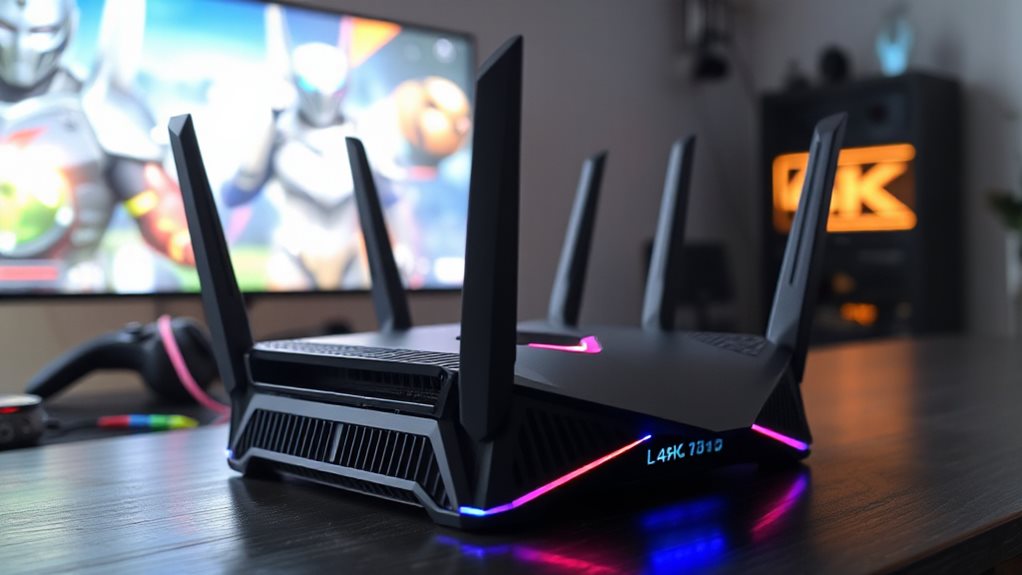
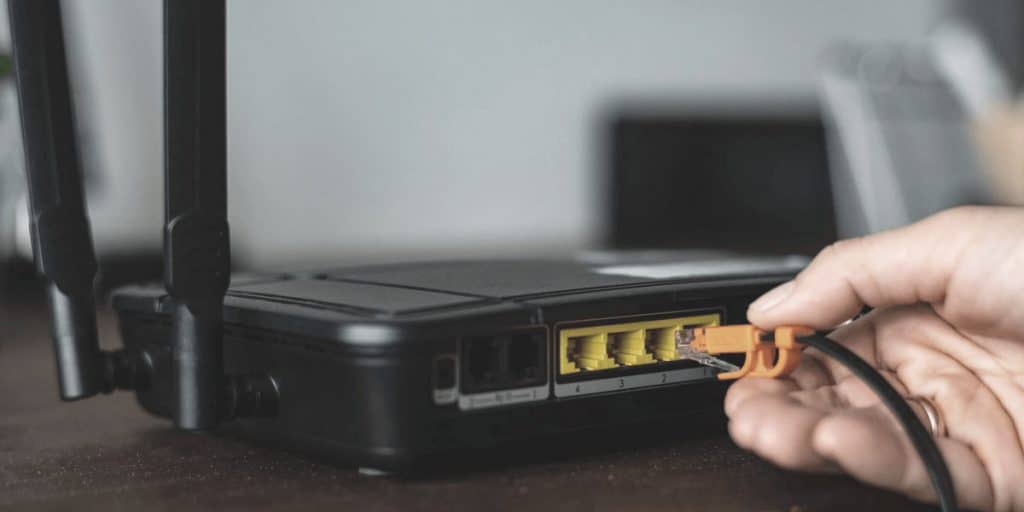
If you’re a competitive gamer or a 4K streaming enthusiast, choosing the right router means balancing speed, bandwidth, and reliability to avoid lag and buffering. Prioritize Wi-Fi 6 or 7 for multi-gig speeds, low latency, and handling 4K streams. Opt for tri-band/quad-band routers to dedicate bands to gaming. Look for QoS features to prioritize traffic, 2.5Gbps+ Ethernet ports, and mesh compatibility. Higher bandwidth (500 Mbps+) guarantees smooth performance across multiple devices, giving you freedom to dominate games and stream without compromise wired broadband connections ensure minimal latency and consistent performance crucial for competitive play and 4K streaming. Also inspect Ethernet cabling and connectors for damage or poor termination to maintain that consistent wired performance and avoid intermittent issues cable and connector inspection.
Top 5 Gaming Routers With Wi-Fi 7 And Ultra-Low Latency
You’ll want routers that blend Wi‑Fi 7’s blistering speeds with smart traffic handling and rock-solid wired ports to crush lag during gaming or streaming.
This list ranks the top 5 routers excelling in tri-band throughput, low-latency prioritization, and versatile LAN/Ethernet setups for competitive play.
From RGB-lit powerhouses to fanless workhorses, these models guarantee your gear stays connected without bottlenecks.
Choose Wi‑Fi 7 systems when you need future‑proof performance to support growing device counts and ultra‑low latency.
Wi-Fi 7 Speed Performance
With Wi-Fi 7’s tri-band design and ultra-low latency, these routers deliver unmatched performance for gaming and streaming.
TP-Link Archer GE800 hits 2,800 Mbps on 6 GHz at 6 feet, while ASUS TUF BE3600 sustains 2 Gbps upstream. Netgear RS700S crushes distance tests with 691 Mbps at 50 feet.
ASUS ROG Strix GS-BE1800 doubles 6 GHz bandwidth, and eero Max 7 balances blistering speeds with rock-solid reliability—freedom to game, stream, and conquer lag-free.
Traffic Optimization Features
Wi-Fi 7’s blistering speeds mean little without smart systems to manage traffic, and top gaming routers tackle this with precision-tuned features. Advanced QoS lets you prioritize gaming over background tasks, while dedicated gaming ports (like ASUS ROG models) and TP-Link’s Turbo Acceleration cut latency during intense matches.
Multi-Link Operation (MLO) balances traffic across bands, and intelligent band distribution spreads activity across 2.4/5/6 GHz for smooth performance. Smart home traffic separation and 4096-QAM modulation slash congestion, letting you game, stream, and browse simultaneously without compromise.
Wired Connectivity Options
While Wi-Fi 7’s speed grabs headlines, wired connectivity shapes the foundation for ultra-low latency gaming and smooth streaming. These routers give you freedom where it counts: the TP-Link Archer GE800’s dual 10 GbE ports deliver unthrottled performance, while the Archer BE9700’s 10 Gbps WAN/LAN and USB 3.0 flex with your setup.
ASUS RT-BE92U’s 10 Gb port supports secure smart home integration, and the RT-BE86U’s AiMesh compatibility scales wired speed affordably. Netgear Nighthawk RS150’s dual-band design optimizes traffic across 80 devices. Your wired needs—your way.
Budget-Friendly Routers That Maximize Gaming Performance
If you’re hunting for a router that balances cost and performance without sacrificing smooth gaming, options like the ASUS RT-AX68U, TP-Link Archer AX55, and ASUS TUF Gaming AX4200 deliver Wi-Fi 6 efficiency for sub-1Gbps plans, prioritizing low-latency connections and easy setup.
TP-Link’s AX55 optimizes gaming in smaller spaces, while the BE3600 offers Wi-Fi 7 value. For mesh coverage, the Deco BE25 skips 6GHz but guarantees budget-friendly reliability.
These picks maximize responsiveness without tying you to ISP routers or costly upgrades. A VPN router can protect all connected devices automatically by running the VPN at the router level and bypassing device limits for individual VPN installations with full-network coverage.
Wi-Fi 7 Advantages: What Competitive Gamers Gain In 2026
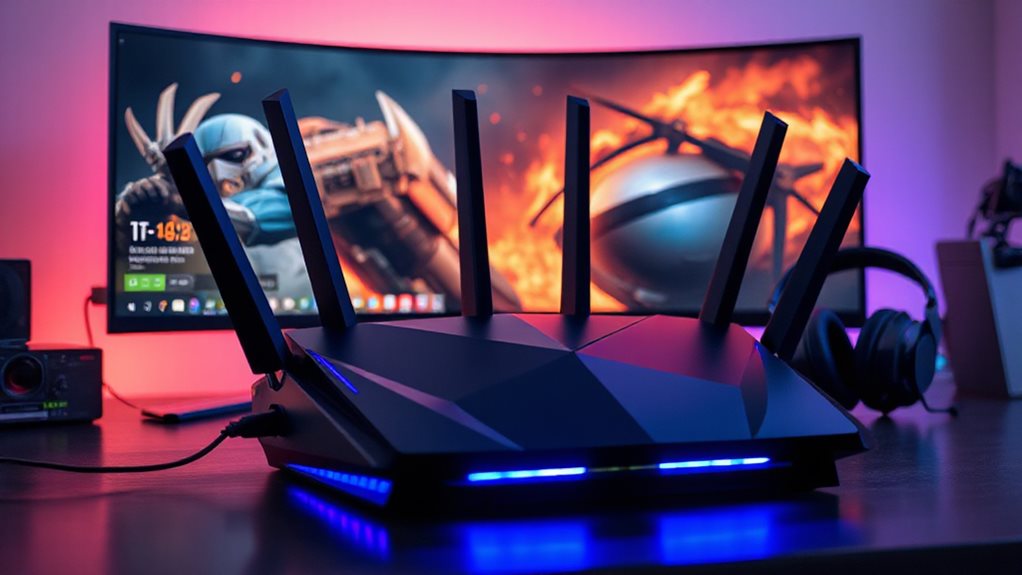
You’re about to experience why Wi-Fi 7 matters for competitive gaming, starting with its ability to slash latency and lag through Multi-Link Operation (MLO).
By juggling multiple frequency bands in real time, your game data avoids bottlenecks, hitting you with faster response times and rock-solid connections.
Enhanced speeds from 320 MHz channels and 4096-QAM tech also mean smoother gameplay, even when your network’s juggling streaming, downloads, and a squad of devices.
For the best results, pair Wi-Fi 7 with low-latency VPN connections and modern protocols like WireGuard to keep ping and jitter to a minimum.
Reduced Latency, Reduced Lag
Competitive gamers maneuvering lag-free performance in 2026 will find Wi-Fi 7’s advancements revolutionary, as its core technologies tackle latency at every level. You’ll employ MLO to slash delays by splitting traffic across bands, 320MHz channels for faster data bursts, and smarter OFDMA to prioritize game packets—even in crowded networks.
Real-world gains cut pings by tens of milliseconds, rivaling wired reliability. Pair Wi-Fi 7 hardware, optimize placement, and enjoy freedom from lag—no longer a wireless penalty, just victory.
Enhanced Speed, Smoother Gameplay
When every millisecond counts, Wi-Fi 7 brings blazing speeds and rock-solid stability to gaming sessions where split-second decisions define victories.
You’ll conquer 46 Gbps bandwidth, transfer 256GB files in 25 seconds, and eliminate lag.
320 MHz channels crush congestion, while multi-link tech guarantees uninterrupted gameplay.
Stream 8K without buffering, connect 500+ devices, and experience near-wired response times—freedom to dominate without delays or distractions.
Wired vs. Wireless Gaming: Ports That Prevent Lag And Boost Speed
Though wireless offers freedom of movement, ports on a gaming router can make or break your experience by directly shaping lag, speed consistency, and connection reliability. Wired Ethernet slashes ping, drops, and interference—critical for competitive play.
Routers like TP-Link Archer GE800 pack 10GbE ports, hitting 2,800+ Mbps, prioritizing gaming traffic, and maintaining full ISP speeds. For rock-solid performance, pair wire-free flexibility with high-speed wired ports to dominate lag-prone scenarios.
AI-Powered QoS Software For Lag-Free Streaming And Gaming
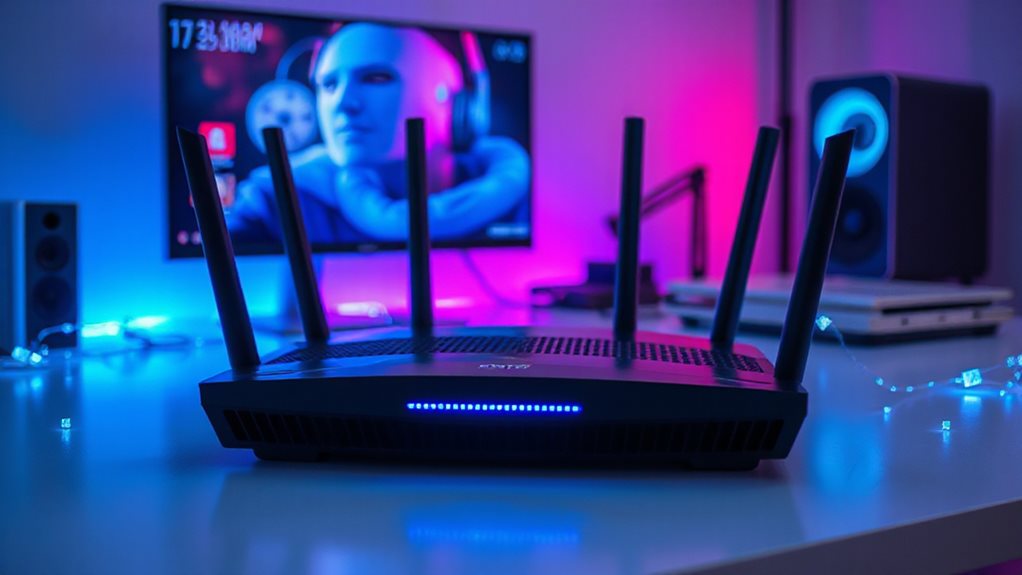
The design of a gaming router’s ports plays a major role in reducing lag, but the real key to smooth gaming and streaming lies in its AI-powered QoS software.
It automatically prioritizes game and streaming traffic, slashing latency by up to 34% while adapting to network changes in real time. No fiddling with settings—just instant optimization, so you’re free to play, stream, and browse without lag bogging you down.
Low-Lag Mesh Networks For Large Homes And Apartment Multiplayer
In sprawling homes or densely packed apartment complexes where lag threatens gameplay and buffering disrupts streams, low-lag mesh networks are your solution.
Wi-Fi 7 systems like Asus ROG Rapture GT6’s tri-band setup and ZenWiFi BQ16 Pro’s MLO utilize UNII-4 bands for congestion-free speeds. Netgear’s beamforming and TP-Link’s 10GbE ports guarantee stable connections.
These routers prioritize gaming traffic, handle 200+ devices, and deliver fiber-level performance—letting you dominate streams, multipliers, or raids without lag chaining your freedom.
Routers For 8K Streaming Without Buffering Or Input Lag
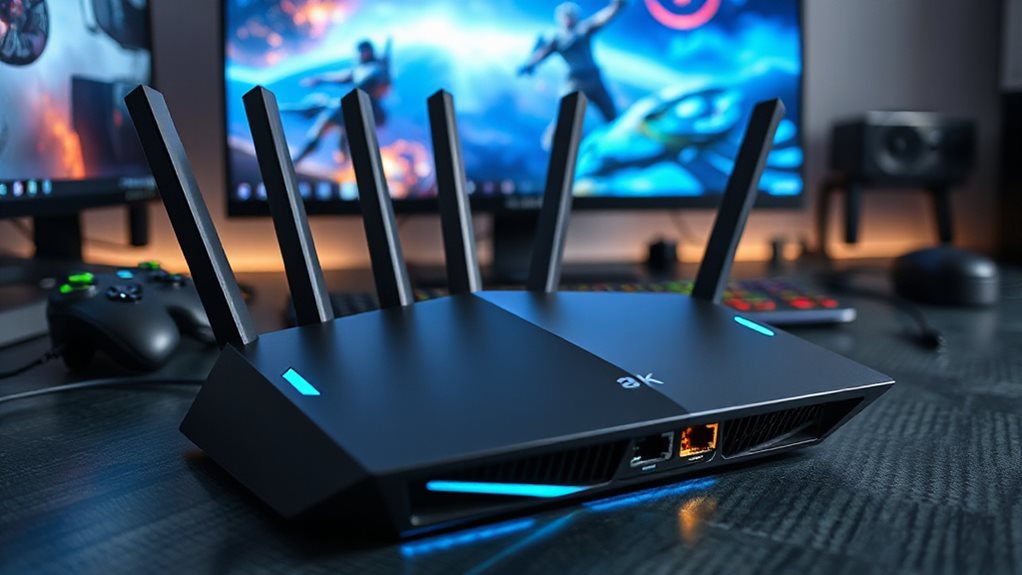
Advancements in Wi-Fi 7 technology make 8K streaming smoother for households pushing bandwidth limits. With Multi-Link Operation, 320 MHz channels, and tri-band/quad-band designs, routers like NETGEAR RS700S or ASUS RT-BE96U deliver 19 Gbps speeds, slashing buffering and input lag.
You’ll prioritize traffic effortlessly, ensuring 8K streams thrive alongside gaming or VR—no bottlenecks, no frustration. Freedom to dominate bandwidth-heavy setups starts here.
Router Positioning And Bandwidth Allocation Tips To Eliminate Lag
Optimize your router’s position and bandwidth settings to crush lag. Place your router centrally, raised, and away from interference. Adjust antennas vertically or angled for coverage. Use QoS to prioritize gaming. Plug devices via Ethernet for stability. Stick to 5GHz/6GHz bands. You’re in control—banish lag for good.
Wrapping Up
Choosing the right router for gaming and streaming in 2026 boils down to balancing Wi-Fi 7 capabilities, ultra-low latency, and reliable connectivity. Prioritize routers with AI-driven QoS to prioritize traffic, wired Ethernet ports for stable connections, and low-lag mesh systems for large spaces. Don’t overlook ideal placement—central locations and avoiding interference minimize delays. Whether you’re budget-conscious or aiming for 8K streams, matching hardware specs to your setup guarantees smoother gameplay and buffer-free experiences. You’ll unleash peak performance by combining tech like Wi-Fi 7’s higher bandwidth with smart bandwidth allocation tools.