RoboForm is a reliable, old-school password manager that has been around since 2000. It offers strong security with end-to-end AES-256 encryption and supports multiple devices, including desktops and smartphones. Its features include autofill, form filling, breach alerts, and secure password sharing, making it easy to protect your online data. While it’s simple and budget-friendly, it may lack some advanced security options found in newer managers. Delve deeper to find out how well it fits your needs.
Quick Guide
- RoboForm is a long-standing, reliable password manager with a simple, user-friendly interface and core features like autofill and secure storage.
- It uses AES-256 encryption and a zero-knowledge framework to ensure user data privacy and security.
- Compatible across multiple platforms, including desktop, mobile, and browser extensions, with seamless autofill capabilities.
- Offers essential security features such as breach alerts, password strength analysis, and two-factor authentication.
- Suitable for basic password management needs but limited in advanced sharing options and device support.
What Is RoboForm and How Does It Work Today?

RoboForm is a reliable password manager that has been around since 2000, making it one of the oldest options available. It supports multi-platform use with desktop apps, browser extensions, and mobile apps. It offers autofill, form filling, and secure data protection through end-to-end encryption and zero-knowledge design. Your account remains private, with strong security and easy access across devices. Additionally, RoboForm provides security features such as two-factor authentication to enhance protection.
How Secure and Private Is RoboForm in 2026?
In 2026, your data remains highly protected thanks to strong security measures. RoboForm uses AES-256 encryption with a zero-knowledge framework, ensuring your privacy is maintained. Additionally, regular security audits help identify and address potential vulnerabilities, further strengthening its cybersecurity. Multi-factor options and a spotless security track record provide confidence in data protection and security, safeguarding your freedom.
What Features Make RoboForm Stand Out as a Password Manager?
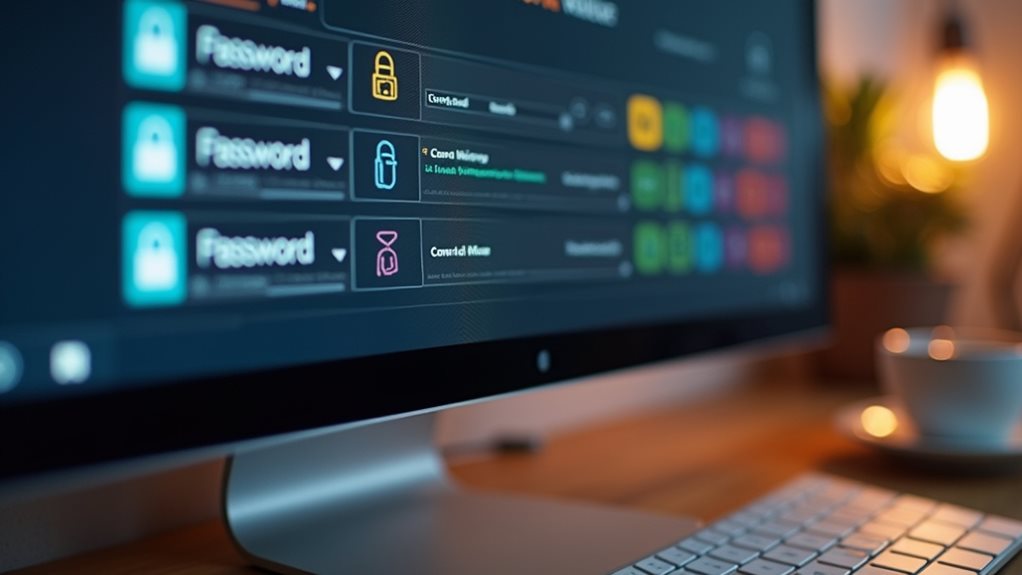
What sets RoboForm apart as a password manager are its strong features designed to simplify securing your personal data.
| Feature | Benefit |
|---|---|
| Form-filling | Auto-populates info, credit cards, SafeNotes |
| Security Center | Breach alerts, password hygiene, strength |
| Password sharing | Send credentials securely, with permissions |
These tools enable you with password management, device-specific login options, breach alerts, and passkey creation, ensuring security and freedom in your digital life. Additionally, RoboForm supports zero-knowledge architecture, ensuring that even the provider cannot access your stored passwords.
Is RoboForm Easy to Use on All Devices?
Using RoboForm across different devices is straightforward because it supports desktop applications for Mac and Windows, as well as mobile apps for Android and iOS.
Its user interface makes navigation simple with icon-based login lists and customizable views.
The cross-platform compatibility guarantees seamless autofill, browser extensions, and form filling, providing a consistent and easy-to-use experience on all devices.
Should You Use RoboForm in 2026? Pros and Cons

Considering RoboForm’s reputation as a budget-friendly and reliable password manager, it’s worth evaluating whether it still meets your needs in 2026. Its strong security, affordability, and ease of use make it appealing. However, limited features like sharing options and device support might restrict your freedom. Additionally, if you require comprehensive security features, RoboForm may fall short compared to more advanced options. If basic data protection suits your needs, RoboForm remains a solid, no-frills choice.
Wrapping Up
RoboForm remains a reliable password manager in 2026, offering strong security features and ease of use across devices. Its straightforward interface suits users seeking a simple, effective solution for managing passwords. While it may lack some advanced features found in newer managers, its privacy measures and compatibility make it a solid choice. Consider your specific needs and compare alternatives to determine if RoboForm best fits your security requirements.