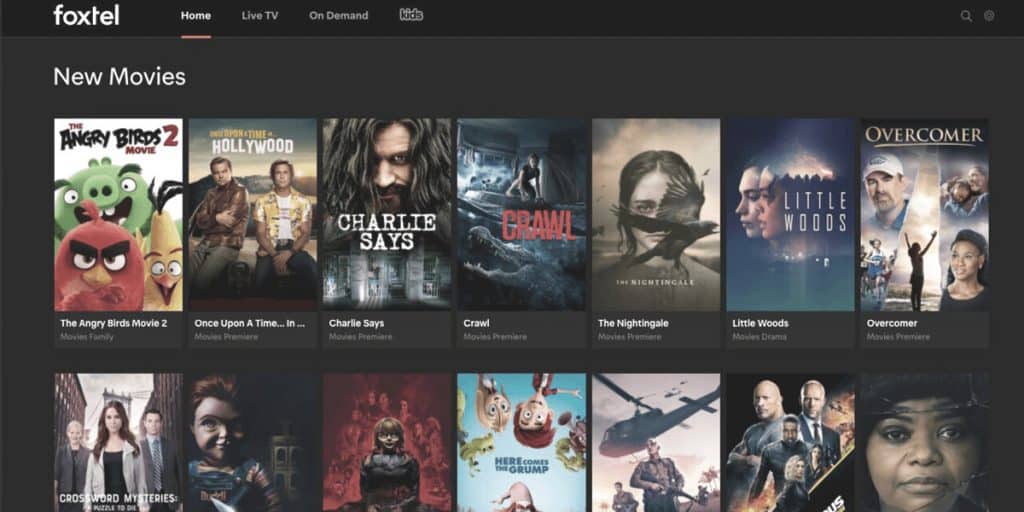
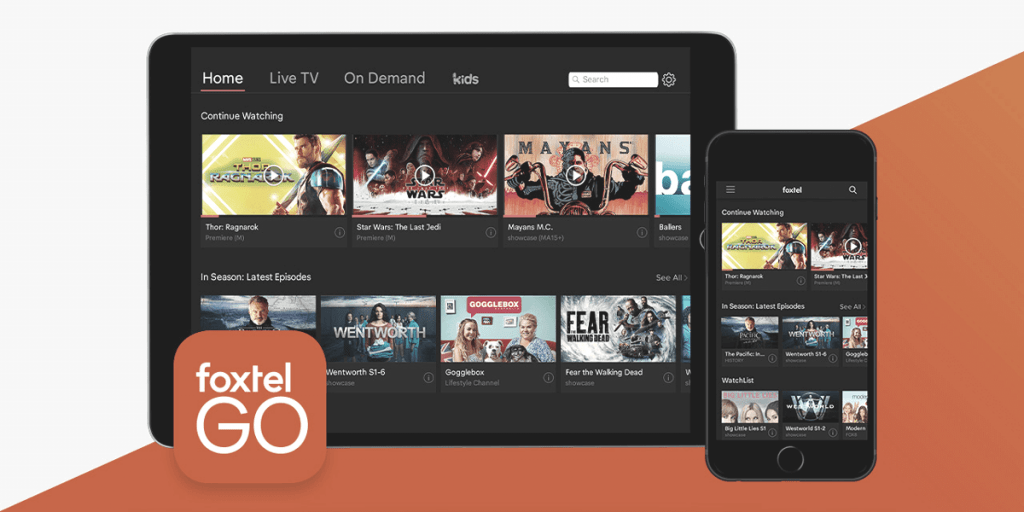
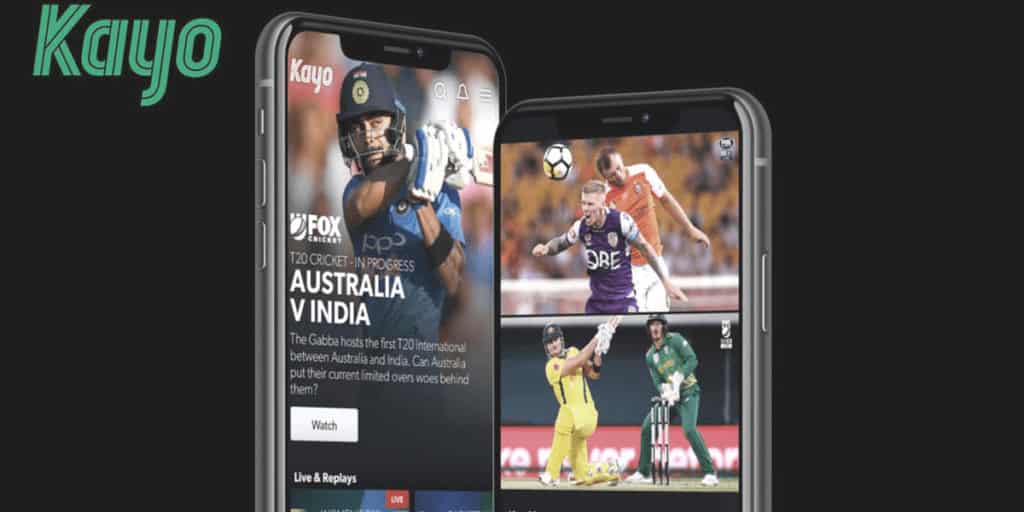
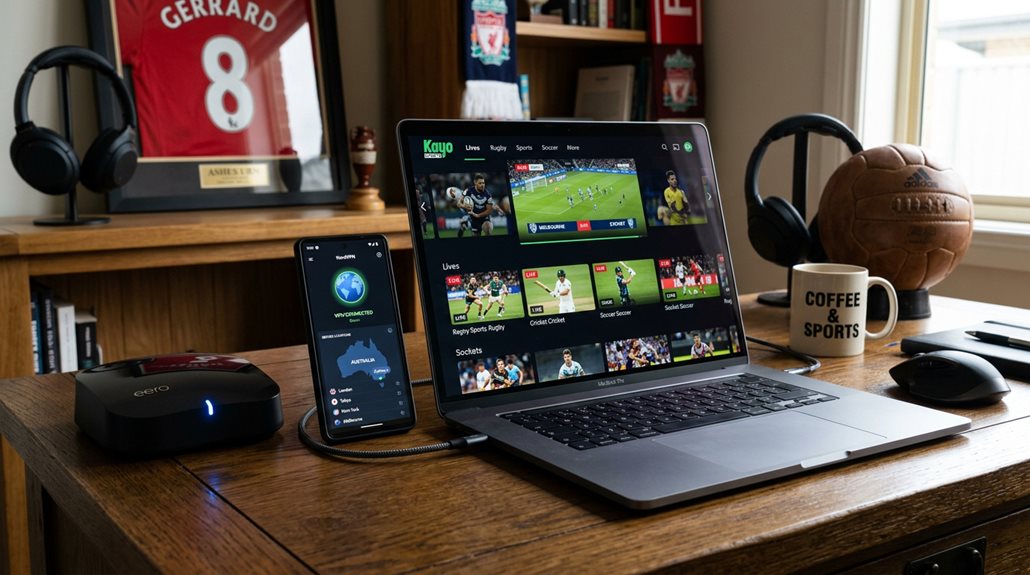
Kayo Sports is locked to Australia — try loading it overseas and you’ll hit a geo-block instead of the match. The fix is a VPN with Australian servers, the same approach that works for Foxtel, Stan, and every other Australian streaming service.
Before You Travel: Set Up Kayo First
Have your Kayo subscription active before you leave. Signing up for the first time from overseas rarely works cleanly, since Australian streaming services generally expect an Australian billing address at signup. If you’re already subscribed, you’re set.
Important: Geo-Blocks vs. Blackouts Are Different Problems
Worth being clear on this, since it trips people up: a VPN gets you past Kayo’s country-level geo-block when you’re overseas. It does not get you past an in-Australia blackout — some NRL and AFL matches are blacked out in the home team’s own state due to separate broadcast rights arrangements, regardless of which Australian city your VPN server is in. If a match is blacked out, connecting to a different Australian server won’t unlock it; that’s a rights restriction, not a location check. This only affects viewers still inside Australia — once you’re genuinely overseas, the blackout rule doesn’t apply and the VPN will get you the match.
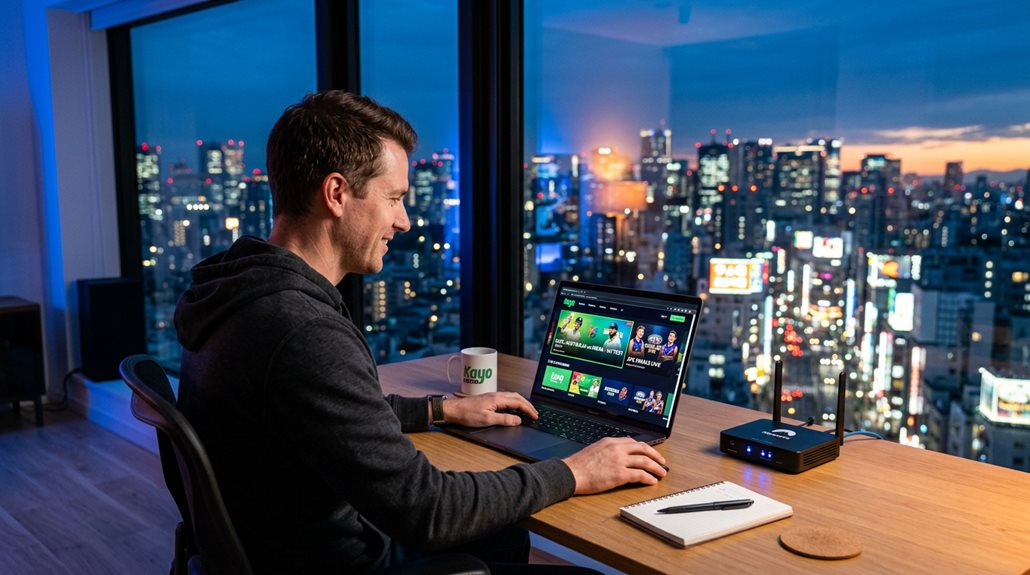
How to Watch Kayo Overseas: Step by Step
- Subscribe to a VPN with Australian servers — see our pick below.
- Install the VPN app on the device you’ll use (phone, laptop, smart TV, or a VPN router for whole-household coverage).
- Connect to an Australian server — Sydney or Melbourne tend to be fastest for live sport specifically.
- Open the Kayo app or website and log in as normal.
- If it won’t load, log out, switch to a different Australian server, and log back in.
Best VPN for Kayo Overseas
NordVPN is the strongest pick for live sport specifically — around 200 servers across five Australian cities, and NordLynx keeps a live broadcast stable rather than buffering right as someone scores. It’s the same reason NordVPN tops our full best VPN for Australia list. If you’re after the cheapest option that still holds up, Surfshark covers unlimited devices on one subscription — handy if the whole household wants the game on their own screen.
Skip free VPNs for live sport specifically — a dropped connection mid-match is far more frustrating than mid-episode, and free services are the most likely to buckle under a live-streaming load.
FAQ
Do I need a paid VPN, or will a free one work?
Paid, effectively. Free VPNs get blocked quickly and struggle with the sustained bandwidth a live match needs.
Will a VPN unlock a match that’s blacked out in my state?
No — see the section above. Blackouts are a separate rights restriction from geo-blocking and only apply while you’re inside Australia.
What if Kayo stops working mid-match?
Usually the specific server IP has been flagged. Switch to a different Australian server — it typically resolves within a minute or two.
What about Foxtel, Stan, or Binge?
Same principle applies across the board. See our guides for watching Foxtel overseas and watching Stan overseas.