Log into My Verizon, go to My Orders, and find the 10‑12‑digit order number that starts with V. Make sure it’s within the 30‑day return window and hasn’t shipped yet, then click the “Cancel My Order” button. If the button isn’t there, start a chat or call support, give your order number, and ask for cancellation. Verify the status changes to Canceled and you’ll receive a confirmation email. Continuing will show you how to handle returns, billing fixes, and special cases.
TLDR
- Log into My Verizon, go to My Orders, and click “Cancel My Order” if the button appears (order must be unshipped and within 30 days).
- Verify eligibility: the purchase is within the 30‑day return window, not already shipped, and was made directly through Verizon or an authorized retailer.
- If the cancel button is missing, refresh the page, log out and back in, or use the “Chat with us” feature to request cancellation from a live representative.
- For pre‑orders, back‑orders, or same‑day deliveries, cancel within the 30‑minute in‑stock window; otherwise, call support with your order number for assistance.
- After cancellation, check for a confirmation email and ensure the order status shows “Canceled”; monitor billing for any erroneous charges.
Locate Your Verizon Order in My Orders
Looking for your Verizon order? Log into verizon.com, click My Verizon, then My Orders or Order Status.
Enter the 10‑12‑digit order number—starts with V or numbers—found in your confirmation email or receipt.
Use the dashboard to sort by date or status; orders appear for up to three months.
The same steps work in the My Verizon app, with real-time updates and notifications.
Real-time updates are provided by Verizon’s tracking system.
Check Cancel‑Order Eligibility – Time Limits & Stock
After locating your order, you need to confirm whether it’s still eligible for cancellation.
Check the 30‑day return window for devices and accessories; past that, early termination fees may apply.
Confirm the purchase was from Verizon or an authorized retailer, as policies differ.
Make sure the item isn’t already shipped or out of stock, because fulfillment stage can block cancellation.
Review any financing or contract terms that could trigger immediate balance payment.
If you’re running into unexpected outages or service issues during the cancellation window, verify whether temporary holds or service modifications could affect eligibility outage context.
Cancel Directly With the “Cancel My Order” Button
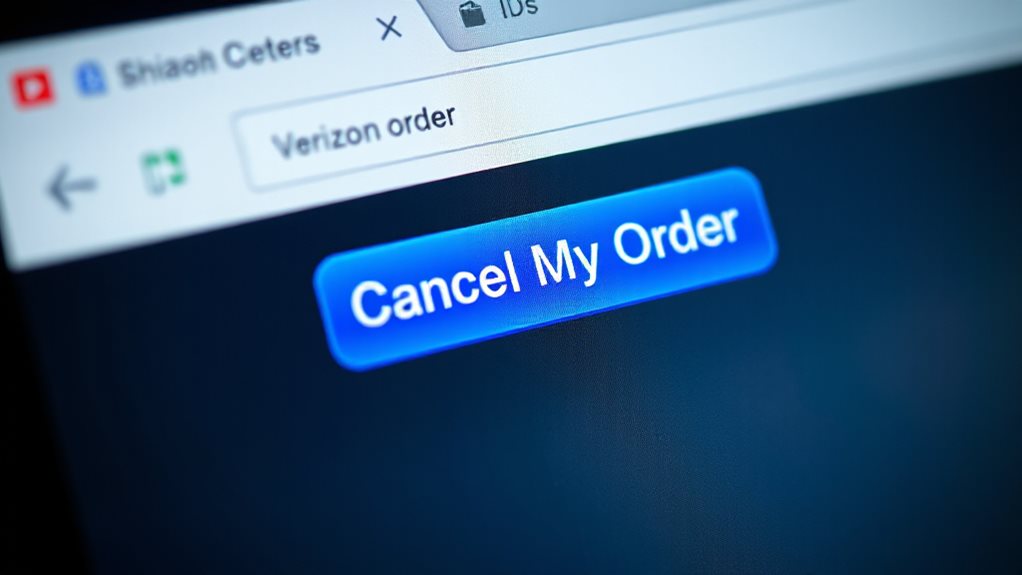
Can you cancel your Verizon order without calling support?
Log into secure.verizon.com, go to My Orders, and locate the eligible order.
If the “Cancel My Order” button appears, click it.
The system cancels instantly, provided the order isn’t shipped and you’re within the 30‑minute or pre‑shipment window.
Verify the status changes to Canceled on the same page.
In addition, you can confirm that the account’s recent activity has not progressed to shipment by checking the order history and any email alerts for status updates. order status
Chat With a Rep for Quick Cancellation Help
Start a chat by clicking the “Chat with us” button on the Verizon website or in the My Verizon app, then tell the rep your order number and confirm it’s still eligible for cancellation.
If you’re unable to cancel online, you can also dial Verizon support to verify order status and discuss cancellation options, including any applicable fees and next steps. order status
Initiate Chat Session
Need you need to cancel a Verizon order quickly, the chat option on the support site is often the fastest route.
Visit verizon.com/support/contact-us/, pick your service, then select the chat.
The virtual assistant will ask a few questions before routing you to a live rep.
Have your account number handy, and you’ll be connected within minutes.
Verify Order Eligibility
If your order falls within Verizon’s cancellation window, the quickest way to confirm eligibility is to start a chat with a live representative.
You’ll see the Cancel button only on in‑stock items within 30 minutes; shipped or non‑qualifying products hide it.
Chat the rep, share your order number, and they’ll verify status, device type, and account restrictions instantly.
Receive Immediate Confirmation
Initiate a live‑chat session on the Verizon website to get instant confirmation of your cancellation.
You’ll be routed through a virtual assistant until a real rep joins, and the chat is available 24/7 with no wait.
Have your account number and order details ready; the agent will verify eligibility and immediately log the cancellation, sending you a confirmation message right away.
Call Customer Service Within 10 Minutes for Cancellation
When you call Verizon’s customer service, have your order number and account email ready so the agent can locate the purchase instantly.
State that you want to cancel and ask for the cancellation reference number to confirm the request.
Keep the call under ten minutes by following these steps and you’ll receive a clear confirmation of the cancellation.
Call Prompt Service
Because Verizon begins processing orders almost instantly, you need to call customer service within ten minutes of placing the order to maximize your chances of a successful cancellation.
Dial 800‑922‑0204 for primary support, or use the technical line if you’re troubleshooting a device.
Have your order number, email, and item details ready.
Acting fast stops processing before shipping begins, preserving your freedom to change plans.
Provide Order Details
Within ten minutes of placing your Verizon order, pull up the order details so you can give the exact information to the representative.
Sign in at secure.verizon.com, go to My Orders, and note the order number, item type, and status.
If the Cancel My Order button appears, tell the agent you’re canceling.
If it’s missing, confirm the shipment time and request immediate cancellation.
This speeds the process and protects your freedom to change plans.
Confirm Cancellation Reference
After noting your order details, call Verizon customer service within ten minutes to lock in the cancellation. Provide the order reference number when the agent answers.
Ask for a verbal or digital confirmation reference and write it down. This reference proves the order is halted before shipping.
Keep it handy for tracking and any future refund inquiries.
Cancel Pre‑orders or Back‑orders When the Button Appears
Ever wonder how to cancel a pre‑order or back‑order the moment the “Cancel My Order” button shows up?
Log in at secure.verizon.com, go to My Orders, and locate the order. If the button appears, click it, confirm when prompted, and watch the status switch to Canceled.
Check the page and your email for confirmation. No further steps are needed.
Additionally, ensure you review any potential protections and limits related to your account, such as the status of the order and any communications from PayPal or your payment method, to avoid delays or issues with refunds. security measures
Troubleshoot a Missing Cancel Button
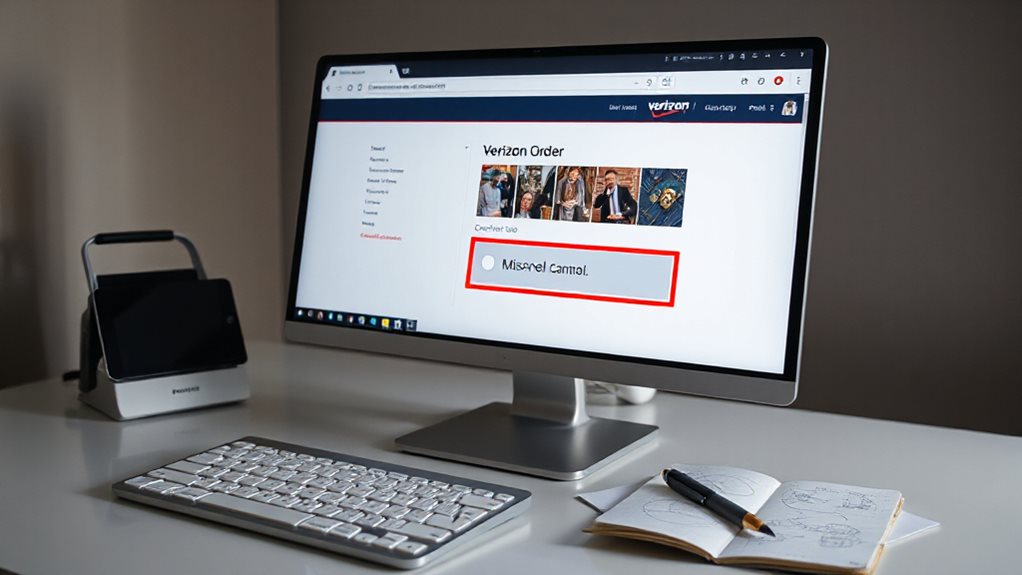
If the cancel button isn’t showing, first verify that your order is eligible for cancellation—only in‑stock items within 30 minutes or unshipped orders qualify.
Next, try reloading the page; a simple reload often restores the missing option.
If that doesn’t work, log out and log back in to reset your session and re‑check the My Orders screen.
Unlocator’s privacy practices include GDPR compliance and a 24-hour usage log retention window, so you may also want to review your account activity in the My Orders area to understand what data is captured during your order processing. privacy practices
Check Order Eligibility
When the “Cancel” button doesn’t appear on your Verizon order page, first verify that you’re still within the eligibility window—three business days from the transaction for a buyer‑initiated cancellation, or up to 30 days if you need to return equipment.
Check your purchase receipt and Customer Agreement for the exact deadline. If you bought from an authorized retailer, follow its return policy.
Secure no outstanding installment balances exist, as they become due immediately after cancellation.
Refresh Page and Relogin
Why does the Cancel button disappear? It’s often a glitch, delayed status, or account mismatch.
Press F5 or Cmd+Shift+R to refresh the My Orders page.
If that fails, log out, clear cookies, then log back in.
Try a hard refresh or use a different browser.
Verify the order shows under the correct account before proceeding.
Process a Return or Exchange for Shipped Orders
Print the prepaid label, pack the device in its original box with all accessories, and drop it off.
Track the shipment, then await a 5‑10‑day processing period for your refund or replacement.
If the seller or carrier issues a tracking update, use that information to monitor delivery status and ensure the return is completed in accordance with the return window. Refund status
Adjust Billing Caps and Duplicate Orders After Cancellation
Review your portal for extra fees, check billing history for duplicate line items, and verify any device installment balances. If you see unauthorized activations, dispute them with screenshots and cancellation timestamps. Contact support promptly to waive errors, keep records, and ensure final bills reflect only legitimate usage. Also, confirm that your modem and other equipment are not being billed through outdated plans or pending charges tied to recent cancellations billing corrections to prevent misapplied charges.
Handle In‑Store Pickup, Same‑Day Delivery & Fios Cancellations
When you place an in‑store pickup, same‑day delivery, or Fios order, you’ll need to know the exact cancellation windows and procedures to avoid charges. For in‑store pickup, you can’t cancel manually; the order auto‑cancels after three days, refunding your payment within three‑five days. Same‑day orders let you cancel within thirty minutes if in‑stock; otherwise contact support. Fios cancellations appear on My Orders only before shipping; unshipped orders can be cancelled and reordered. Existing customers use My Orders or the app to manage all cancellations. Monitoring storage alerts and ensuring you have sufficient space can help prevent issues when managing cloud or DVR services as part of your service plan, which you can review in your account settings for feature availability storage management practices.
And Finally
You’ve now got the steps to locate, verify eligibility, and cancel a Verizon order quickly. Use the “Cancel My Order” button when it’s available, or reach out via chat or phone within ten minutes for faster help. If the button’s missing, follow the troubleshooting guide. For shipped items, process a return or exchange, and adjust any billing caps or duplicate orders afterward. Apply these actions to in‑store pickups, same‑day deliveries, and FiOS cancellations to keep your account in order.