Your Ring doorbell’s flashing blue light indicates it’s charging when you see a blue circle filling clockwise around the button. Different sections of the circle represent charge levels: upper right means 0-25%, right half shows 25-50%, and a fully flashing circle indicates complete charge. Blue flashing can also signal setup mode, firmware updates, or connectivity issues depending on the pattern. Understanding these specific light behaviors will help you troubleshoot more effectively.
Quick Guide
- Blue flashing light during charging shows a clockwise-filling circle pattern indicating active battery charging status.
- Different quadrant illuminations reveal specific charge levels: upper right (0-25%), right half (25-50%), most circle (50-75%).
- A fully flashing circle means your Ring doorbell battery has reached 100% charge completion.
- Steady blue pulse indicates normal charging behavior when the device is connected to power source.
- Rapid blue flashing during charging may signal firmware updates occurring simultaneously, lasting approximately 15 minutes.
What Does Blue Flashing Light Mean on Your Ring Doorbell?
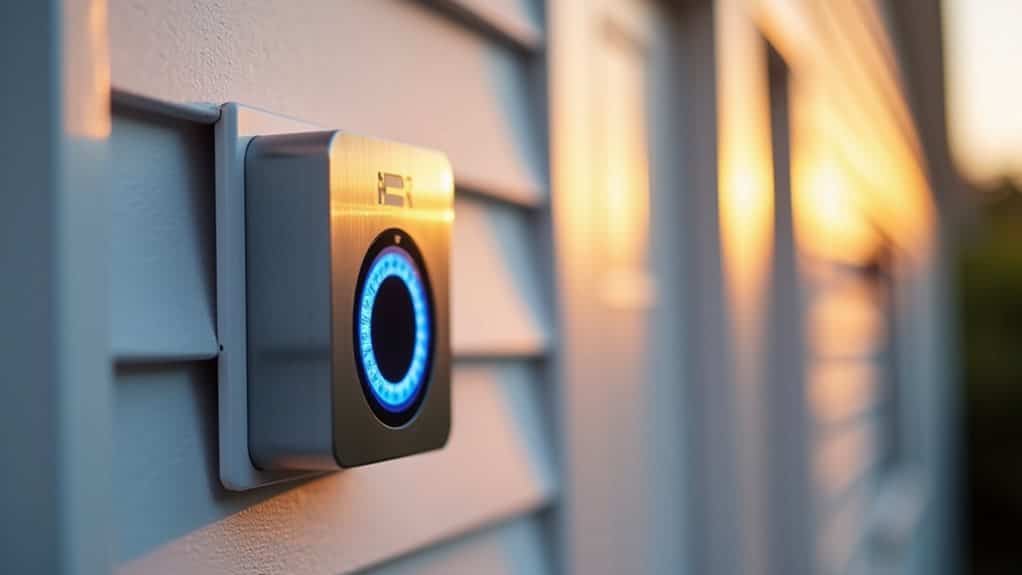
Anyone who owns a Ring doorbell has likely noticed the device’s blue flashing light at some point, but understanding what it means can prevent unnecessary confusion.
The blue light indicates several different states: setup mode, firmware updates, live view activation, or connectivity issues. When the light pulses steadily, it typically signifies battery charging while the device is connected to power.
Each flashing pattern serves as a visual communication tool for your device’s current status.
Understanding Blue Light Charging Patterns and Battery Status
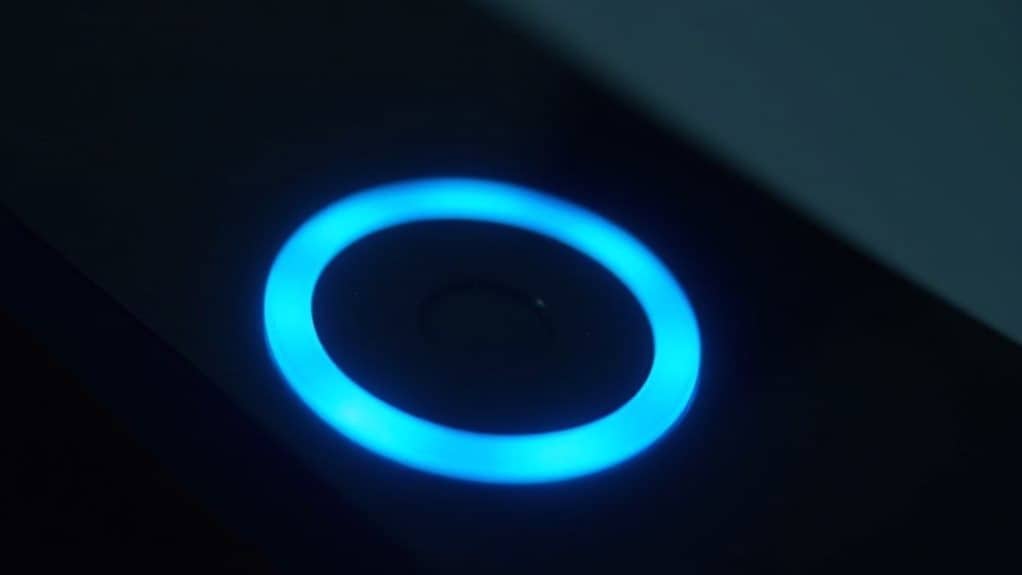
When your Ring doorbell displays a blue circle light that fills clockwise, it’s actively charging its built-in battery.
The charge level corresponds to how much of the circle is illuminated:
- upper right quadrant shows 0-25%,
- right half indicates 25-50%,
- most of the circle represents 50-75%,
- and a fully flashing circle means it’s completely charged.
If you see a blue circle light spinning clockwise instead of filling, this indicates the doorbell button pressed and someone is attempting to contact you.
Blue Flashing During Software Updates and Factory Resets
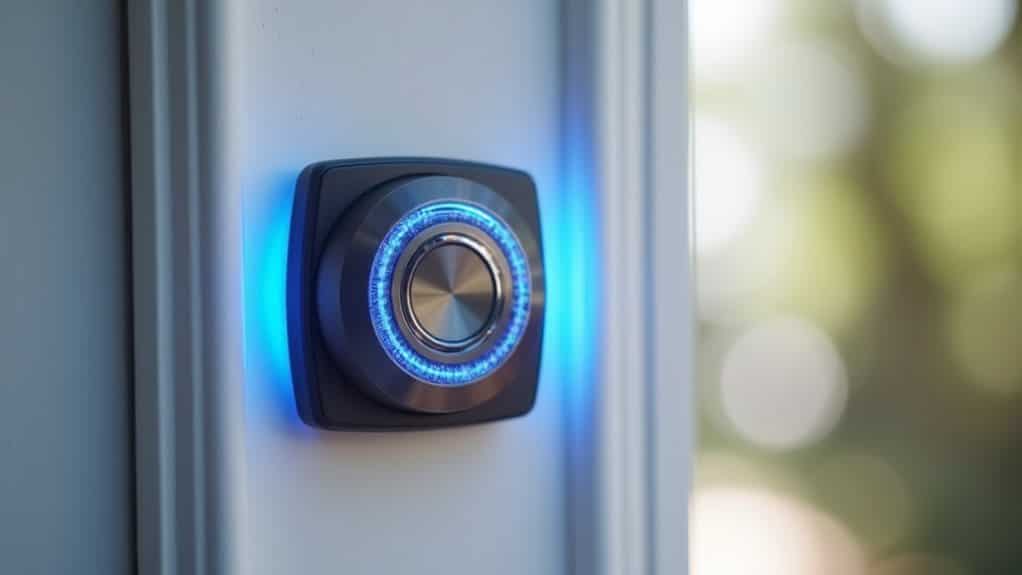
When your Ring doorbell flashes blue, it’s not always related to charging—the device also displays this pattern during software updates and factory resets.
You’ll notice rapid blue flashing when the doorbell installs firmware updates, a process that typically takes about 15 minutes to complete.
Factory resets trigger similar blue flashing behavior, but this occurs after you’ve held the reset button for approximately 15 seconds and indicates the device is clearing all user data.
Update Installation Process
If your Ring doorbell displays a flashing blue light during routine operation, it’s likely installing a firmware update that’ll take approximately 15 minutes to complete.
Don’t interrupt this process, as doing so may cause update failures. Your device might emit audible alerts during installation.
Once finished, the blue flashing stops and normal functioning resumes automatically.
Factory Reset Indicators
While firmware updates cause one type of blue flashing pattern, factory resets trigger a distinctly different blue light behavior on your Ring doorbell.
You’ll see a slowly flashing blue circle during the reset process, which changes to a swirling blue light once completed. This visual cue confirms your device is clearing previous configurations and entering setup mode successfully.
Model-Specific Blue Light Behaviors Across Ring Doorbell Variants
You’ll notice that different Ring doorbell models use distinct blue light patterns to communicate their charging and operational status.
Pro models feature the most sophisticated indicators with seven unique flashing patterns, while the first four generations rely on simpler upward-moving blue lights and circular displays.
These model-specific behaviors mean you can’t apply troubleshooting methods universally – what works for a Ring Doorbell 2 won’t necessarily apply to your Ring Pro 2’s blue light patterns.
Pro Model Charging Indicators
When your Ring Video Doorbell Pro or Pro 2 charges, the device displays a distinctive blue circle that fills clockwise to show charging progress in four clear stages.
You’ll see the upper right quadrant flash during 0-25% charging, then the right half at 25-50%, most of the circle at 50-75%, and finally the entire circle flashing when fully charged.
Battery Vs Wired Differences
The charging light behavior on your Ring Doorbell varies considerably depending on whether you’ve installed a battery-powered or wired model.
Battery models display progressive blue circle patterns indicating charge levels from 0-100%.
Wired doorbells rarely show charging indicators since they receive continuous power. Instead, you’ll see red flashing lights when there’s insufficient power supply to your wired unit.
Reset Pattern Variations
Different Ring Doorbell models display distinct blue light patterns during reset procedures, and understanding these variations helps you identify what’s happening with your specific device.
Video Doorbell Wired and Battery Doorbell Plus flash blue slowly during boot-up, while Wired Doorbell Pro models show white light instead.
Quick Release Battery Pack models don’t display charging circles.
Common Causes of Blue Flashing Light Issues
Although Ring Doorbells are generally reliable devices, several factors can trigger the blue flashing light that often confuses homeowners.
You’ll typically encounter this issue due to weak Wi-Fi connectivity, power supply problems, or firmware updates in progress.
Setup failures, incorrect network credentials, and hardware malfunctions can also cause persistent blue flashing that requires troubleshooting.
Step-by-Step Solutions for Blue Light Problems
When your Ring Doorbell displays a persistent blue flashing light, you can resolve the issue by following a systematic troubleshooting approach that addresses the most common underlying causes.
Start by verifying your Wi-Fi connection’s stability and signal strength.
Next, confirm your device’s power source and charging status.
Allow firmware updates to complete, perform factory resets if necessary, and employ diagnostic features. Additionally, low power issues can often lead to connectivity troubles, so make sure to check your power supply.
When to Contact Ring Support for Persistent Blue Light Issues
Sometimes your Ring Doorbell’s blue flashing light won’t respond to standard troubleshooting methods, signaling it’s time to reach out to Ring Support for professional assistance.
Contact support when the blue light continues flashing after factory resets, remains stuck in boot loops, or shows unresponsive behavior beyond typical 15-minute update windows despite stable connections.
Wrapping Up
You’ve now learned what the blue flashing light means on your Ring doorbell and how to troubleshoot common issues. Whether it’s charging, updating software, or indicating a connection problem, you can identify the cause and apply the right solution. If these steps don’t resolve persistent blue light issues, don’t hesitate to contact Ring support for additional assistance. Your doorbell should return to normal operation once properly addressed.