Install a reputable US‑based VPN, log in, and connect to a US server; then launch Hulu and sign in with your account. Use a US Hulu gift card or virtual card for payment, entering a US zip code like 90210 if prompted. If the stream buffers, switch to another US location, disable IPv6, and clear cookies. For Android, iOS, Smart TV, or PC/Mac, download the Hulu app from the appropriate store. Follow these steps and you’ll access the full US catalog, with more tips ahead.
TLDR
- Use a US‑based VPN (e.g., NordVPN, Surfshark) to mask your Canadian IP and connect to a fresh US server before opening Hulu.
- Install Hulu on your device via the appropriate app store (Google Play, App Store, Smart TV store, or BlueStacks for PC/Mac).
- Subscribe with a US payment method, such as a US Hulu gift card redeemed at hulu.com/gift, and enter a US ZIP code (e.g., 90210).
- If streaming is blocked, switch to another US server, disable IPv6, enable obfuscation, and clear browser cache and cookies.
- Choose a VPN that offers WireGuard or similar high‑speed protocols to ensure buffer‑free HD streaming.
Quick Start: Connect to a US VPN and Open Hulu in Canada
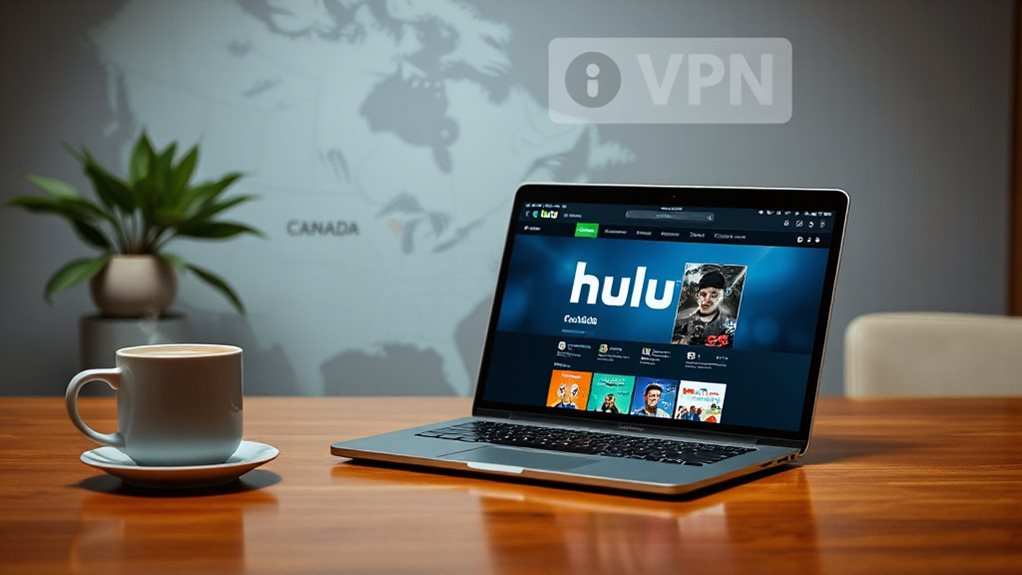
To watch Hulu in Canada you first need to mask your Canadian IP address with a US one, and the quickest way to do that’s by using a VPN. Download the VPN app, install it from the official source, log in, and select a US server. Connect, then launch Hulu, sign in, and start streaming the full US catalog instantly. Hulu is not directly available in Canada and requires a VPN to bypass geo‑blocking.
Which VPN Gives You the Smoothest Hulu Experience?
NordVPN tops the list with SmartPlay, 1,970+ US servers, and WireGuard speed that keeps HD streaming buffer‑free. According to current Netflix blocking trends, some NordVPN servers may be detected and blocked, but many servers still work for Netflix streaming when connected to the right locations. Netflix blocking can affect server availability, so testing multiple servers is often necessary to maintain access. Surfshark offers unlimited devices and budget pricing, while ExpressVPN delivers beginner‑friendly apps and 60+ US locations.
ProtonVPN’s strong security and free tier suit privacy‑focused users, and CyberGhost provides affordable, US‑optimized servers for reliable access.
Install Hulu on Android, iOS, Smart TV, or PC/Mac

You can get Hulu running on virtually any device by following a few simple steps.
On Android, open Google Play, search “Hulu,” tap Install, then Open.
iOS users go to the App Store, find Hulu, tap Get, confirm, and Open.
For Smart TVs, locate the TV’s app store, search Hulu, download, and launch.
On PC/Mac, install BlueStacks, open its Play Store, install Hulu, and run it.
Add-on: If you’re considering offline viewing capabilities, note that some services support downloads on certain devices, while others are streaming-only. download availability
Pay for Hulu in Canada Using US Gift Cards or Virtual Cards
Purchase a US Hulu gift card from sites like MyGiftCardSupply or Best Buy, then redeem it at hulu.com/gift, entering a US zip code (e.g., 90210). Additionally, be aware that some prepaid payment options may require a US billing address to work with Hulu in Canada. US gift card
Troubleshoot Common Hulu Blocking Issues and Boost Stream Quality

When Hulu blocks your connection, the first thing to check is whether your VPN’s IP address is being recognized as non‑US.
Verify the server is US‑based, fresh, and not listed in Hulu’s blocklist.
Disable IPv6, enable obfuscation, clear browser cache and cookies, and test multiple US locations.
Use a reputable VPN with live support for reliable streaming.
Always ensure your VPN is known to unblock streaming services and stays updated to avoid detection by Hulu’s system. blocklist-aware
And Finally
By following these steps, you’ll enjoy Hulu in Canada without hassle. Connect a reliable US VPN, install Hulu on your device, and pay with a US gift or virtual card. If streaming drops, adjust server locations or tweak settings to improve quality. Keep your VPN active for uninterrupted access, and you’ll have a smooth, consistent Hulu experience.