
Surfshark can unblock Kayo, Stan, and Foxtel Go in 2026, but results vary. You’ll likely need to connect to an Australian server (prefer Sydney, then Melbourne, Brisbane, Adelaide, Perth) and switch servers if access fails. Clear cache, restart apps or devices, and check for DNS leaks if problems persist. Free VPNs usually won’t cut it. A premium Surfshark plan with an AU account improves odds; more tips await if you keep consuming this guide.
Kayo carries NRL and AFL and also screens Super Rugby Pacific: if you want the no-cost alternative first, our guide to watching rugby free in Australia covers 9Now, 10 Play and the trial options.
The 2026 quick guide:
- Kayo blocks VPN servers hard: Surfshark works some days and servers, not others.
- Stan is the easiest of the three: Surfshark reliably reaches it.
- Foxtel Go is the hardest: expect blocks and plan-dependent results.
- When Kayo’s blocks tighten, community reports and Gizmodo’s 2026 guide point to NordVPN as the more reliable option.
- Always use an Australian server and keep a money-back guarantee active while you test.
Our pick for Kayo in 2026: NordVPN
30-Day Money-Back Guarantee
Already a Surfshark user? Read the Surfshark review, or compare everything in the best VPN for Australia list.
TLDR
- Surfshark can work with Kayo, Stan, and Foxtel, but success varies by server and timing.
- Kayo often blocks VPN IPs; switching Australian servers and clearing cache help.
- Foxtel Go access is less reliable and not guaranteed; results are mixed.
- Use AU servers (Sydney first, then Melbourne, Brisbane, Adelaide, Perth) and test for all three services.
- Premium Surfshark with an Australian account offers the best chance; free VPNs are generally ineffective.
Quick Answer: Yes, With Caveats
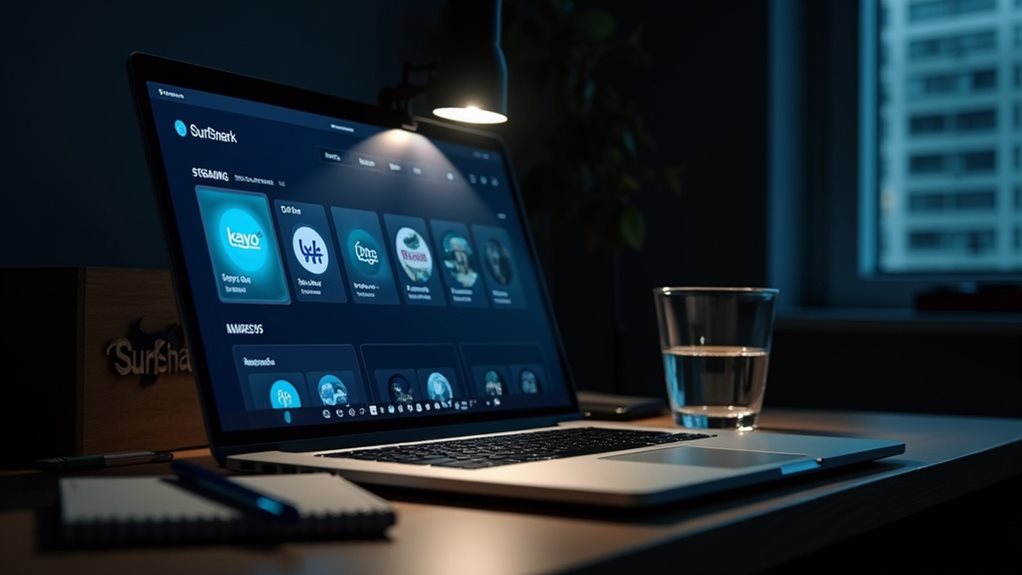
Yes, with caveats. You’ll usually get access when you connect to an Australian server with Kayo VPN, then open the app or site. But blocks shift, so you may need to change servers, clear cache, or update the app. Result varies by device and time. Treat this as provisional access, not guaranteed certainty. Additionally, using a VPN that supports regional power cord variations can help ensure compatibility if you’re accessing content from different regions.
Does Surfshark Work With Kayo?
Kayo blocks many VPN IPs, so Surfshark can work sometimes but not guaranteed.
When Kayo detects a VPN, switch to a different Australian server, clear the app cache, or update Surfshark to retry access.
Stay aware that results can vary by day and server, so be prepared to test a few Australian locations. If Kayo keeps blocking Surfshark, the more reliable option in 2026 is NordVPN: Gizmodo’s September 2026 Kayo guide and the r/AFL community both report NordVPN working on Australian servers when blocks tighten. Our best VPN for Australia list compares the full field.
Why Kayo Blocks VPN Servers
How does this affect Surfshark’s usefulness with Kayo? Kayo blocks VPN servers to enforce Australia-only licensing; IP ranges and DNS checks expose VPN use, so a Surfshark Australian IP can be blocked. Expect mixed results: sign-in may occur, but playback can fail. kayo vpn not working remains possible until you switch servers or refresh.
| IP range | DNS check | Blocking signal |
|---|---|---|
| Datacenter | DNS mismatch | High likelihood |
| Residential | Geo mismatch | Variable |
| Fresh server | Location label | Moderate |
| Australian Sydney | Australia verification | Frequent |
| Melbourne | Aussie IP | Occasional |
What to Do When Kayo Detects Your VPN
When Kayo detects a VPN, you’ll want to act quickly to restore access. surfshark kayo
- Switch to a different Australian server; Kayo blocks specific IPs, not the entire provider.
- Reconnect to the same server for a fresh IP, or change protocol (WireGuard/OpenVPN) to alter the signature.
- Clear cookies/cache and restart the streaming app before retrying.
- Update Surfshark, restart device, and check for DNS leaks.
Does Surfshark Work With Stan?
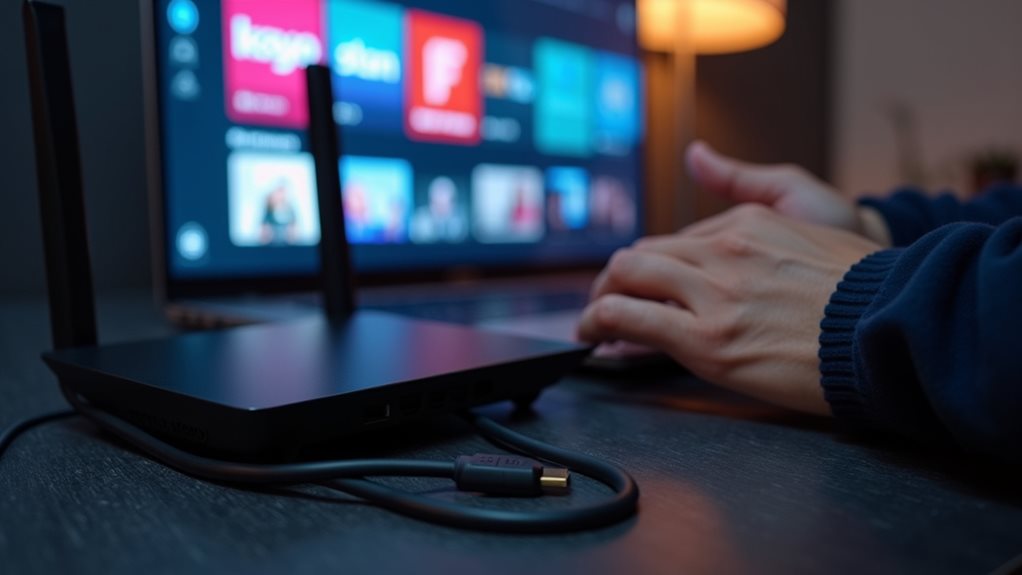
Most users find Surfshark works with Stan in 2026 when you connect to an Australian server. You’ll want to install Surfshark on your device, then pick Sydney or Melbourne, and open Stan once the Australian IP is active.
If playback stalls, switch Australian servers, clear cache, or adjust DNS/leaks protections.
surfshark stan remains a solid, budget-friendly option.
Does Surfshark Work With Foxtel Go?
Foxtel Go access relies on an Australian IP, and blocks can occur if VPN traffic is detected.
Some guides claim Surfshark unblocks Foxtel Go, yet success remains mixed and not guaranteed, so test with a stable Australian server.
Using a VPN can sometimes interfere with the streaming platform’s geo-restriction detection, so proceed carefully.
Which AU Server Locations to Use

Choosing the right AU server locations matters for streaming with Surfshark. Use Australian server locations: Sydney first, then Melbourne, Brisbane, Adelaide, and Perth as backups.
These cities cover Australia’s edges and typical congestion patterns. Test each for Kayo, Stan, and Foxtel access, clearing cache if needed, and retesting.
| City | Primary Use | Backup Use |
|---|---|---|
| Sydney | Best overall access | — |
| Melbourne | Alternate route | — |
| Brisbane | East coast routing | — |
| Adelaide | Backup path | — |
| Perth | Western edge fallback | — |
Device Setup: Desktop, Mobile, Fire TV and Apple TV
You can test Surfshark across multiple devices to find the most reliable setup for Kayo, Stan, and Foxtel.
Desktop offers straightforward access via Surfshark’s app page, sign-in, and immediate testing without router changes.
Desktop, mobile, Fire TV, and Apple TV provide flexible options, with desktop noted as the most direct path for testing streaming access on desktop computers.
Because geo-restrictions are based on IP addresses, using a VPN like Surfshark can help you appear as if you are browsing from the US, bypassing the geo-blocking restrictions.
Free VPNs: Why They Usually Fail on Kayo

Free VPNs usually fail on Kayo because the service is designed to detect and block them. Kayo blocks VPN IPs and DNS requests, and refreshes its blocklist, making masking unreliable.
Free vpns rely on shared IPs, with limited Australian options and overcrowding. Speeds drop, data caps bite, and unblocking features are scarce, so sustained streaming remains impractical for most users seeking freedom. Additionally, the complex and constantly evolving interface of some Kodi Skins can make navigating around restrictions more challenging for less experienced users.
FAQ
Does Surfshark work with Kayo, Stan, and Foxtel? You’ll find a qualified yes in 2026-tested guides.
Surfshark uses Australian servers (Sydney or Melbourne) for access. A premium server matters; free options fail more often.
An active Surfshark subscription and a local Australian account are required.
If a stream stumbles, switch servers, then retry—Surfshark remains a practical option for freedom.
One honest caveat: Australia’s metadata retention scheme still applies while you use a VPN. Your ISP keeps the record that you connected to a VPN; what changes is the detail it can see about the sites and services you visit. Our metadata explainer has the full picture.
Final Note
Conclusion: Surfshark can work for Kayo, Stan, and Foxtel Go in 2026, but results aren’t guaranteed. You’ll need to test, as VPN blocks shift, and performance varies by day, server, and region. Start with a fresh AU server, clear cache, and update the app. If one site blocks you, switch servers or try another device. Use this as an adaptable guide, not a fixed yes or no—your mileage may differ.
Disclosure: We may earn a commission when you buy through links on this page, at no extra cost to you. See our Affiliate Disclosure for details.


