
Ring Chime Pro costs about 67% more than the standard Chime (≈$50 vs $29) but adds a Wi-Fi extender for Ring devices, nightlight, and dual-band support. If you’ve got strong Wi-Fi coverage throughout your home, the standard Chime delivers identical alert features at a lower price. However, large or multi-story homes with connectivity challenges benefit from the Pro’s extender capabilities. Your choice hinges on whether you need extended network reach or just straightforward doorbell notifications—and there’s more to weigh for your specific situation.
Quick Guide
- Chime Pro costs 67% more (≈£50/$50 vs ≈£30/$29) but adds a Wi-Fi extender for Ring devices and built-in nightlight.
- Standard Chime suits smaller homes with strong Wi-Fi; Chime Pro benefits large, multi-story homes or areas with connectivity challenges.
- Both deliver identical alert features: real-time notifications, adjustable volume, selectable tones, and app-controlled customization for doorbell and motion events.
- Chime Pro supports 2.4 GHz and 5 GHz bands; standard Chime only uses 2.4 GHz and relies on existing network coverage.
- Chime Pro’s extender exclusively boosts Ring devices, not other household gadgets; optimal placement is halfway between router and distant cameras.
Understanding the Price Difference Between Ring Chime Models
When you’re deciding between the Ring Chime and Ring Chime Pro, the price gap is significant—the Pro costs roughly 67% more at around £50/$50 compared to the standard Chime’s £30/$29.
This difference stems from the Pro’s added features: a Wi-Fi extender for Ring devices and a built-in nightlight. Four red lights
The standard Chime delivers basic audio alerts without these extras, making it more cost-effective if you don’t need extended connectivity. Bundle purchases with Ring Video Doorbells may offer savings on either model.
Wi-Fi Network Support and Compatibility
Your choice between Ring Chime and Ring Chime Pro substantially impacts your network compatibility options. The standard Ring Chime operates exclusively on the 2.4 GHz Wi-Fi band, while the Chime Pro supports both 2.4 GHz and 5 GHz bands for greater flexibility.
Beyond connectivity differences, the Chime Pro functions as a Wi-Fi extender specifically designed to enhance signal strength for your Ring devices throughout your home. This extender capability only boosts connectivity for Ring cameras and doorbells, not for other non-Ring devices on your network. The Chime Pro can also be removed from your account via Manage Your Devices if you decide to unlink it.
Single Vs Dual-Band Connectivity
One of the most significant technical differences between Ring Chime and Ring Chime Pro lies in their Wi-Fi connectivity capabilities. Ring Chime operates exclusively on the 2.4GHz band, offering longer range but facing potential interference from household devices.
Ring Chime Pro supports both 2.4GHz and 5GHz bands, providing greater flexibility and improved stability in congested Wi-Fi environments, though 5GHz has shorter range.
Wi-Fi Extension Capabilities
Beyond frequency band support, the Ring Chime Pro offers a distinct advantage that sets it apart from its standard counterpart: built-in Wi-Fi extension capabilities. This feature extends your wireless network specifically for Ring devices, improving connectivity for doorbells and cameras in areas with weak signals.
You’ll simply plug it in between your router and distant Ring products to enhance performance—no additional hardware needed.
Wi-Fi Extension Capabilities Explained
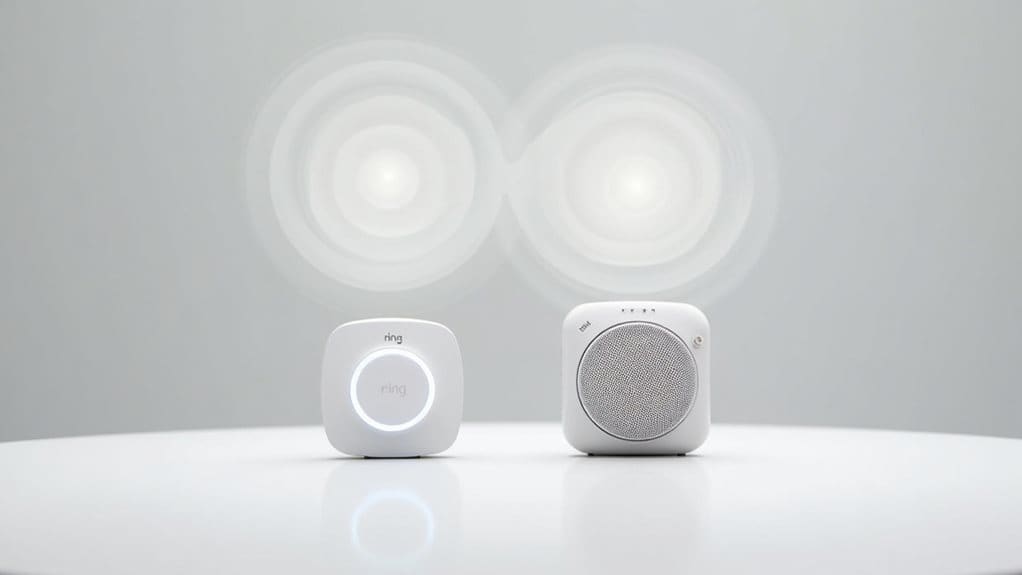
The Ring Chime Pro stands out from its standard counterpart by doubling as a dedicated Wi-Fi extender for your Ring ecosystem.
It supports dual-band connectivity (2.4 GHz and 5 GHz) and creates an extended network specifically for Ring devices.
You’ll want to place it halfway between your router and Ring devices to bridge dead zones effectively.
The standard Chime lacks this functionality entirely.
Many users also save money by splitting costs when organizing group viewing or device purchases with friends and family.
Core Alert and Notification Features
When it comes down to everyday functionality, both Ring Chime and Chime Pro deliver identical core notification features that alert you to doorbell presses and motion events throughout your home.
You’ll get real-time audible alerts with adjustable volume, selectable chime tones including seasonal options, and snooze functionality to temporarily mute notifications. Both devices connect to your Ring app for centralized control and work seamlessly with all Ring doorbells and security cameras.
Night Light and Additional Functionalities
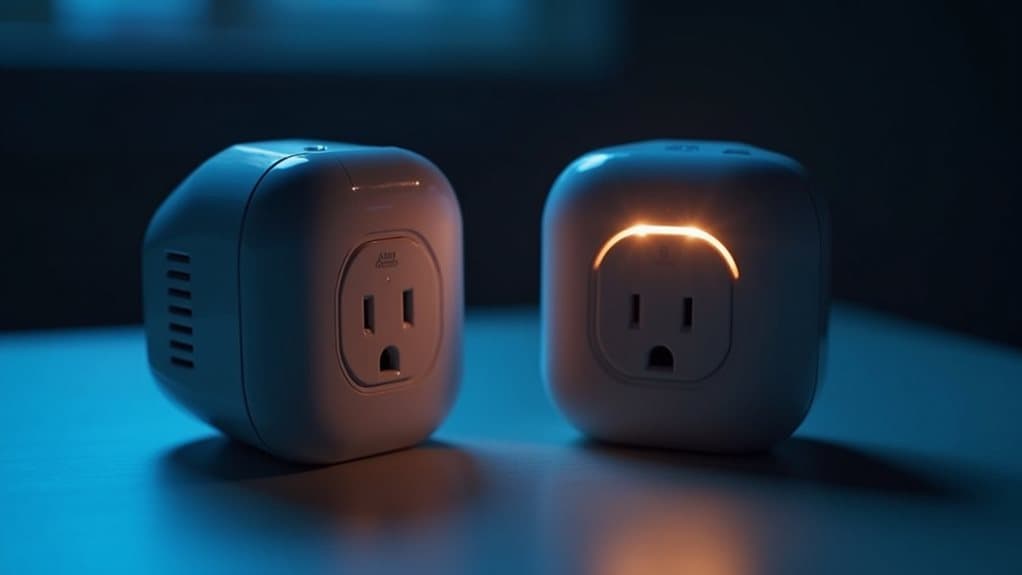
Moving beyond basic alert functions, the Chime Pro sets itself apart with two hardware additions that address different household needs: a built-in night light and Wi-Fi extension capabilities.
The night light activates automatically in low ambient light, emitting a warm downward glow. You can’t adjust brightness or schedule operation—only toggle it on or off through the app, making it fairly basic compared to standalone smart lights.
Setup Process and Placement Considerations
You’ll find both Ring Chime devices remarkably easy to set up—simply plug them into a standard wall outlet and follow the step-by-step instructions in the Ring app to connect to your Wi-Fi network.
The basic Chime works on 2.4GHz networks and can be placed anywhere within your router’s range, while the Chime Pro supports both 2.4GHz and 5GHz bands and requires strategic positioning between your router and Ring devices to maximize its Wi-Fi extending capabilities.
Both units feature LED status indicators that show your connection status at a glance, helping you confirm proper placement and operation.
Simple Plug-In Installation
Setting up either the Ring Chime or Chime Pro couldn’t be simpler—both devices plug directly into any standard power outlet without requiring wiring, drilling, or specialized tools.
You’ll press the setup button on your device, then follow the Ring app’s guided instructions to connect to your home Wi-Fi network.
The entire process typically takes just a few minutes, making installation accessible for users of all technical skill levels.
Chime Pro Placement Strategy
Getting the most from your Chime Pro’s Wi-Fi extension capabilities hinges on selecting the right outlet location.
You’ll need to position it halfway between your router and the Ring device requiring a signal enhancement. The Ring app’s Placement Test helps identify prime positioning by displaying connected devices from weakest to strongest signal.
You’ll likely test multiple outlets before finding the ideal spot that avoids obstructions.
LED Status Indicators
Once you’ve found the ideal location for your Chime or Chime Pro, understanding the LED status indicators becomes your primary tool for confirming proper setup and diagnosing connection issues.
LED patterns guide you through boot, setup, update, and connection stages. Flashing or pulsing lights mean your device is actively seeking Wi-Fi or updating firmware, while solid blue or green lights confirm successful setup and readiness.
Device Compatibility Across Ring Products
When choosing between Ring Chime and Ring Chime Pro, you’ll find that both devices work seamlessly with all Ring Video Doorbells and Security Cameras, regardless of generation or model.
You can connect multiple doorbells and cameras to a single chime unit for real-time notifications.
Setup requires only a standard outlet and Wi-Fi connection—no special wiring or complex pairing needed, making integration straightforward.
Design Elements and Physical Characteristics
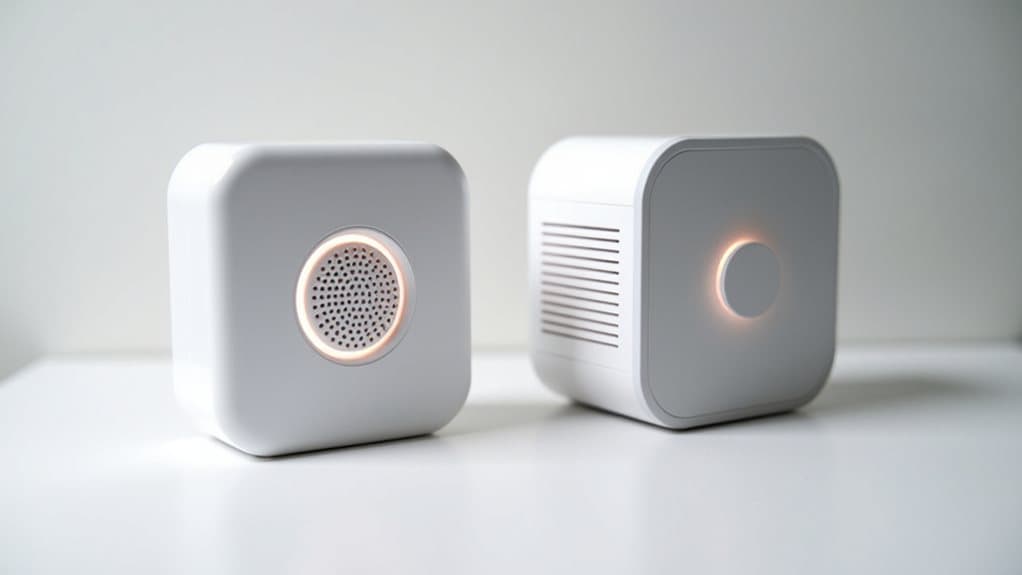
Beyond compatibility considerations, the physical design and appearance of these two chime units reveal some notable differences that might influence your placement options and overall satisfaction.
The Chime Pro measures approximately 4.06 x 2.72 x 1.00 inches, making it slightly taller than the standard Chime.
Both feature white, minimal designs with smooth plastic casings that blend unobtrusively into most home environments, though the Pro includes a visible night light diffuser at its bottom.
Audio Quality and Customization Options
When you’re choosing between Ring Chime and Ring Chime Pro, you’ll find that both devices deliver comparable audio performance for doorbell and motion alerts.
The speaker quality, volume levels, and sound clarity are fundamentally identical across both models, so you won’t notice a meaningful difference in how loud or clear your notifications sound.
What sets them apart is how customization options and Wi-Fi connectivity can affect the reliability and timing of those audio alerts reaching you.
Speaker Performance Comparison
While both Ring Chime and Ring Chime Pro deliver clear, crisp alert tones for doorbell notifications, their speaker performance remains virtually identical with respect to raw audio quality and volume range.
Neither device prioritizes high-fidelity playback; instead, they’re optimized for notification clarity. The Chime Pro distinguishes itself through app-based volume adjustment, offering better environmental control.
Both models focus on alert functionality rather than rich audio output.
Customizable Alert Tones
Both Ring Chime and Chime Pro tap into the same library of pre-installed alert tones, giving you identical customization options regardless of which model you choose.
You’ll manage all tone adjustments through the Ring app, where you can assign different sounds to doorbell rings versus motion alerts.
The devices deliver crisp, clearly audible notifications, though neither supports custom audio uploads or voice announcements.
Volume Control Features
If you’re looking to fine-tune how loudly your Ring alerts sound throughout your home, you’ll find identical volume control capabilities in both the standard Chime and Chime Pro models.
You can adjust volume levels through the Ring app, customizing each device individually.
These settings affect both doorbell rings and motion alerts.
The Chime Pro adds a snooze feature, letting you temporarily mute notifications without changing your configured volume level.
Best Scenarios for Choosing Ring Chime
The standard Ring Chime excels when you’re looking for straightforward doorbell notifications without the bells and whistles of advanced features.
It’s ideal for smaller homes with strong Wi-Fi coverage, households where not everyone uses smartphones, or single Ring doorbell setups.
You’ll also appreciate it when cost-effectively placing multiple chimes throughout larger homes without needing Wi-Fi extension capabilities.
When Ring Chime Pro Makes More Sense

While the standard Chime handles basic notification needs, you’ll find the Ring Chime Pro becomes essential when your home presents connectivity challenges or you need advanced functionality.
Large homes, multi-story properties, or cameras positioned far from your router benefit greatly from its Wi-Fi extender capabilities. The dual-band support strengthens signal quality, while the built-in nightlight and 30+ customizable alert tones add practical value beyond basic notifications.
Wrapping Up
Your choice between Ring Chime and Ring Chime Pro depends on your specific needs. If you’re on a budget and have strong Wi-Fi coverage, the standard Chime works perfectly fine. However, if you need Wi-Fi extension, want a built-in night light, or require better audio quality, the Pro justifies its higher price. Consider your home’s layout, existing network strength, and desired features before making your decision.