Isolating smart devices on a guest network shields your main system from vulnerabilities like weak IoT security or malware from kids’ devices. Set up a separate SSID with a strong password via your router’s admin page, and enable network segmentation. Use WPA3 encryption, set bandwidth caps, and restrict guest access to outbound connections only. Keep firmware updated and change default passwords. Even guest networks have risks—basic routers might lack strong isolation, and malware can still spread to other devices. Check your router supports VLANs or outbound-only rules before connecting IoT gadgets.
Quick Guide
- Isolate smart devices on a guest network to prevent malware spread from vulnerable IoT gadgets.
- Use network segmentation to separate guest traffic and shield primary network from attacks.
- Configure guest network with unique SSID, strong password, and WPA3 encryption for secure access.
- Verify firewall rules block guest-to-main network communication and limit IoT devices to outbound-only connections.
- Regularly update firmware and audit physical wiring to avoid crossover risks from wall ports or faulty jacks.
Why Guest Networks Are Your IoT’s First Defense Against Hackers

While your smart speakers and cameras might make life easier, their weak security often turns them into open doors for hackers if connected directly to your main network. Especially when it comes to kids’ devices, which are more likely to download malicious apps or click phishing links, the risk is significantly heightened. Default passwords, unpatched flaws, and zero malware defenses leave IoT devices vulnerable. Place your router centrally and keep firmware updated to reduce exposure and improve overall protection using regular updates.
Set Up a Guest Network in 5 Steps: Securing IoT Made Simple
If you’re ready to lock down your IoT devices, setting up a guest network takes just five straightforward steps.
Locate your router’s IP address in the manual or on the sticker (usually 192.168.0.1).
Log into the admin page with default credentials or custom ones.
Enable the guest network feature under wireless settings.
Assign a unique name and secure password.
Save changes—it’s simple, fast, and keeps your main network free from vulnerable devices.
For extra protection, consider enabling network segmentation to isolate IoT devices from your primary network.
Configure Restrictions: Bandwidth Caps, Access Rules, and Encryption
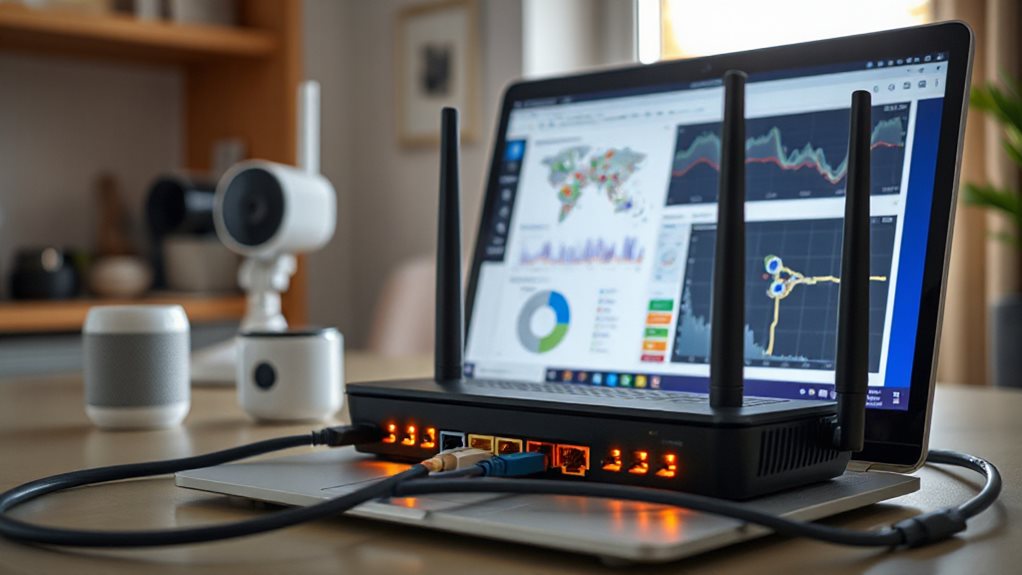
Now that you’ve isolated your IoT devices on a guest network, it’s time to secure and manage traffic with smart restrictions. You’ll set bandwidth caps to prevent speed hogs, enforce access rules to block unauthorized communication, and lock down encryption to shield data from prying eyes. These steps guarantee your network stays stable, secure, and free from exploitation. Disable Automatic Content Recognition on smart TVs and other devices to reduce unwanted data sharing and tracking, and review privacy settings regularly to ensure these options remain off and firmware updates haven’t re-enabled them; see Automatic Content Recognition for details.
Bandwidth Management Essentials
Start by setting firm bandwidth caps to maintain network performance as you configure guest access. Enforce per-user limits and throttling to prevent hogging.
Use QoS settings to prioritize business tasks, VLANs to isolate guest traffic, and DPI to curb bandwidth-heavy activities. Adjust speed tiers for different usage needs, limit session durations, and update policies regularly—you don’t have to sacrifice smooth operations or guest freedom.
Access Rules And Encryption
While securing bandwidth is essential, configuring precise access rules and encryption protects network integrity.
Isolate IoT devices on a guest network with unique SSIDs and passwords, restrict them to outbound connections only, and disable UPnP. Use WPA3 encryption, enforce HTTPS, segment traffic via VLANs or DHCP ranges, and block guest-to-main network access.
Prioritize security updates and audit logs regularly—your control stays intact while risks stay locked down.
When Guest Networks Fall Short: 3 Critical Drawbacks to Address
Though guest networks seem like a secure way to share Wi-Fi, they often fail in critical ways that users overlook.
Your guests’ devices might harbor malware that jumps to smart gadgets, undermining privacy. Slower speeds plague data-heavy tasks when too many connect, and basic routers lack controls to fix this. Plus, weak isolation lets networks bleed into each other, exposing sensitive systems despite separation efforts. Use a wired guest setup or inspect wall ports and keystone jacks to prevent crossover from compromised devices and ensure reliable isolation with proper keystone jack wiring.
Beyond Isolation: 3 Backup Defenses for IoT Weaknesses
You can’t rely on network isolation alone to protect IoT devices—three critical steps will help.
Updating firmware regularly guarantees known vulnerabilities get patched before attackers strike, while strong passwords prevent easy breaches that default credentials invite.
Monitoring device activity gives you real-time visibility to catch suspicious behavior, stopping threats before they escalate.
Update Firmware Regularly
Regularly updating firmware isn’t just about adding new features—it’s a critical line of defense against vulnerabilities, ensuring your smart devices operate efficiently and securely.
Test updates on small device groups first, back up configs, and deploy gradually.
Schedule maintenance during low-traffic hours, use secure OTA channels, and validate compatibility to avoid disruptions.
Prioritize stability, encrypt updates, and lock firmware temporarily during shifts.
Stay proactive, not reactive—your network’s freedom depends on it.
Strengthen Device Passwords
Lock down IoT devices by eliminating default passwords—cybercriminals exploit universal credentials to gain control, making unique, strong passphrases your first defense.
Replace predictable factory settings with complex combinations of letters, numbers, and symbols.
Don’t let hackers guess your credentials; swap default codes immediately.
Freedom means keeping control in your hands. (62 words)
Monitor Device Activity
Securing passwords is just the starting point—ongoing vigilance keeps IoT devices resilient.
Monitor device activity with real-time data collection and automated alerts for anomalies like CPU spikes or latency.
Use AI-driven tools to detect issues locally, stream data to time-series databases, and visualize metrics in centralized dashboards.
Tagged devices enable precise tracking, while edge analytics predict failures before they disrupt your network’s freedom.
Secure IoT Further: Change Passwords, Enable Updates, and Block Remote Access
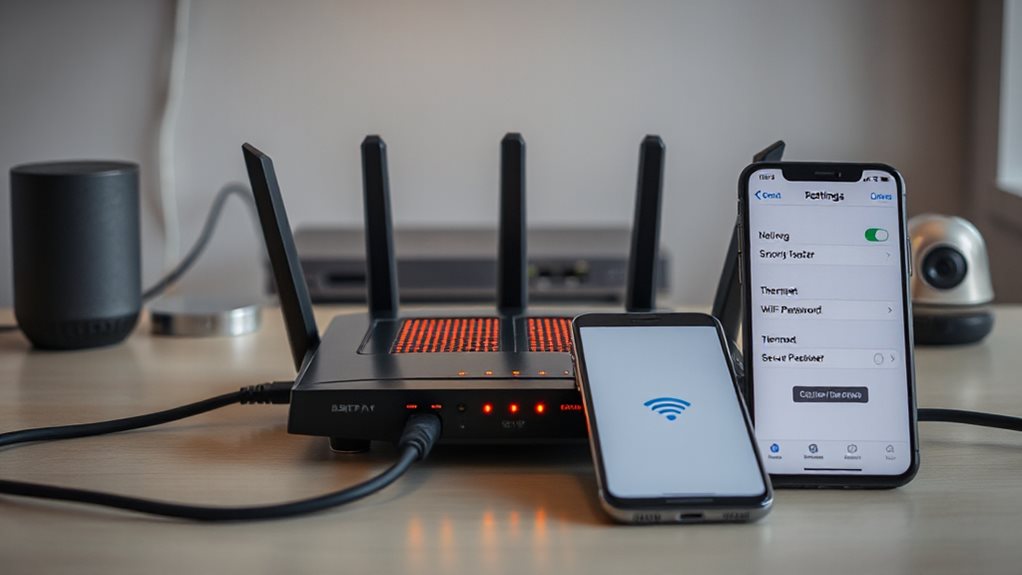
If your IoT devices still use default passwords, lack automatic updates, or allow unrestricted remote access, you’re opening your network to unnecessary risks—attackers exploit weak credentials, unpatched software, and exposed interfaces to breach systems.
Replace defaults with strong, unique passwords, enable automatic firmware updates, and restrict remote access via firewalls and closed ports—locking down vulnerabilities while keeping your devices functional and your control intact.
4 Checks Before Connecting IoT to Guest Networks
Connecting IoT devices to a guest network requires careful preparation beyond basic network separation.
Verify your router supports guest isolation, VLANs, and outbound-only firewall rules.
Check IoT for default passwords, insecure protocols, and unpatched firmware.
Enable strong encryption, disable UPnP, and restrict unnecessary access.
Track devices to spot rogue gadgets lurking undetected—your freedom depends on locking down risks without sacrificing control.
Wrapping Up
Securing IoT devices with a guest network is a smart first step, but it isn’t foolproof. Set up separate access, tweak bandwidth caps, and use strong encryption. Don’t skip changing default passwords or enabling updates—hackers exploit stale firmware. Even isolated devices can leak data, so block unnecessary remote access. Pair your guest network with regular checks and layered security to shield your main system effectively. Stay proactive: no single fix works forever.