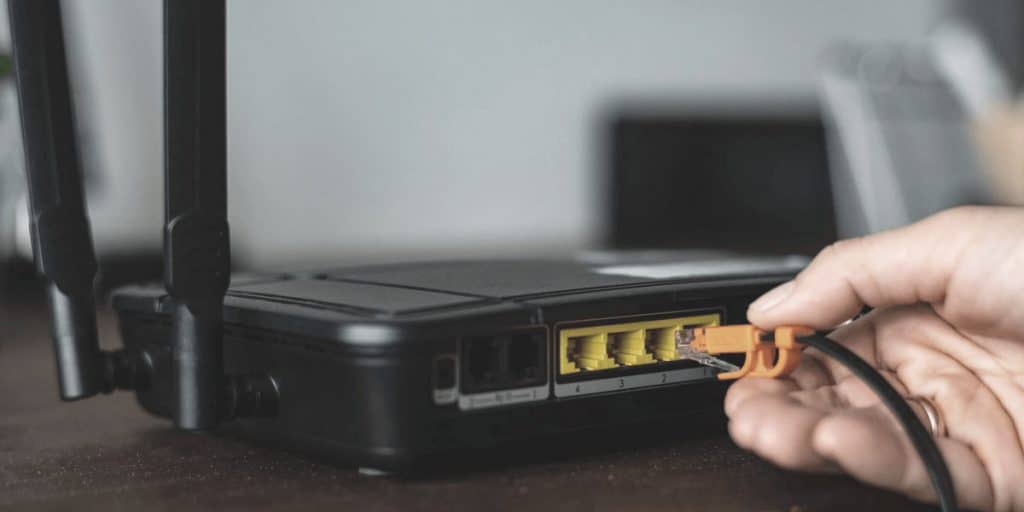
Ethernet cuts latency and slashes lag spikes, giving you a 13ms edge in FPS games vs. WiFi’s 51ms, which can cost you pivotal moments. Wired connections eliminate interference, ensuring zero packet loss and rock-solid reliability, while WiFi struggles with congestion and jitter, especially on 2.4GHz bands. Even WiFi 6E can’t fully match Ethernet’s stability, making it a must for competitive play. If speed gaps are under 30ms, casual gamers might get by with WiFi, but for flawless performance, wired setups keep you ahead. There’s more to learn about optimizing your game-ready network.
Quick Guide
- Ethernet offers 1–5 ms latency, critical for competitive gaming, versus WiFi’s 10–50 ms.
- Wired ensures consistent speeds with zero interference, while WiFi faces congestion and jitter.
- Fast-paced games thrive on Ethernet’s instant hit registration and minimal packet loss.
- WiFi 6E reduces gaps but still lags behind Ethernet in real-world stability and reliability.
- Ethernet prioritizes gaming bandwidth, avoiding lag during streaming, downloads, or peak usage.
Ethernet vs WiFi: How Latency Impacts Win Rates in Competitive Gaming
Whether you’re scaling a ranked ladder or dodging crosshairs in a shooter, latency can mean the difference between victory and defeat. Ethernet’s 1-5ms delays deliver faster reactions, slashing defeat risks. WiFi’s 10-50ms spikes slow hit registration and micro-strategy, costing clutch moments. Every millisecond matters—Ethernet’s stability turns tight matches in your favor, while WiFi’s variability hands advantages to opponents. For win rates, consistency isn’t optional—it’s the edge you need. Dedicated bandwidth allocation in Ethernet ensures your gaming rig monopolizes connection strength, eliminating throttling from other devices’ traffic—a critical buffer during squad wipeouts or MOBA teamfights. Modern gaming routers with Multi‑Link Operation and low‑latency QoS features can help narrow WiFi’s gap to wired performance in many home setups.
Speed Realities: Why Ethernet’s Stability Trumps WiFi’s Theoretical Limits
You’ll notice Ethernet’s lower latency—1-5ms vs. WiFi’s 10-50ms—gives you a tangible edge in reaction time.
It’s not just about raw speed; wired connections eliminate interference and bandwidth competition, ensuring your gaming traffic stays priority.
While WiFi 6 boasts high theoretical speeds, real-world factors like walls and congestion shrink its practical performance, leaving Ethernet’s steady throughput as the clear winner when every millisecond counts.
For the most reliable results, test and verify your setup with a known-good cable to rule out faulty cabling or connectors.
Latency Advantage
While WiFi’s wireless flexibility appeals to many, Ethernet’s physical connection secures latency as low as 1–5 milliseconds, a critical edge for real-time gaming where every millisecond counts.
WiFi lags behind at 10–50ms, with 2.4GHz adding 20–40ms more. Even 5GHz WiFi trails slightly. Ethernet’s minimal delays assure your actions register instantly—crucial in tight matches where you’re fighting for milliseconds. For competitive play, you’ll want the lowest ping possible; Ethernet guarantees it.
Stability Factors
Gaming requires more than raw speed—it demands rock-solid stability, and Ethernet’s physical connection delivers where WiFi’s wireless signals falter.
You avoid interference from walls or competing devices, experience minimal jitter, zero packet loss, and consistent bandwidth. No lag spikes from household activity or fluctuating signals—just pure reliability for uninterrupted play.
Practical Speed Gaps
Stable internet connections are only part of the equation—actual speed delivery matters just as much. Ethernet consistently hits 90-100% of your plan’s speed (e.g., 390/400 Mbps) with 1–5ms latency, while WiFi struggles at 30–40% (120–150 Mbps) and 10–50ms.
Obstacles, interference, and shared bandwidth drag WiFi down; Ethernet slices through, offering dedicated, interference-free throughput. For low-latency gaming and unbroken 8K streams, Ethernet turns potential into reality—no guesswork, just freedom to play at your plan’s true speed.
Packet Loss and Lag Spikes: How WiFi Sabotages Multiplayer Performance
Even small disruptions in wireless signals create ripples that destabilize real-time gaming, where milliseconds decide outcomes.
Overlapping networks, interference, and packet loss bursts—even 1-2%—cripple connectivity, forcing re-transmits that delay server responses.
2.4GHz/5GHz bands jitter unpredictably, while congestion spikes lag during peak hours.
WiFi’s instability wrecks FPS performance, turning wins into losses.
You deserve control: wired avoids these pitfalls, ensuring every move counts.
Monitor critical devices with SNMP to spot issues before they affect gameplay.
Ethernet Vs Wifi Test: 13MS Vs 51MS Latency in FPS Game Scenarios
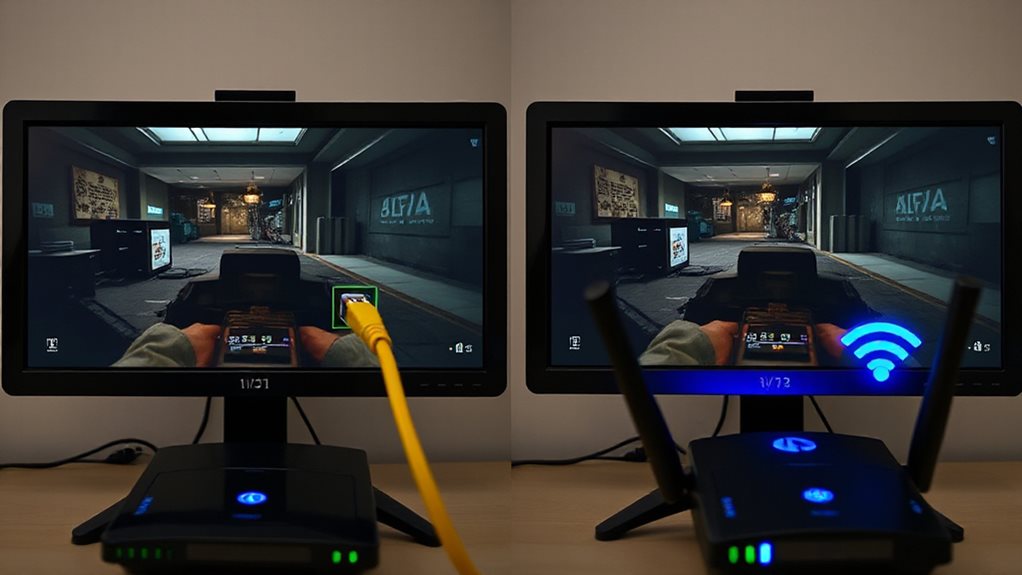
When reacting to split-second threats in competitive FPS games, your connection’s latency directly determines whether you land the headshot or end up as a respawn statistic. Ethernet’s 13ms latency keeps your actions snappy and screen responses instant, while WiFi’s 51ms creates laggy, inconsistent gameplay.
You deserve glitch-free precision in titles like Valorant—where milliseconds win wars—so go wired. Freedom means controlling your fate, not your connection. NordLynx offers low latency connections that can further reduce in-game lag for competitive play.
Game Genre Guide: When Wifi Works Vs When Ethernet Is Non-Negotiable
Your choice between Wi-Fi and Ethernet hinges on the game genre you play most—competitive multiplayer titles like FPS or MOBAs demand Ethernet’s rock-solid stability, while latency-tolerant RPGs or casual games run smoothly over Wi-Fi.
Massive multiplayer worlds and social-heavy RPGs prioritize connection consistency over speed, letting Wi-Fi work fine for most sessions, but hardcore esports players can’t risk even minor lag spikes.
Consider how your favorite genres handle network stress: fast-paced, skill-based games punish inconsistency, while slower or asynchronous playstyles forgive Wi-Fi’s quirks.
Competitive Multiplayer Demands Ethernet
In fast-paced competitive multiplayer games like *Fortnite*, *Apex Legends*, and *Call of Duty: Warzone*, real-time precision isn’t just helpful—it’s critical.
Every millisecond matters, and Wi-Fi’s lag spikes or packet loss can cost you the match. Ethernet cuts latency, eliminates interference, and locks in stable connections so your reflexes—not your network—decide the outcome. For competitive play, wired isn’t just better; it’s non-negotiable.
Massive Multiplayer Games Survive On Wi-Fi
Stable internet keeps MMOs alive, and Wi-Fi works for most casual play—but not all. Signal strength matters: lag spikes from interference or competing devices can cost you vital milliseconds in battles like Fortnite or Warzone.
While Wi-Fi 6 helps, Ethernet’s dedicated lane cuts latency (5-20ms vs. Wi-Fi’s 28-42ms), ensuring split-second actions register instantly. Your freedom to dominate hinges on choosing the right connection when stakes rise.
Casual Titles Function With Wi-Fi
Wireless connections often handle casual gaming needs effectively, provided the game doesn’t demand instantaneous response times.
You’ll enjoy smooth experiences with single-player titles, RPGs, or co-op games over Wi-Fi 6E or 7, especially if latency stays below 30ms.
For non-competitive play, modern routers prioritize traffic efficiently, while strategic placement minimizes interference.
Optimize settings, adopt portability, and revel in lag-free flexibility—perfect for relaxed gaming without Ethernet’s constraints.
3 WiFi Tweaks for Lower Ping: Router Placement, 5GHz Channels, DNS Fixes
Whether you’re battling in a competitive shooter or racing online, optimizing your WiFi setup can shave milliseconds off your ping—starting with router placement.
Position it centrally, raised 1-1.5 feet high, and away from walls or metal objects to minimize interference. Switch to 5GHz channels for faster, less congested connections, and tweak DNS settings to speed up request times.
These tweaks give you tighter control, reducing lag so you play freely without wireless limits holding you back—critical when every millisecond counts.
Ethernet’s Edge: Why Pro Players Never Risk Wireless Connections
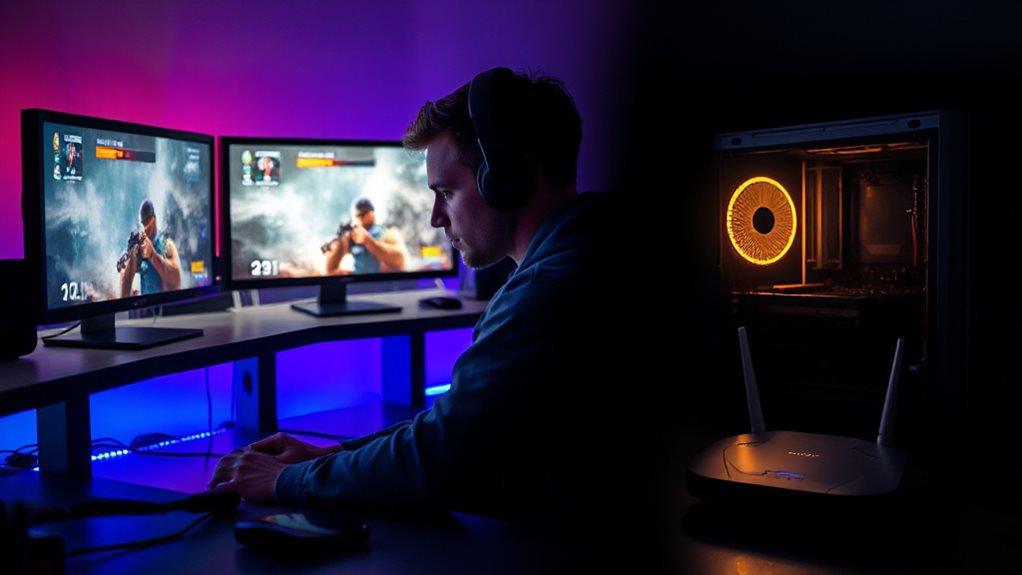
For most competitive setups, you’ll rarely see a pro gamer relying on WiFi. Ethernet slashes latency, ensuring under-40ms ping without interference.
Wireless signals risk lag spikes from congestion, but wired connections stay rock-solid, even during high-usage moments. Pros prioritize gigabit plans and 2.5Gbit ports for future-proof reliability.
No router placement tricks or DNS fixes compare to Ethernet’s predictability—why esports rigs tout dedicated ports. Skip the wireless gamble; wired gives you full control for zero downtime or lag.
Streaming & Downloads: How Ethernet Handles Background Bandwidth
With gaming, streaming, and downloads demanding bandwidth at once, Ethernet guarantees your connection stays smooth. Its dedicated lane handles 4K/8K streams and huge game patches without lag, while freeing Wi-Fi for other devices.
You get stable speeds, zero buffering, and zero compromises—so your gameplay stays sharp, your Twitch streams flawless, and your downloads blazing-fast, even when multitasking. Freedom means doing it all, flawlessly.
Casually Connected: When WiFi’s ‘Good Enough’ for Single-Player Games
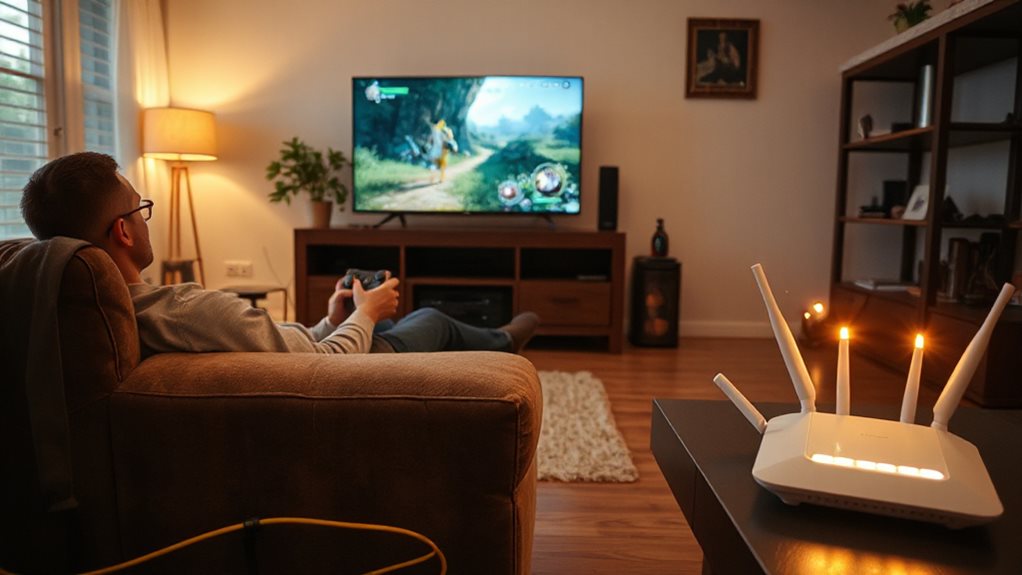
Ethernet excels in high-demand scenarios, yet single-player gaming rarely pushes networks to their limits.
You’re good with WiFi here since casual games need just 3-10 Mbps. Lag’s not a big deal when you’re playing offline, and modern routers handle that轻松. No need to stress over Ethernet’s speed edge—your story-driven quests or turn-based exploits won’t suffer.
Ditch the cables; WiFi’s convenience frees you from messy setups without sacrificing smooth gameplay.
Future-Proofing: How WiFi 6E Narrows – But Doesn’t Close – Ethernet’s Gap
While WiFi 6E boasts speeds nearing 10 Gbps in ideal conditions, real-world limitations like interference and distance still cap its reliability, leaving Ethernet’s consistent performance unmatched.
You’ll notice WiFi 6E excels in crowded networks, but latency spikes and interference linger—Ethernet stays rock-solid for competitive play.
Upgrading to Cat6 future-proofs wired setups, while WiFi 6E keeps casual gaming smooth.
For freedom from lag and packet loss, Ethernet holds the edge, even as WiFi evolves.
Wrapping Up
If you’re chasing the lowest latency and rock-solid stability, Ethernet is your play. Real-world tests show wired connections slash latency (13ms vs. 51ms in games) and eliminate Wi-Fi’s lag spikes. For competitive multiplayer, where milliseconds decide wins, Ethernet’s reliability isn’t optional—it’s essential. Wi-Fi works fine for single-player or casual gaming, but if you stream, download, or play online, wired guarantees zero compromises. WiFi 6E helps, but even the best wireless can’t match Ethernet’s direct line. Your setup’s future-proofing? Stick with wired. Less trouble, more victory.