To tackle packet loss on Australia’s NBN, start by running ISP ping tests to identify packet loss or latency spikes. Use Ethernet instead of Wi-Fi for stable connections, and inspect cables for damage. Optimize router QoS settings to prioritize gaming traffic over streaming or downloads. Avoid peak hours (7–11 pm) for game patches and consider upgrading to FTTP for lower packet loss risks. If issues persist, contact your ISP with test results to escalate repairs—regular speed and latency checks keep you informed on network health.
Quick Guide
- Run ISP/NBN line tests and ping commands to identify packet loss sources.
- Replace damaged Ethernet cables or outdated hardware causing network instability.
- Prioritise gaming traffic via router QoS settings and use wired connections.
- Contact your ISP with test results to resolve persistent packet loss issues.
- Monitor performance weekly (latency <10ms, packet loss <1%) to prevent recurring problems.
What Causes Gaming Lag on NBN Networks?
If you’re experiencing lag on Australia’s NBN, it’s rarely down to slow speeds alone—factors like latency spikes, geographic distance from servers, connection type (e.g., fixed wireless with 62ms average latency), network congestion during peak hours, packet loss disrupting data flow, and jitter causing inconsistent packet arrival times all play a role. Use Ethernet on critical devices to reduce interference and stabilise your connection.
Your location (NSW vs WA), connection tech (FTTP vs fixed wireless), and server choices shape your gaming latency.
High-speed plans still face congestion; overseas servers spike delays. Download speed alone doesn’t guarantee responsive internet when real-time actions hinge on consistent latency and minimal packet loss.
You’ve got options: tweak settings, pick closer servers, or upgrade to lower-latency tech for smoother play.
Diagnose NBN Packet Loss With Official Tools
Maneuvering packet loss on your NBN connection can turn gaming sessions into a lag-ridden nightmare, but official diagnostic tools cut through the guesswork. Your NBN provider’s line test checks signal strength, latency, and jitter—run it through their online portal. Use the ping command (e.g., ping 103.252.194.1) to identify packet loss percentages. Loopback tests verify signal path integrity on HFC/FTTP connections.
Report persistent issues to support for technician visits or line checks. Consider using a dedicated security solution rather than running multiple real-time antivirus programs simultaneously to avoid system performance and conflict issues.
Fix Local Network Hardware Causing Packet Loss
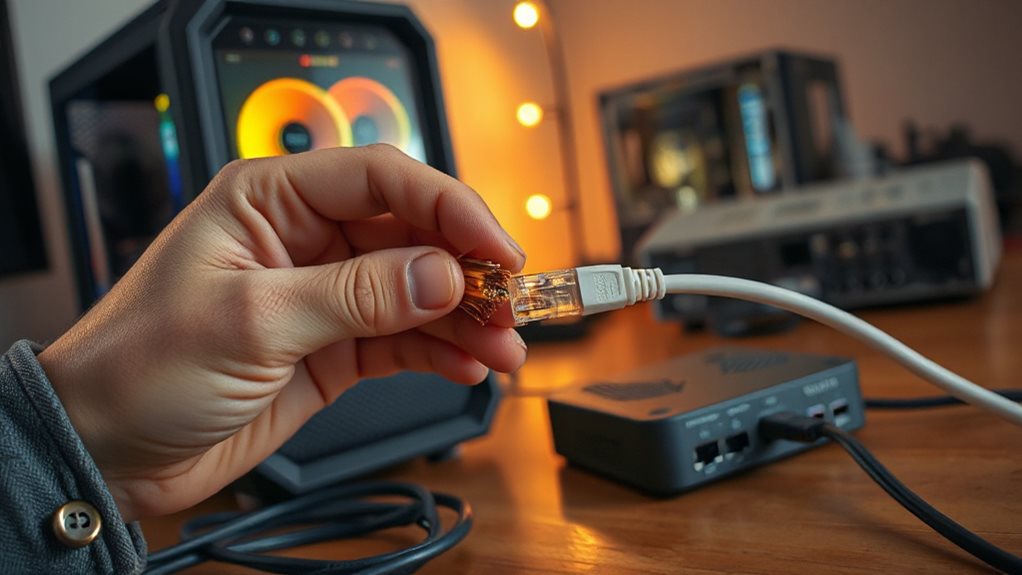
Start by inspecting physical components like Ethernet cables and network interface cards (NICs) for visible damage or wear. Replace aging hardware—failing NICs or frayed cables disrupt signals.
Check router/switch buffers aren’t overloaded—upgrading gear with higher capacity helps. Update firmware to fix bugs and guarantee proper MTU/TTL settings.
Secure cable terminations to avoid duplex mismatches, and keep equipment cool to prevent thermal throttling. Simple swaps and checks give you control over lag-free gaming.
Use a cable tester to verify continuity and detect hidden wiring faults, especially on long or frequently used runs with damaged connectors.
Optimize Routers to Prioritize Gaming Traffic
Tune your router to give gaming traffic first dibs by diving into its Quality of Service (QoS) settings—usually tucked under Advanced or Network Settings menus.
Slap priority on gaming devices or ports, tweak congestion sliders to 70-85%, and reserve 15-30% bandwidth for lag-free play.
Newer routers like eero 7 use Smart Queue Management to juggle traffic automatically, so you don’t have to babysit every byte while streaming binges keep their flow.
Consider routers with Multi‑Link Operation and 160 MHz channel support to further reduce latency and handle multiple high‑demand devices simultaneously.
Avoid Peak Hours for NBN Game Patches
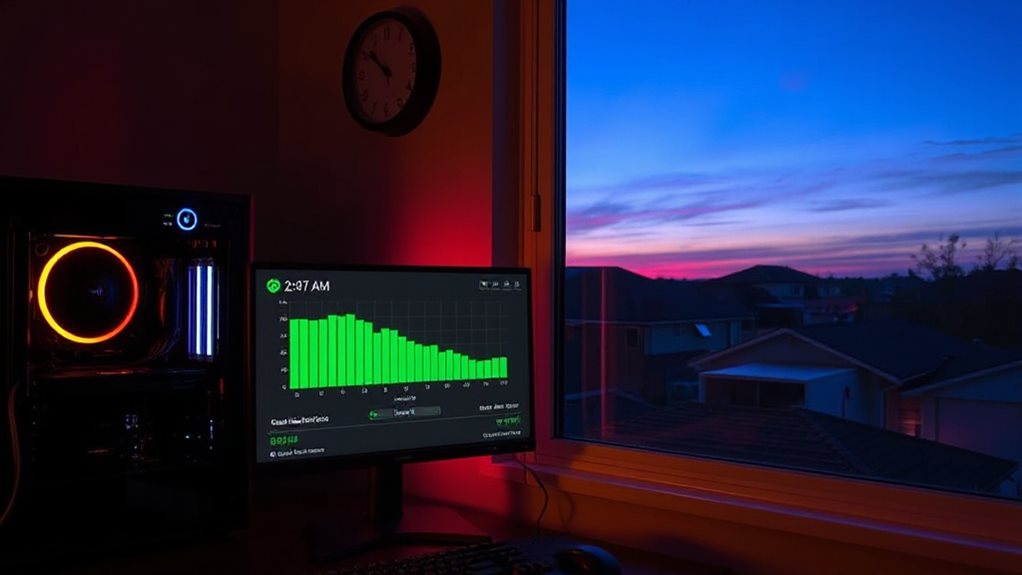
Typically, NBN networks hit their busiest periods between 7 pm and 11 pm, when streaming, gaming, and remote work collide to create heavy congestion.
Schedule game patches outside these hours—ideally before 7 pm or after 11 pm—to dodge bandwidth bottlenecks that slow downloads.
Peak-hour speeds often drop below 15 Mbps on basic plans, while off-peak times let you utilize full line speed.
Your freedom to play hinges on strategic timing—avoid network gridlock and let updates fly through unimpeded when others aren’t hogging the bandwidth.
Switch to NBN Fixed-Line for Network Stability
You’ve learned how timing patches helps avoid slowdowns, but your network’s underlying infrastructure determines how reliable your connection stays.
Switching to NBN fixed-line—specifically FTTP—slashes packet loss risks with 90% multi-gigabit readiness, lower fault rates, and consistent speeds unaffected by distance or weather.
Unlike shaky FTTN, fibre’s stability frees you from copper’s limits.
Check upgrade eligibility—4.28 million already migrated.
Your lag-free gaming session starts with a future-proof connection.
Escalate NBN Issues to ISP for Network Repair
If you’ve run through every DIY fix and your NBN packet loss still isn’t resolved, bring in your ISP—your first line of action for addressing service hiccups.
Lodge a complaint with details, track progress via your reference number, and escalate to nbnco if response times lag.
Push for urgent review if critical issues persist.
Hit dead end? The TIO handles unresolved disputes—your freedom to demand better service remains absolute.
Check NBN Stability With Regular Performance Tests
Regularly testing your NBN connection isn’t just a troubleshooting step—it’s a habit that spots instability before it disrupts your work, gaming, or streaming.
Use ACCC data: 88.3% of NBN tests hit 90%+ speeds, but 3.2% fell short. Fixed wireless has 2.3% packet loss risks.
Run provider speed tests weekly, check latency (lower is better), jitter under 10ms, and <1% packet loss.
Early issues mean fewer lag spikes—your freedom to play, work, and stream smoothly hangs on it.
Wrapping Up
You’ve identified packet loss culprits—from dodgy routers to ISP glitches. Start by rebooting hardware, then tweak router QoS settings to prioritize gaming traffic. Avoid game updates during peak NBN hours; switch to fixed-line NBN if wireless hiccups persist. Escalate recurring issues to your ISP for line checks, and test speeds regularly to catch drops early. Keep cords tight, firmware fresh, and lag won’t stand a chance—you’ll reclaim smoother gameplay with these tweaks dialed in.