Secure your router first: change default passwords, enable WPA3, turn off remote management and WPS, and activate the firewall. Set up automatic firmware updates and monitor the router’s logs for unknown MAC addresses, repeated login failures, or sudden traffic spikes. Segment TVs, cameras, and other IoT gadgets on a guest or separate VLAN, and keep their firmware verified with hash checks and signed OTA updates. Disable unused apps, revoke unfamiliar connections, and watch for abnormal motion alerts or bandwidth bursts that signal hijacking. Continue exploring to discover deeper safeguards.
Quick Guide
- Change default router passwords, enable WPA3, and disable remote management, WPS, and unused services.
- Monitor router logs for unknown MACs, repeated login failures, and suspicious URLs; set real‑time alerts.
- Segment high‑risk devices (TVs, cameras, streaming sticks) on isolated networks and use strong Wi‑Fi passwords.
- Verify firmware integrity with SHA‑256/SHA‑3 hashes and RSA/ECC signatures; enable automatic OTA updates via TLS 1.3.
- Regularly scan for unfamiliar devices, watch for unusual traffic spikes, and replace or decommission unsupported hardware.
Smart Home Security: Why Your Router Comes First
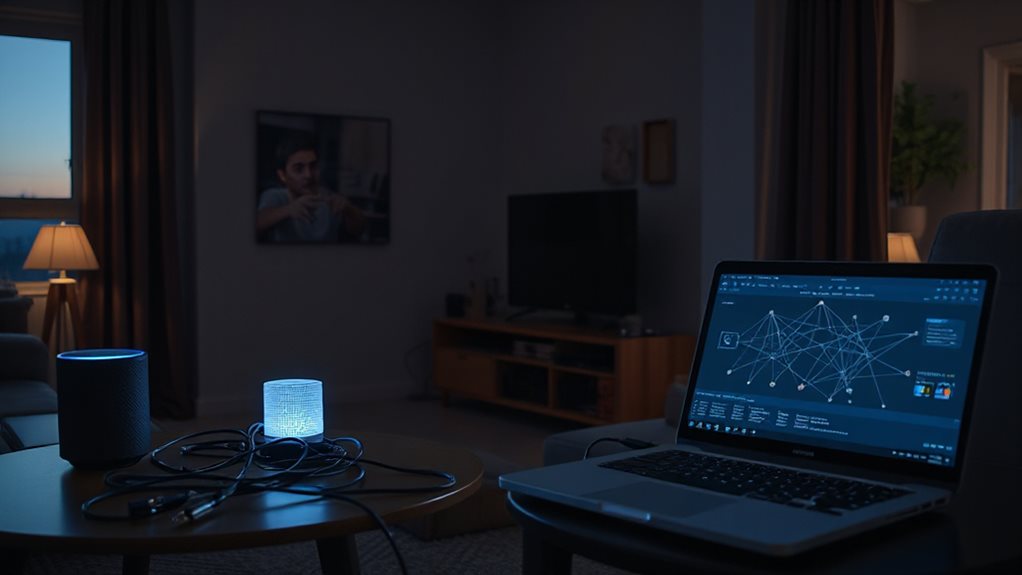
Why does your router matter most when securing a smart home? It’s the gateway that controls every device.
Change default passwords to strong, unique passphrases.
Enable automatic firmware updates and switch to WPA3 encryption.
Disable remote management, WPS, and unnecessary services.
Activate firewall and NAT, then monitor logs.
These steps lock down the network and preserve your freedom.
Compromised routers can be hijacked into botnets for DDoS attacks.
Smart Home Security: Spot Unusual Traffic on Your TV
You should watch for sudden traffic spikes on your TV and any app updates you didn’t trigger. Those signs often mean a compromised device is communicating with unknown servers or installing hidden code. Check the router’s data usage and confirming that only trusted firmware is installed will help you catch the problem early. OpenVPN over UDP
Traffic Spikes
Ever notice a sudden surge in data usage on your smart TV? That spike often means unauthorized access. Check router logs for odd traffic tied to the TV’s IP, and scan for unknown devices in its network settings.
Secure Wi‑Fi with a strong password, update firmware regularly, and segment the TV on its own network. Disable unused apps and revoke any unfamiliar connections. This stops hackers from spying, stealing credentials, or turning your TV into a botnet.
Unexpected App Updates
How can you tell if an app update on your smart TV is legitimate or a trap? Look for pop‑up prompts that appear out of the blue, especially from browsers or unknown sources. Verify the update comes from the official store and that you initiated it. Reject unfamiliar apps that install themselves, and keep auto‑updates enabled to patch known flaws. This protects your camera, mic, and data.
Smart Home Security: Signs Your IP Camera Is Hijacked
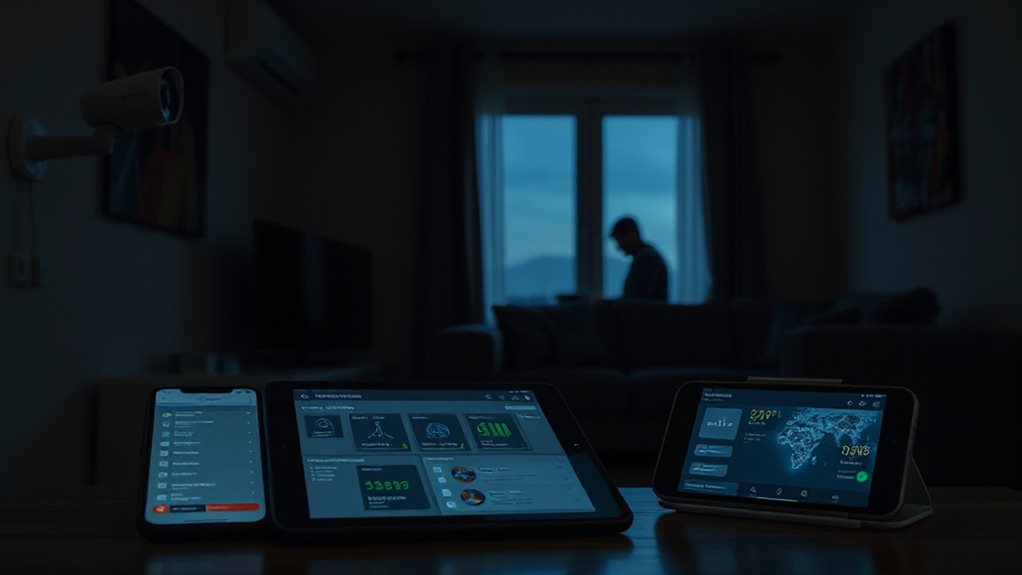
If your camera suddenly sends motion alerts you never set, it’s likely being moved or accessed without your permission. You’ll also notice a sharp rise in bandwidth usage as the device streams video to an unknown destination.
Watch for both signs together to catch a hijacked IP camera early.
Unusual Motion Alerts
Why do your IP camera’s motion alerts fire when nobody’s home? If alerts trigger while the camera shows offline status, it’s likely being hijacked. Low sensitivity settings won’t stop frequent alerts caused by shadows, wind, or phantom movement. Check for empty‑room detections, sudden pans, and tilts that persist after disconnecting. These signs mean remote control is active, compromising your freedom.
Unexpected Bandwidth Spikes
When motion alerts stop making sense, the next red flag often shows up as a sudden surge in data usage. Check your camera’s real‑time data meter; dramatic spikes usually mean the device is sending spam, coordinating attacks, or pinging a remote server. Compare current usage to your baseline, watch for ISP bill alerts, and investigate any sustained bandwidth surge before it compromises your freedom.
Smart Home Security: Detect Botnet Activity on IoT Gadgets
Detect Botnet Activity in IoT: How can you spot a botnet lurking in your smart home? Watch for sudden outbound traffic spikes from streaming sticks, smart TVs, or IP cameras. Check router logs for unknown C&C connections or unusual ports like 1080 and 8888. Monitor device activity during idle hours; unexpected data bursts often signal infection. Regularly scan your network for unfamiliar devices and block suspicious traffic. VPN can sometimes be used to access extra security resources or monitoring tools during trial periods, but always cancel before charges apply.
Smart Home Security: Verify Firmware Integrity on Appliances
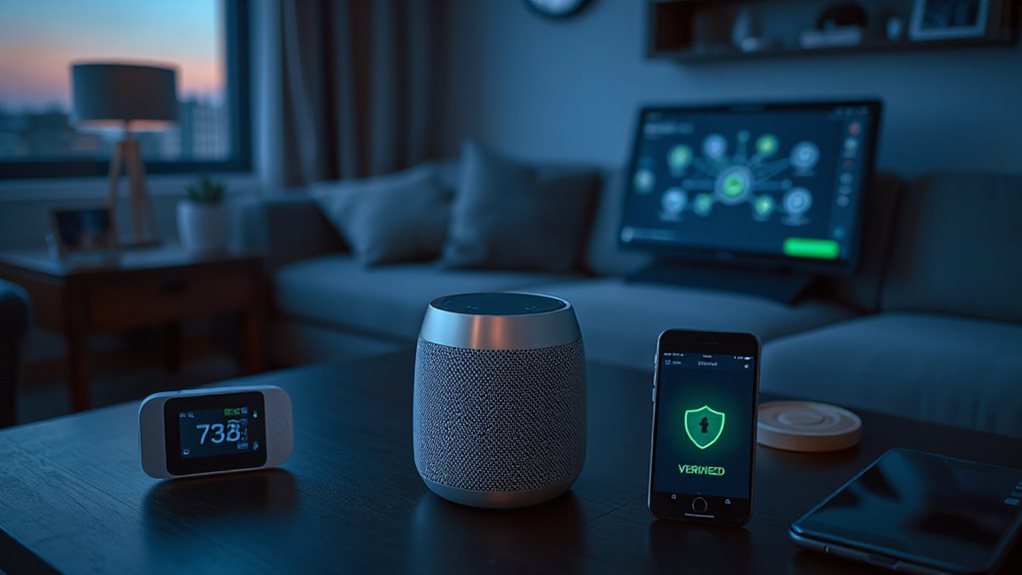
Can you trust the code running on your smart fridge or thermostat? Verify firmware integrity by hashing the image with SHA‑256 or SHA‑3, then decrypting the attached RSA/ECC signature using the embedded public key. Compare both hashes; reject mismatches. Use lightweight hash functions like SPONGENT for low‑end devices, enable secure boot, and log signatures. Rotate keys regularly and employ TLS 1.3 for OTA updates. Prevent throttling
Smart Home Security: Quick Password‑Reset Checklist for Gadgets
You should start by resetting any default credentials on your router and smart gadgets, then immediately set a strong, unique password that meets the alphanumeric and length requirements. After the password change, enable two‑factor authentication wherever it’s offered to add an extra layer of protection. This quick checklist helps lock out unauthorized access and keeps your home network secure. To bolster protection across the whole home, configure a VPN on your router so all devices use a secure connection by default VPN coverage and monitor for any device attempting to bypass the network’s protections. Regularly updating firmware on all devices helps mitigate security vulnerabilities and reduces the risk of compromise firmware updates.
Reset Default Credentials
Ever wondered why default passwords pose such a risk? Locate the reset button—behind a lock’s battery cover, in a router’s pinhole, or via an app’s “Forgot password.” Hold it ten seconds until LEDs flash or the lock beeps. The device reboots to factory settings, erasing custom credentials. Then log in with the default admin/admin, and immediately replace it with a strong, unique password.
Enable Two‑Factor Authentication
Two‑factor authentication (2FA) adds a critical layer of protection to your smart‑home devices, blocking the vast majority of automated attacks and making it far harder for hackers to gain access even if a password is compromised.
Enable 2FA via SMS, an authenticator app, or email.
Pair it with unique passwords and separate Wi‑Fi networks.
This simple step blocks 99.9% of automated attacks, safeguards personal data, and keeps your home network free from compromise.
Smart Home Security: Enable Automatic Firmware Updates
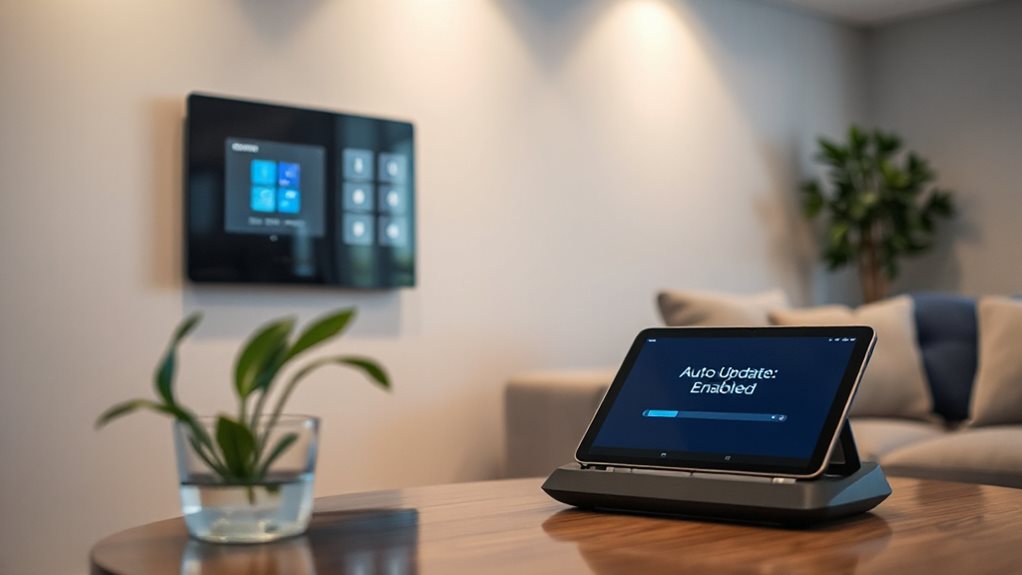
Why should you enable automatic firmware updates for your smart home devices? They patch known flaws, enhance performance, and add new features without you lifting a finger.
Open your device app, toggle the automatic update switch, and approve any prompts. Schedule updates for off‑peak hours, monitor health indicators, and verify version numbers regularly. This keeps your system secure, reliable, and future‑proof.
Regular firmware updates also help mitigate risks from vulnerabilities that could be exploited to enable tracking or data collection, reinforcing overall privacy and security. ACR and data-sharing controls should remain managed after updates to ensure privacy settings persist.
Smart Home Security: Isolate Devices With a Guest Network
Keeping your devices up‑to‑date is only half the battle; the next step is to keep them from reaching the rest of your network. Create a guest SSID, enable WPA3, and turn on client isolation. Hide the SSID, set a strong password, and limit users. Regularly audit connections, apply bandwidth caps, and keep the guest network separate from primary devices. This isolates compromised IoT gear, blocks lateral movement, and protects your data. Ensure you use a VPN-enabled router to route guest traffic through a secure connection and monitor for any unusual activity on the guest network VPN-enabled router.
Smart Home Security: Read Router Logs for Intrusion Alerts
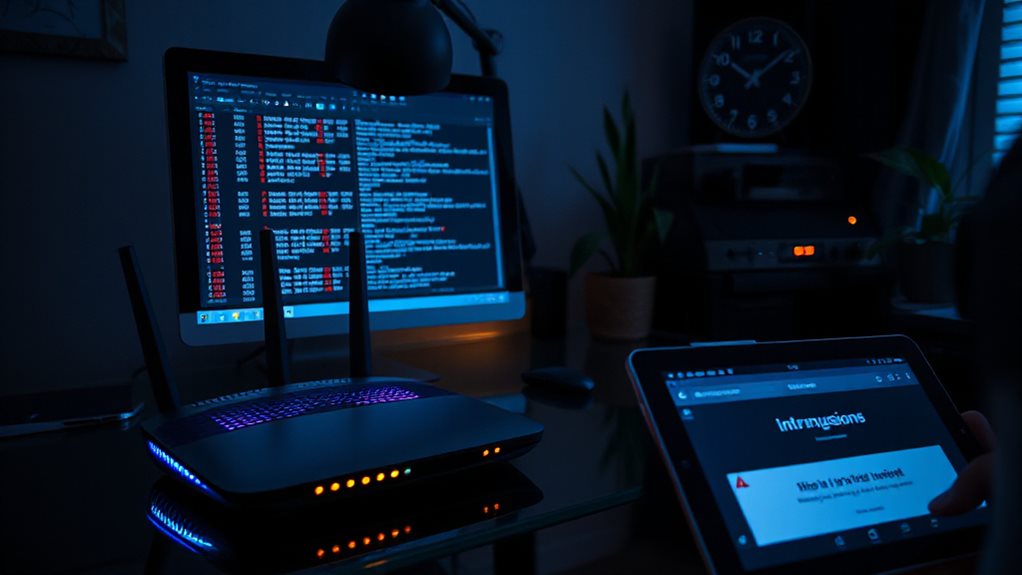
How can you spot a breach before it spreads? Log into your router’s admin panel at its IP, usually 192.168.1.1, and open the System or Security Logs. Scan for unknown MAC addresses, repeated login failures, or suspicious URLs. Use EventLog Analyzer for real‑time alerts and generate reports on admin logons and config changes. Track timestamps to link events and act swiftly.
Smart Home Security: Decide to Replace or Re‑Secure a Device?
Can you tell whether a device is worth fixing or tossing? First, inventory it and check for security patches. If updates stop, firmware is outdated, or the manufacturer offers no support, replace it. Be mindful of geo-blocking concepts when dealing with streaming devices, as out-of-date hardware may struggle with current content protection mechanisms and become a security risk. security patches
Wrapping Up
By monitoring traffic, checking logs, and keeping firmware up‑to‑date, you’ll catch compromised devices early. Isolate risky gadgets on a guest network and replace any that can’t be secured. Regularly review router alerts and verify firmware integrity to stay ahead of threats. Consistent vigilance protects your smart home from hijacking and botnet attacks, ensuring your network remains safe and functional.