You can protect your Australian privacy with a true no‑logs VPN like NordVPN, Proton VPN, or Surfshark, each audited by firms such as Deloitte or PwC and offering RAM‑only servers that erase data after each session. They all provide local Australian nodes, AES‑256 encryption, and kill‑switch features that block IP and device logs, keeping you out of Five‑Eyes surveillance. Choose the service that fits your budget and speed needs, then enable WireGuard, run an IP‑leak test, and you’ll see how to verify the claims. Continue for a deeper comparison and setup guide.
Quick Guide
- Choose a VPN with independently audited no‑logs policies (e.g., NordVPN, Proton VPN, Surfshark) to ensure data isn’t stored.
- Prefer services offering RAM‑only servers that erase session data on reboot for extra privacy protection.
- Verify the provider’s jurisdiction lies outside the Five,Eyes/Nine‑Eyes/Fourteen‑Eyes alliances.
- Select an Australian server location (e.g., NordVPN’s ~200 servers, Proton’s 268, Surfshark’s 70) for low latency and local access.
- Enable kill switch, DNS‑leak protection, and WireGuard; test for IP leaks and streaming/torrent functionality after connection.
Pick a No-Logs VPN That Fits Australian Privacy Needs

Looking for a no‑logs VPN that truly protects your privacy in Australia? Choose NordVPN for its 190+ servers, Deloitte‑audited policy, and military‑grade AES‑256 encryption. If open‑source transparency matters, Proton VPN offers Secure Core and Stealth protocols. For budget‑friendly freedom, Surfshark delivers solid speeds, Netflix compatibility, and audited no‑logs. Each option respects your data and avoids government intrusion. Additionally, Surfshark provides unlimited simultaneous connections for all devices.
Why No-Logs VPNs Matter for Australian Users
Why should you care about no‑logs VPNs in Australia? You face mandatory age‑verification that gathers IDs, facial scans, and biometric data, creating databases that can be surveilled. A no‑logs VPN blocks storage of your IP, device info, and usage patterns, keeping your browsing invisible to ISPs, police, and Five Eyes partners. This protects your freedom and prevents data linkage that could compromise your privacy. RAM-only servers further ensure that session data is wiped on reboot, adding an extra layer of assurance against residual traces.
Verify a VPN’s No-Logs Claim: Audits, Jurisdictions, Tests
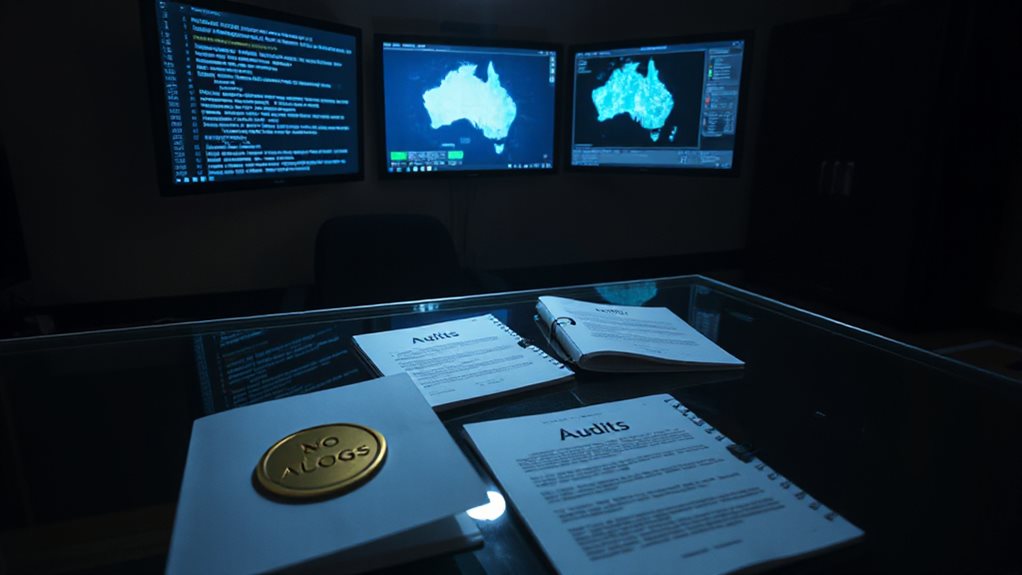
When you’re choosing a VPN, you need concrete evidence that its no‑logs claim holds up. Look for recent independent audits—Proton VPN (Securitum), Surfshark (Deloitte 2023/2025), NordVPN (PwC, Deloitte).
Check jurisdiction: avoid 5‑Eyes/9‑Eyes/14‑Eyes.
Review privacy policies for precise language on what isn’t stored.
Verify RAM‑only servers and real‑world court cases that proved zero data retention.
Additionally, verify that the provider’s tests or disclosures align with the realities of how memory and data handling operate, such as ensuring that logs are not retained beyond what is necessary for service delivery, which is often verified through independent audits and public documents. independent audits
Which No-Logs VPNs Have Aussie Servers? Feature-by-Feature Comparison
Which no‑logs VPNs actually host servers in Australia? NordVPN offers 200 locations across five cities, Proton VPN provides 268 servers in five cities, Surfshark has 70 across five cities, CyberGhost supplies 238 in three cities, and IPVanish runs 50+ in five cities. All enforce strict no‑logs policies, AES‑256 encryption, kill switches, and streaming support, while varying in price, connections, and extra features. Public Wi‑Fi and ISP tracking concerns underscore the importance of using a VPN to protect privacy and data across networks Kill Switch. A no‑logs policy is essential for protecting your browsing history from data retention requirements and potential government surveillance.
Set Up and Test a No-Logs VPN for Maximum Privacy in Australia

After reviewing which no‑logs VPNs host Australian servers, you can move on to setting one up for maximum privacy. Subscribe anonymously, download the app, install it, and enable the kill switch, DNS‑leak protection, and split‑tunneling. Choose an Australian node, activate WireGuard, then run IP‑leak tests. Verify no‑logs audits, check speed, and confirm streaming or torrenting works. Ensure you select a provider with a transparent logging policy and a jurisdiction outside the 5 Eyes network logging policy.
Wrapping Up
Pick a no‑logs VPN that meets Australia’s privacy requirements, verify its audit record, and confirm it operates servers locally. Follow the setup guide, run a DNS leak test, and check your IP to ensure the connection is truly private. Keep the software updated and enable any built‑in kill‑switch features. By staying vigilant and using a reputable, no‑logs service, you’ll protect your data and browse safely from anywhere in Australia.