Use unique, complex passwords and a password manager—don’t reuse credentials. Enable app-based 2FA for stronger login security. Turn on real-time alerts to catch suspicious transactions instantly. Update apps and devices regularly to patch vulnerabilities. Scan the dark web for exposed data and verify unexpected messages before acting. Strengthen habits to outsmart AI scams—your next step releases deeper safeguards.
Quick Guide
- Enable app-based two-factor authentication for banking to block network-based phishing attacks.
- Set up real-time transaction alerts via banking apps to detect unauthorized activity instantly.
- Verify suspicious requests through official channels before acting, avoiding phishing traps.
- Use unique passwords and a manager to prevent credential-stuffing attacks on multiple accounts.
- Update software and monitor dark web regularly to safeguard against exploited vulnerabilities and stolen data.
Protect Your Australian Bank Account With Strong Password Habits
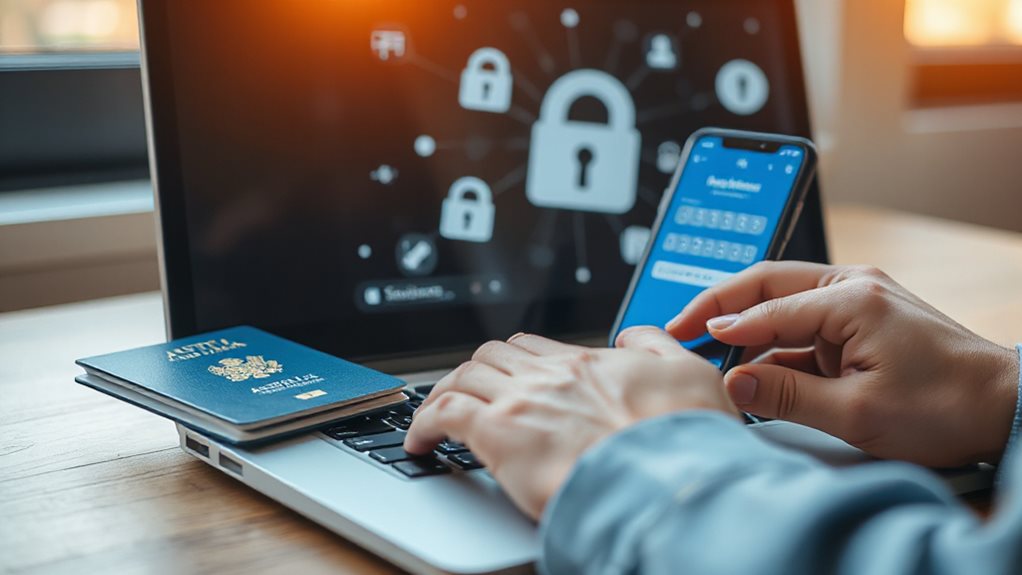
Create strong passwords by mixing uppercase letters, lowercase letters, numbers, and special characters like !, &, or *—this complexity makes them harder to crack. password managers securely store and generate unique, complex passwords across all your accounts. Use passphrases over single words; “PurpleTiger!EatsApples42” beats “password123”. Never reuse passwords—if one account’s breached, others stay safe. Update every few months, swapping out entirely instead of tweaking. Avoid personal details or common patterns. Stay free: own your security. Use a reputable antivirus and keep it updated to reduce the risk of malware capturing your credentials.
Block Breaches by Spotting Phishing Scams Targeting Australians
You’re up against smarter crooks using AI-powered deepfakes and synthetic identities to mimic banks or friends—a spike in 2025 scams cost millions.
These hackers exploit social media and SMS, faking urgency or trust to trick you into clicking links or sharing passwords.
Spotting red flags, like mismatched email addresses or urgent demands, is your first line of defense against phishing’s rising tide.
Consider using a trusted VPN when on public Wi‑Fi to add encryption and protect your account details.
Identify Ai-Powered Scams
What if the email from your boss, the urgent call from a bank official, or the face on a video call aren’t what they seem? AI-powered scams use hyper-realistic phishing (54% click-through rates), voice cloning (1,000+ daily scams), and deepfakes (costing millions) to exploit trust. Fraudsters weaponize AI to bypass filters, impersonate loved ones, and fabricate identities.
Don’t rely on familiarity—verify every request via official channels. Your vigilance matters: if something feels off, double-check. Freedom means controlling your assets, not falling for AI that weaponizes convenience against you.
Spot Common Tactics
Even with AI-fueled scams growing sharper, older tricks like phishing emails and texts remain shockingly effective—because they still work. Watch for urgent requests to click links or share codes.
Business email compromise (BEC) scams alone drive 53% of incidents, often mimicking real payment requests. Financial services face 60% more phishing attempts than universities, while retail workers get 49 scam emails yearly.
Social media scams cost $69.5 million in 2024—verify *every* unexpected request. Freedom means staying alert, not clicking blindly. Your vigilance blocks breaches before they start.
Enable 2FA for Double Security on Australian Banking Platforms
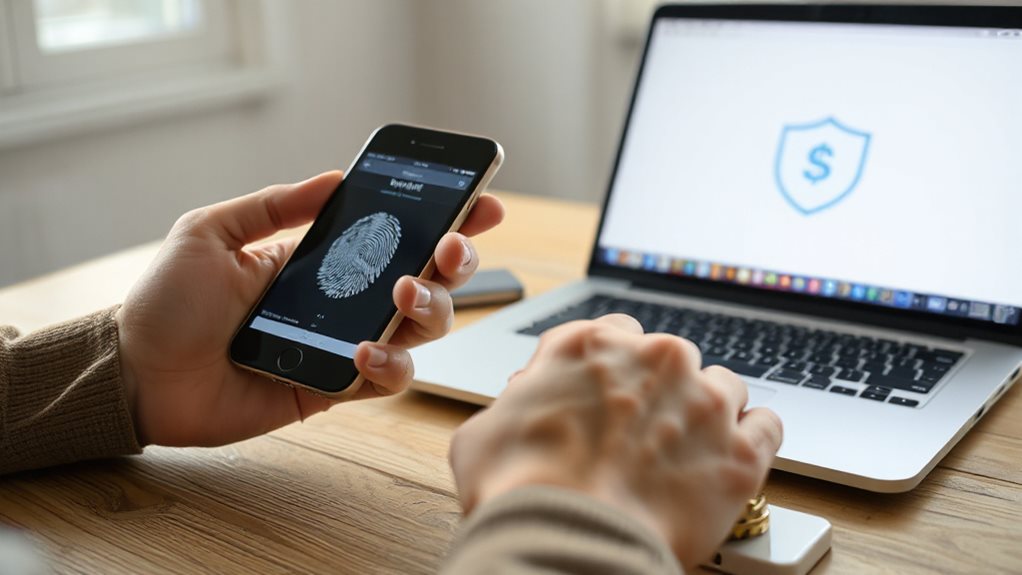
Though SMS-based 2FA remains widely used, switching to app-based verification like Macquarie Authenticator strengthens security by generating time-sensitive codes directly on your device.
Over 1 million Macquarie users adopted it by 2025, reflecting trust in app-based protection.
Scammers exploit SMS weaknesses, but app codes stay isolated from vulnerable networks.
Australian banks, including Macquarie, now prioritize this safer method as part of Scam-Safe Accord reforms—mandating biometric checks by 2024 to counter $3.1 billion in 2022 scam losses.
Upgrade to app-based 2FA for control over your finances without relying on outdated systems.
PayPal is generally safe and secure for online transactions, but users should still be aware of potential scams such as overpayment or invalid address schemes.
Update Apps and Devices to Fix Vulnerabilities in Australia’s Banking Networks
Updating your apps and devices isn’t just routine maintenance—it’s an essential defense against the vulnerabilities plaguing Australia’s banking networks. Immediate patches for Fortinet SSO (CVE-2025-59719) and MongoDB leaks (CVE-2025-14847) block hackers exploiting outdated systems. Prioritize updates to close gaps in open banking APIs and mobile apps, where 13 high-severity flaws linger.
Harden databases like MongoDB to avoid public exposures—like the youX breach that leaked 600,000+ loan records. Stay proactive: attackers target unpatched devices daily, but timely updates cut their access. Your vigilance shields freedom—don’t let avoidable gaps risk your financial security. Network defenders should also use protocol analyzers to monitor for suspicious traffic and detect potential intrusions.
Monitor Transactions Daily to Catch Fraud Early in Australian Banks
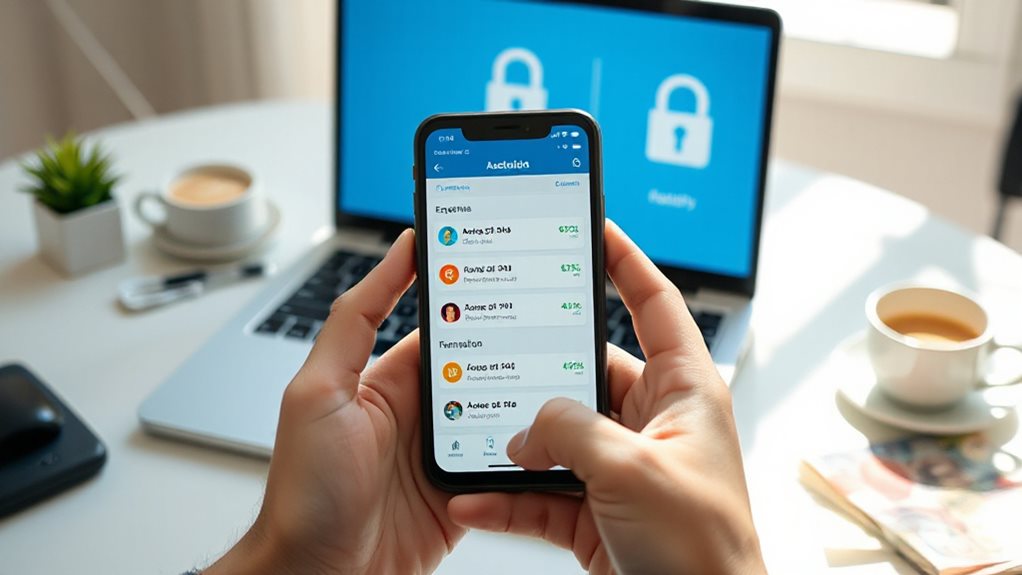
Daily monitoring of your bank transactions provides the fastest way to spot fraud, giving you a 34% better chance to catch scams early through AI-driven alerts. These systems flag suspicious patterns—like sudden micro-transactions or outlier spending—using real-time analysis under Australia’s AML/CTF laws.
Banks track anomalies 24/7, slashing false alerts by 51% while isolating risks instantly. Stay proactive: instant confirmations and adaptive safeguards let you secure your finances freely, without delays or guesswork.
Report Suspicious Activity to Your Australian Bank Instantly
You can immediately report suspicious transactions through your online banking platform or mobile app by selecting the transaction and using the “Report this transaction” feature—fastest for urgent issues.
Time matters because banks must escalate fraud or money laundering suspicions within 3 business days (or 24 hours for terrorism-related cases), so prompt action minimizes damage.
If you spot dodgy activity, don’t hesitate: call your bank directly, lock your card via SafeBlock, or use AUSTRAC’s portal to guarantee compliance and protect your account.
How To Report
Catching suspicious activity starts with knowing what to look for—red flags like sudden international transfers, multiple small deposits dodging thresholds, or account behavior that doesn’t make sense.
When you spot it, log into AUSTRAC’s portal, select “Create SMR,” and detail the suspicion clearly. Include all parties, transactions, and dates.
Complete reports speed up investigations. Don’t delay—submit as soon as you suspect foul play, even without proof. Your quick action shields freedom and stops threats fast.
Prompt Reporting Matters
Whether it’s a sudden international transfer or an unexplained early loan payout, reporting suspicious activity instantly isn’t just good practice—it’s a critical step in stopping financial harm.
If you spot anomalies, act fast: consumers have 13 months to report APP scams, and banks use prompts to flag risky payments. Verify new payees, freeze funds if unsure, and alert your bank immediately—your quick response disrupts scams and protects your freedom to bank safely.
Detect Fake Links With Phishing Awareness for Local Scams

With phishing scams costing Australians over $2 billion in 2024, knowing how to spot fake links isn’t just useful—it’s essential.
Don’t click suspicious links—hover to check true URLs, watch for misspellings, or urgent demands.
Verify senders through official channels, use antivirus, and report scams to Scamwatch or your bank.
Stay sharp: AI deepfakes and synthetic IDs are rising.
Your vigilance blocks fraud—take control now.
Choose Banks With Proven Security Certifications in Australia
If your bank meets strict cybersecurity standards, your money and personal data are better protected. Check for certifications like APRA’s CPS 234, SPF compliance mandates, and ISO/IEC 30107-3 for biometric safety—proof they’ve locked down risks.
Certified banks handle scam disputes via AFCA and use threat intel aligned with national architectures. Choosing them gives you freedom to bank without second-guessing—your funds stay yours, guarded by Australia’s toughest standards.
Outsmart Ai-Driven Scams With Everyday Australian Habits
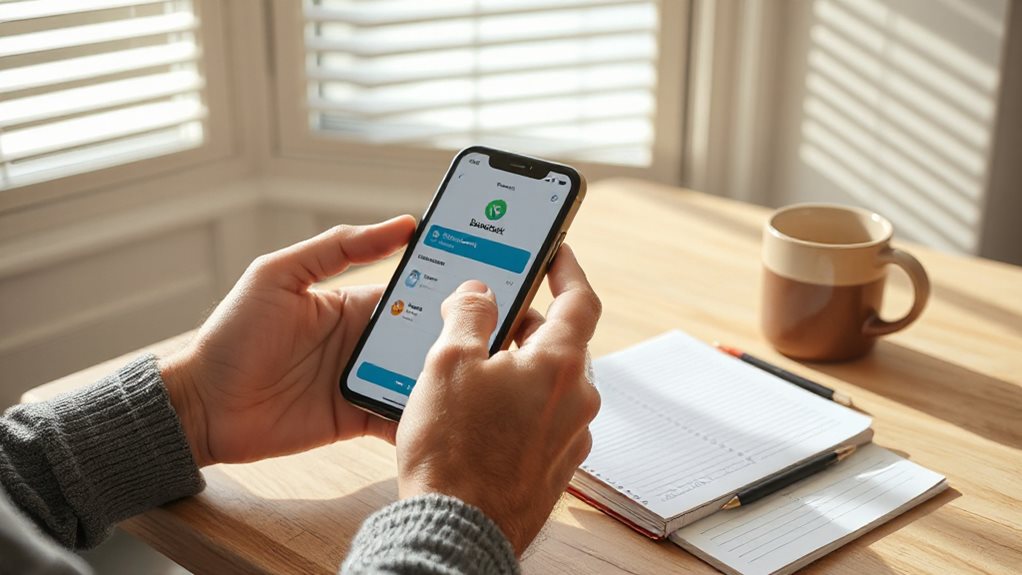
You can outsmart AI-driven scams by strengthening login habits, enabling real-time alerts, and verifying suspicious messages before acting.
Start by using unique passwords and two-factor authentication to secure accounts, then set up instant notifications for transactions or login attempts.
These simple steps, combined with double-checking unexpected requests, help Australians stay ahead of AI-powered fraud tactics.
Strengthen Login Habits
Take control of your online banking security by turning everyday habits into powerful defences—each login choice shapes your safety in a rapidly changing scam environment.
Use unique passwords to block credential stuffing; enable MFA for layers against phishing.
Verify links manually to dodge AI impersonation.
Monitor devices daily—65% of fraud cases stem from unwatched access.
Small, consistent habits disrupt synthetic fraud and keep your money free.
Enable Real-Time Alerts
When cybercriminals weaponise AI impersonation tactics, real-time alerts turn your smartphone into a 24/7 fraud watchdog, instantly flagging unauthorised transactions before they escalate.
Enable free push notifications via your CommBank or Westpac app to spot suspicious withdrawals, balance shifts, or unrecognised logins.
Set custom alerts for big spends or low balances, and tweak preferences in minutes through your bank’s settings.
Stay in control—no delay, no guesswork, just freedom to act fast against scams.
Verify Suspicious Messages
As artificial intelligence reshapes the scam environment, Australians must sharpen their ability to verify unexpected messages—whether flagged through SMS, social media, or email—before they result in financial loss.
You can’t trust appearances anymore; AI deepfakes and synthetic identities mimic reality. Always question unsolicited requests for personal details or urgent action. Hover over links to confirm URLs, never click blindly, and call your bank directly using trusted numbers.
Report scams to Scamwatch. These habits protect your money and freedom in a rapidly transforming threat terrain. Stay proactive—it’s your defense.
Detect Exposed Credentials on Australia’s Dark Web Marketplaces
Thousands of Australian accounts are currently at risk due to exposed credentials lurking on dark web marketplaces, and you can’t afford to ignore this growing threat.
Scan dark web markets routinely—Global-e’s Jan 2026 breach affected 11,928 Aussies.
Leaked data includes names, emails, addresses.
Set up alerts for compromised credentials; 12 million local records exposed recently.
Monitoring spots your info in shady forums, acting fast before fraud strikes.
Wrapping Up
Protecting your Australian bank account demands vigilance and proactive habits. Use strong, unique passwords—don’t reuse them—and enable 2FA to add layers of security. Keep apps updated to patch vulnerabilities, monitor transactions daily, and stay alert to phishing attempts. Avoid fake links, choose certified banks, check for exposed credentials online, and verify suspicious messages through official channels to combat AI-driven scams. Consistent actions keep your money secure.