Need a VPN with port forwarding in Australia? It routes your traffic through encrypted tunnels to specific ports, bypassing ISP blocks on torrents or gaming ports. By hiding your IP, it lets you host servers or speed up downloads without exposing your network. Aussie ISPs often restrict P2P ports, but a VPN like NordVPN or PIA reroutes traffic securely. Configure your router (or use app-based forwarding) to assign static IPs and open ports like 6881–6889 for torrents or 3074 for gaming. Test ports with tools like YouGetSignal and check ISP policies—Optus or Telstra might require static IPs. Combine encryption with port forwarding for faster, private connections. Your firewall rules and UPnP settings matter too.
Quick Guide
- VPN port forwarding in Australia bypasses ISP torrent blocks by encrypting P2P traffic through non-restricted ports.
- Securely host games/servers via encrypted tunnels while maintaining anonymity under Australian telecom laws.
- Use port-forwarded VPNs to reduce gaming latency and improve torrent download speeds legally.
- Providers like NordVPN and PIA offer dedicated port forwarding features compatible with Australian ISP restrictions.
- Configure routers with static IPs or use SOCKS5 proxies to enable forwarding while adhering to ACSC guidelines.
What Is Port Forwarding Via A VPN And Why Aussies Need It

When you’re setting up a home server or gaming rig in Australia but need outside access without compromising security, port forwarding through a VPN becomes your solution. It routes external traffic via encrypted tunnels to your device, masking public IPs while letting you host games or services securely. Aussies use it to bypass ISP restrictions, maintain privacy, and control who connects—giving you freedom to manage devices remotely without exposing your network to risks. (This method leverages NAT settings, ensuring external traffic reaches specific devices on your network via targeted port rules.) You can also configure your router or use custom firmware to enforce provider DNS and reduce leaks while running the forwarded ports.
Why Australian ISPs Block Torrent Ports (And How To Bypass Them)
You’re probably wondering why Aussie ISPs target torrent ports—they’re legally forced to under copyright laws aiming to curb piracy.
You mightn’t realize they often use DNS blocking or domain redirection to restrict access, but savvy users find loopholes.
Luckily, port forwarding with a VPN lets you sidestep these blocks by rerouting traffic through secure, non-restricted channels.
VPNs also encrypt traffic and hide activity from ISPs, which helps prevent ISP monitoring.
Why Torrent Ports Get Blocked
Cable providers in Australia have clamped down on torrent ports to comply with court orders aimed at curbing piracy. You’re blocked because copyright holders pressure ISPs to restrict access to sites like The Pirate Bay under Section 115A of the Copyright Act.
These orders target domains sharing pirated content, but they’re easy to bypass with a VPN, alternative DNS, or proxies. Your freedom to access remains technically unrestricted, but ISPs enforce these blocks to avoid legal penalties.
How ISPs Restrict Torrent Traffic
While Australian ISPs use DNS blocking, IP address restrictions, and URL filtering to hinder torrent traffic, these methods haven’t stopped savvy users from accessing blocked content.
Telstra, Optus, and others redirect DNS requests or block domains like The Pirate Bay, but changing DNS servers or using proxies easily bypasses these measures.
Courts mandate blocking under Section 115A, yet technical gaps—like untracked variable IP swaps or unmeasured VPN traffic—keep torrenting alive despite restrictions.
Freedom-focused users adapt.
Bypassing Blocks With Port Forwarding
Australian ISPs don’t just block torrent websites; they also restrict access by filtering specific ports commonly used for peer-to-peer file sharing. They block popular ports like 6881-6889 to stop torrent traffic.
But you can bypass this by configuring your VPN with port forwarding—opening a dedicated port on your router to maintain faster, stable connections. This gives you true freedom to use legal torrents without interference, bypassing ISP restrictions smoothly and securely.
Best 3 Port-Forwarding-Compatible VPNs For Australian Users
When choosing a port-forwarding-compatible VPN for use in Australia, you’ll want a balance of speed, security, and seamless P2P support.
NordVPN leads with 200+ local servers, fast connections, and app-based port forwarding.
Proton stands out with open-source security, WireGuard speeds up to 950Mbps, plus Tor-like Stealth Mode.
Private Internet Access (PIA) shines for budget-friendly torrenting via SOCKS5 proxies and unlimited forwarding.
All three prioritize freedom-focused privacy features while optimizing for Australian streaming and downloads.
NordVPN also offers a verified zero log policy and RAM-disk servers for added privacy and security.
Setting Up Port Forwarding On TP-Link And ASUS Routers
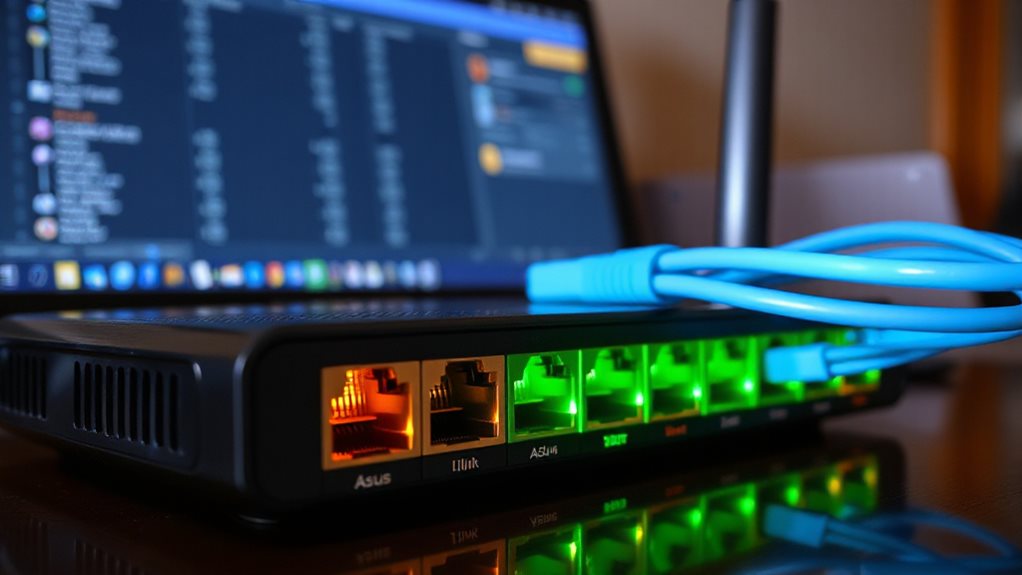
You’re ready to configure port forwarding on your TP-Link or ASUS router. Start by accessing the router’s web interface via its IP address, then navigate to the port forwarding section—TP-Link users will find it under Advanced > NAT Forwarding, while ASUS users should check WAN > Virtual Server/Port Forwarding.
Confirm your WAN IP is public, set static IPs for target devices, and apply rules for specific ports and protocols to guarantee external access works smoothly. If you encounter connectivity issues, ensure your router’s WAN settings match your ISP requirements and consider cloning a MAC address to resolve DHCP-related problems.
TP-Link Port Setup
Before diving into TP-Link port forwarding, connect your device via WiFi or Ethernet and retrieve your router’s gateway IP using *ipconfig* in Command Prompt.
Access the web interface (e.g., *tplinkwifi.net*), log in, then proceed to Advanced > NAT Forwarding > Port Forwarding > Add.
Enter a Service Name, specify External/ Internal Ports (leave Internal blank if matching), input your device’s static IP, select TCP/UDP/Both, then Save.
Test with an online port checker for freedom anywhere.
ASUS WAN IP Steps
Access your ASUS router’s web interface by entering 192.168.1.1 or http://www.asusrouter.com in a browser, then log in with admin credentials.
Go to WAN settings and enable Port Forwarding.
Assign a static IP to the target device, then add a profile with service name, external port (e.g., 1723), local IP, and protocol (TCP/UDP).
Save, apply changes, and test externally via your public WAN IP and port in a browser.
How To Enable Port Forwarding In PIA And Proton VPN Apps
Enabling port forwarding in PIA’s apps involves toggling the feature within the Network tab of settings on desktop or the mobile app’s menu, ensuring a supported server location is selected first. Toggle “Request Port Forwarding,” connect, and view your assigned port alongside your IP.
Proton lacks a native option; use Plus plan servers (e.g., Sweden/CH) and manually request ports via API. Both methods bypass router hassles, granting control over traffic for gaming, torrents, or remote access securely. Always verify server compatibility and stay connected to maintain active ports.
Choosing The Best Port: Torrents Vs. Gaming Vs. Remote Servers

Your port-forwarding setup isn’t just about toggling switches—it’s about matching the right port to your specific activity.
For torrents, prioritize 6881-6889 TCP or ephemeral UDP high ports (49152-65535) for faster speeds. Gamers lean on UDP (e.g., 3074, 27015-27030) to slash latency. Remote servers stick to SSH (22 TCP) or RDP (3389 TCP). Choose custom high ports (50000+) to dodge scans and combine with VPNs like AirVPN for secure, high-speed AU connections—balance freedom with precision.
How To Check If Your Port Is Open (And Stay Unblocked)
Testing your port’s openness isn’t just a technical formality—it’s essential for uninterrupted connections. Use netstat -an | find “:PORT” locally or online tools like Nmap/YouGetSignal to check. If filtered, adjust firewall settings. Confirm your ISP isn’t blocking common ports (443, 3389) or restrict gaming/torrent traffic. Regular checks keep your VPN-forwarded ports unblocked and services running smoothly. Stay proactive—freedom thrives on control.
Fix Port Forwarding On iiNet, Telstra, Or Optus Routers
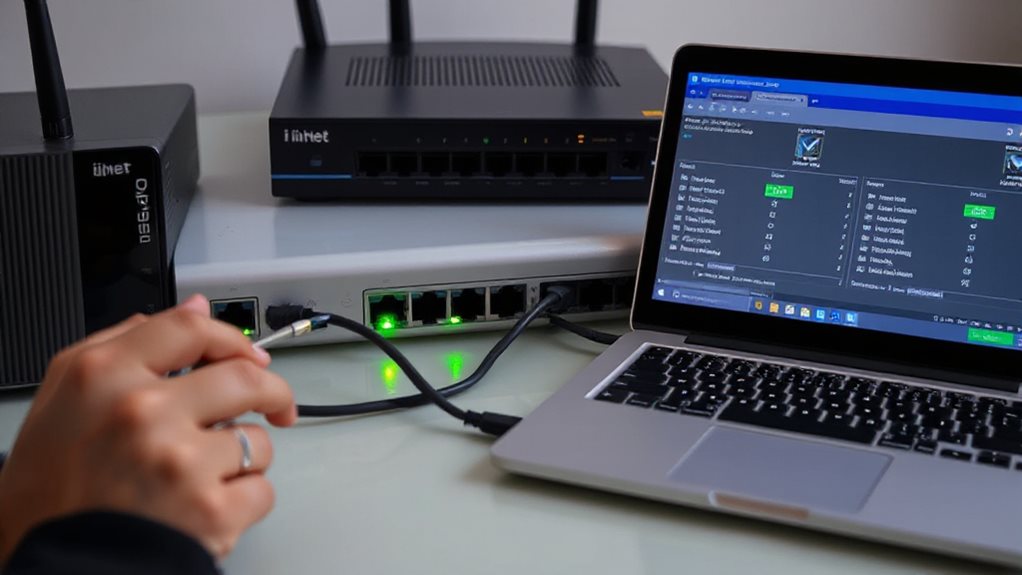
You’re ready to tackle port forwarding issues on major Australian ISPs, but getting started can feel overwhelming.
First, access your router’s interface—iiNet, Telstra, and Optus models typically require locating the Advanced Settings or Port Forwarding section, where you’ll input your device’s IP address and specify the ports to open.
After saving changes, check for ISP-imposed blocks, especially on common ports like 80, 443, or 25, and troubleshoot further if connectivity remains unresolved.
Navigating Router Settings
Whether you’re troubleshooting connectivity issues or setting up a gaming server, accessing your router’s settings is the first critical step for configuring port forwarding on Australian ISP routers.
Log into your router’s gateway IP (192.168.x.x) using default admin/password credentials (check labels).
Find Advanced Settings to enable port forwarding.
Contact your ISP for static IP assignment.
iiNet, Telstra, and Optus routers vary; refer to application-specific or custom configuration sections as needed.
Configuring Port Rules
Configuring port rules on Optus, Telstra, or iiNet routers opens direct traffic to your home network’s gaming servers, media apps, or remote-access devices.
Check your exact router model—Optus requires a static IP (request one via customer service), Telstra needs login at 192.168.0.1, and iiNet guides simplify port ranges.
Enter target device IPs, specify external/internal ports (e.g., TCP/UDP 24100-24131), save changes, then test.
Freedom’s yours to control traffic without buffer or lag holding you back.
Troubleshooting ISP Blocks
Port rules might be configured flawlessly, yet ISP-level blocks still disrupt connections. Check if your router’s default IP (like 192.168.1.1) is firewall-blocked—use *ipconfig* to confirm.
Change default admin logins (e.g., admin/admin) if stuck. Assign static local IPs to devices via DHCP reservation. Update firmware via ISP support pages.
For Telstra, tweak NAT settings; Optus demands static IPs; iiNet requires carrier-unlocked modems. Test ports with a checker tool.
Still stuck? CGNAT might be blocking you—switch to a VPN for hassle-free freedom. Reboot after fixes, then test again using game-specific tools like GTA NAT checker.
Is Port Forwarding Legal In Australia? (Spoiler: Mostly)

Even though some might assume technical practices like port forwarding require legal scrutiny, Australian law doesn’t specifically prohibit it.
You’re free to use it as long as your intentions don’t breach broader telecom rules. Agencies can access port data under existing laws, but the act itself isn’t criminal.
ISPs may restrict it via CGNAT, but opting out or requesting a dedicated IP keeps you compliant.
Stay secure, follow ACSC guidelines, and you’re good to go—it’s mostly legal if you’re using it responsibly.
How Port Forwarding Boosts Torrent Speeds And Online Gaming
Your home network’s configuration plays a silent but vital role in how smoothly games connect and how quickly torrents transfer. Opening ports lets routers direct traffic straight to your devices, bypassing NAT restrictions.
This enhances torrent speeds by allowing more peers to connect and reduces lag in peer-to-peer games by establishing direct links. While it won’t magically improve internet speed or fix server-based games, taking control of your network breaks barriers—giving you smoother gameplay and faster downloads, essential for those craving seamless online freedom.
Use Port Forwarding For Faster Torrents (And Why Gamers Love It)
Tap into your network’s hidden potential by mapping specific ports to your device—this simple tweak lets torrent clients swap passive downloading for active peer communication while slashing gaming delays caused by indirect routing.
By enabling direct connections, you’ll increase peer numbers and download speeds, while gamers enjoy lower latency on consoles like PlayStation or Xbox.
Whether using UPnP for ease or manual setup, take control: bypass bottlenecks, maximize bandwidth, and open smoother sessions without third-party roadblocks slowing your flow.
Wrapping Up
Port forwarding via a VPN opens up faster torrents and smoother online gaming by optimizing connections. Aussies can bypass ISP blocks by configuring routers (TP-Link/ASUS) or enabling settings in apps like PIA or ProtonVPN. While legal for legitimate uses, avoid piracy. Choose a provider supporting port forwarding, and make sure your setup balances speed, security, and compliance. Check router firmware (iiNet/Telstra/Optus) for stability, and keep configurations updated for best results.