
You can secure your home without sacrificing privacy by choosing devices that store biometric data locally (like encrypted face templates on-device), use Zigbee for cloud-free perimeter alerts, and run NVR systems like Frigate to keep video off the internet. Opt for Matter-enabled smart locks with Bluetooth-free encryption, isolate devices on segmented networks, and use open-source automation like Home Assistant to avoid third-party tracking—all while keeping control of your data right at home. If you want to lock down your setup further, you’ll learn how to pick hardware that stays offline by default and still keeps your security tight.
Quick Guide
- Choose devices with on-device AI and local storage to prevent biometric data from leaving your premises.
- Opt for Zigbee mesh networks and local NVRs to eliminate cloud dependencies and retain control over data.
- Isolate smart devices on separate network segments and use strong passwords to reduce unauthorized access risks.
- Prioritize Matter-enabled devices like Eve thermostats and Kwikset Aura Reach for seamless local operation without cloud accounts.
- Implement open-source platforms like Home Assistant for transparent automation and full control over data flows.
What Happens to Your Face Recognition Data When the Cloud Is Banned?
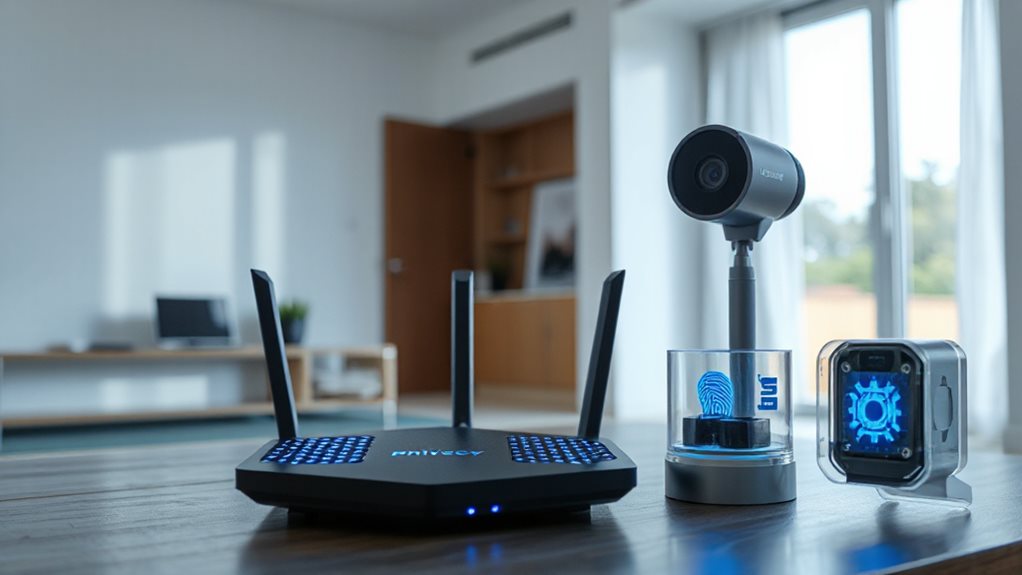
When the cloud is banned, face recognition systems shift to secure local storage, converting your biometric data into encrypted numerical templates within the device’s hardware, ensuring your information never leaves the premises. This approach supports enhanced encryption standards and ongoing firmware updates that bolster security without external data exposure, maintaining full user control while preventing vulnerabilities linked to remote servers. Local-only systems also reduce risk by eliminating remote attack surfaces and minimizing network traffic that could reveal usage patterns.
How to Stop Doorbell Cameras From Leaking Your Network Credentials
Your doorbell camera might be handing strangers the keys to your network—start by changing default passwords to something unique, since many leaks stem from factory-set credentials left unchanged.
Isolate the device on a separate network segment or guest VLAN to limit exposure, ensuring a breach won’t spread to other connected devices. These steps tackle common flaws, like unencrypted data or unauthorized pairing, without relying on manufacturers to patch every vulnerability. A VPN router can also protect all devices on your network by routing traffic through a secure server and avoiding ISP-level metadata leaks, so consider installing one and choosing a provider with strong router support.
Change Default Credentials
Check your doorbell camera’s login—hackers might already know it. Default passwords are public, letting criminals access feeds or steal Wi-Fi credentials. Change them immediately.
Use strong, unique passwords, enable 2FA, and update firmware regularly. Don’t rely on “secure” defaults—manufacturers like Victure have exposed networks. Your camera shouldn’t become a backdoor.
Take control: secure credentials now or risk strangers owning your network.
Utilize Network Segmentation
If done correctly, network segmentation can keep a compromised doorbell camera from exposing your Wi-Fi credentials or granting hackers access to your entire network.
By creating isolated subnetworks—like a guest SSID for IoT devices—you restrict the camera’s reach, preventing credential leaks to critical devices. Use routers with VLAN support or dual-band capabilities to separate smart gadgets from your main network.
This limits lateral movement, ensuring a breach stays contained while preserving your freedom to control access without slowing performance.
Zigbee Sensors for Rock-Solid Perimeter Security (No WiFi Needed)

When securing your home’s perimeter, a reliable solution doesn’t always depend on WiFi. Zigbee’s mesh network connects 65,000+ devices, self-healing when nodes fail.
Sensors detect door/window breaches, vibration, or motion—triggering instant alerts. AES encryption keeps data private.
Low-power design lasts two years on batteries, while wall-penetrating range cuts relay needs. You get rock-solid security, independent of the cloud, right out of the box. WPA3 offers stronger encryption and forward secrecy to further protect wireless connections.
How to Run Local NVR Without Cloud Access or Subscription Fees
A physical security upgrade that complements Zigbee’s independence from the cloud lies in local network video recorders (NVRs), which eliminate subscription fees while keeping footage entirely on-site.
Connect PoE NVR to cameras via Ethernet and HDMI to a monitor; power on, follow setup wizard, check camera connections using NVR port lights. Use device search or manual entry to add cameras with passwords. Adjust resolution, motion zones, and enable local AI detection.
Keep NVR offline, skip port forwarding, use local dashboards and kiosk mode; set local notifications—no cloud or subscriptions required. Wired configurations are generally more secure than wireless systems, reducing remote access risk when properly isolated on the local network.
Affordable Professional Monitoring That Doesn’t Sell Your Daily Habits
Though securing your home locally with an NVR protects your data privacy, professional monitoring adds a layer of protection without compromising control. Abode ($6.25+/month) and Roku ($9.99+/month) offer affordable, flexible plans with no contracts. SimpliSafe’s privacy shutter and Roku’s app-only data handling avoid selling habits. AAA and Vivint provide 24/7 response, but lock-in contracts or costs may apply. Prioritize month-to-month options with clear privacy policies to keep your freedom—and your secrets—safe.
Smart Locks Using Bluetooth-Free Encryption (Because Bluetooth Is Broken)
If you’ve ever wondered why Bluetooth security feels like a game of whack-a-mole, you’re not alone. Bluetooth vulnerabilities like BIAS, KNOB, and relay attacks expose smart locks to hacking.
Skip Bluetooth altogether—opt for locks using Bluetooth-free encryption like AES or Zigbee with secure protocols. Pair them with WPA3 networks, disable unused profiles, and prioritize firmware updates.
You’ll dodge signal jammers, spoofed devices, and MITM attacks, keeping your home private without sacrificing control. Freedom starts with locking tech that doesn’t leak your secrets.
Running AI Face Detection Offline: The Hardware You Need
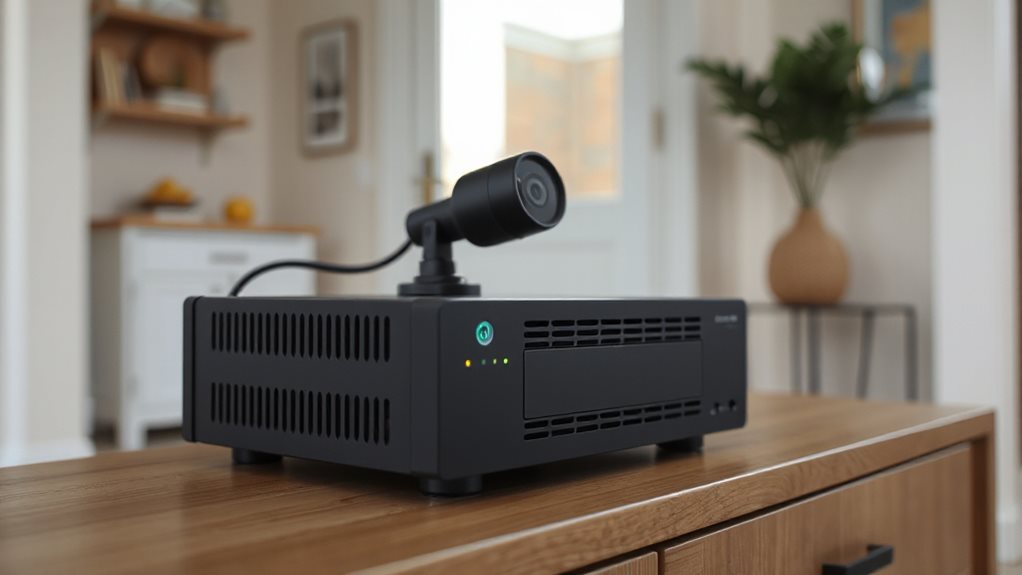
You need a capable processor to run AI face detection offline, like an x86-64 chip with AVX2 support or an ARM-based alternative for lighter Android tasks—balance power with efficiency for real-time results.
Local storage solutions matter too, from 512 MB RAM on PCs to edge devices with under 1MB memory, ensuring smooth offline operation without cloud reliance.
Prioritize hardware like the Renesas RA8D1 or Firefly AIO-3399C to keep data secure on-device, avoiding privacy risks tied to external servers.
Processing Power Needs
Executing offline AI face detection efficiently combines CPU power, ample RAM, and GPU acceleration to match varying scales of deployment.
You’ll need at least 4-core CPUs like i7-1360P for small setups or Xeon servers for 100+ cameras.
GPU (NVIDIA T4/A10G) cuts CPU spikes, while 16GB+ RAM guarantees reliability.
Higher specs let you handle more streams—18 on i9-14900HX, 100 on Dell R760—without cloud reliance, keeping your data private and system responsive.
Local Storage Solutions
Local storage solutions anchor your offline AI face detection system’s efficiency, blending speed and scalability to keep processing private and responsive.
Opt for 256 GB entry-level SSDs or 512 GB–1 TB NVMe drives for smooth, scalable performance. High-volume systems thrive on multi-TB NVMe SSDs.
Firefly AIO-3399C, Renesas RA8D1, and DFRobot Gravity utilize onboard storage for instant, secure recognition—all without sacrificing your freedom.
Privacy Without Cloud
Keeping data on-site kicks off true privacy, and the right hardware makes offline AI face detection both feasible and fast.
Opt for an ARM-based 1.5GHz+ processor or RK3399 with 512MB+ RAM.
Pair with 1080p+ cameras, AVX2-enabled CPUs, or edge devices like Firefly EC-ThorT5000.
NVIDIA Jetson or Renesas RA8D1 MCUs handle real-time recognition without cloud—your data stays local, secure, and under your control for truly private smart home freedom. (62 words)
Cross-Platform Privacy-First Devices That Work Without Google/Amazon Middlemen
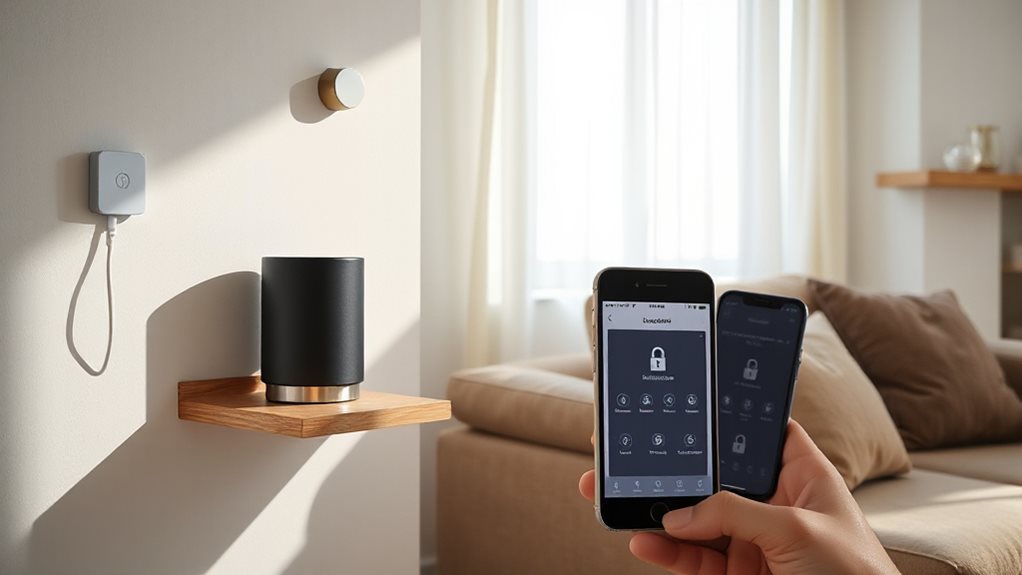
Breaking free from Google and Amazon’s grip doesn’t mean sacrificing smart home convenience—privacy-first devices now offer seamless cross-platform integration while keeping data under your control.
Use Matter-enabled thermostats like Eve or Kwikset Aura Reach smart locks without cloud accounts.
Rely on Zigbee’s encryption for secure local networks, pair Frigate NVR for on-site camera processing, or choose Home Assistant for open-source automation.
Devices like eufy Video Doorbell with local storage and Hunter Douglas’ shade systems prioritize your privacy—no third-party middlemen needed.
Your home, your rules.
Wrapping Up
You can secure your home without compromising privacy. Replace cloud-reliant systems with Zigbee sensors for perimeter security and local NVR setups to store footage securely offline—no subscription fees. Use Bluetooth-free smart locks with direct encryption to block hackers. Run AI face detection locally on dedicated hardware. Choose cross-platform devices to eliminate Google or Amazon’s data collection. Prioritize tools that don’t exploit your habits for ads. These steps keep your smart home secure, private, and under your control.
