
You’ll get the best performance for Ring doorbells and cameras by using a Ring Chime Pro, which runs on both 2.4 GHz and 5 GHz simultaneously and creates a dedicated high‑capacity link to each Ring device. Choose a standard Wi‑Fi extender if you need broader coverage for phones, laptops, and other smart gadgets, because it rebroadcasts the router signal universally. The Chime Pro also adds an indoor chime and uses guided app setup, while a general extender requires manual configuration. If you keep reading, you’ll see how each option scales and impacts video quality.
TLDR
- Ring Chime Pro provides a dual‑band, dedicated link for Ring devices, delivering stronger, lower‑latency video than a generic extender.
- General‑purpose Wi‑Fi extenders rebroadcast the router signal for all devices, but may split bandwidth and reduce performance for Ring cameras.
- If you only need to improve Ring doorbell or camera reliability, the Chime Pro’s built‑in nightlight and indoor chime add extra functionality.
- For broader home coverage—phones, laptops, smart speakers—a standard extender (or mesh) offers universal compatibility and larger coverage area.
- Scaling multiple Chime Pros becomes inefficient; a mesh system with wired backhaul is preferable when many devices or extensive dead zones exist.
Understanding How Ring Chime Pro Extends Wi‑Fi for Doorbells and Cameras
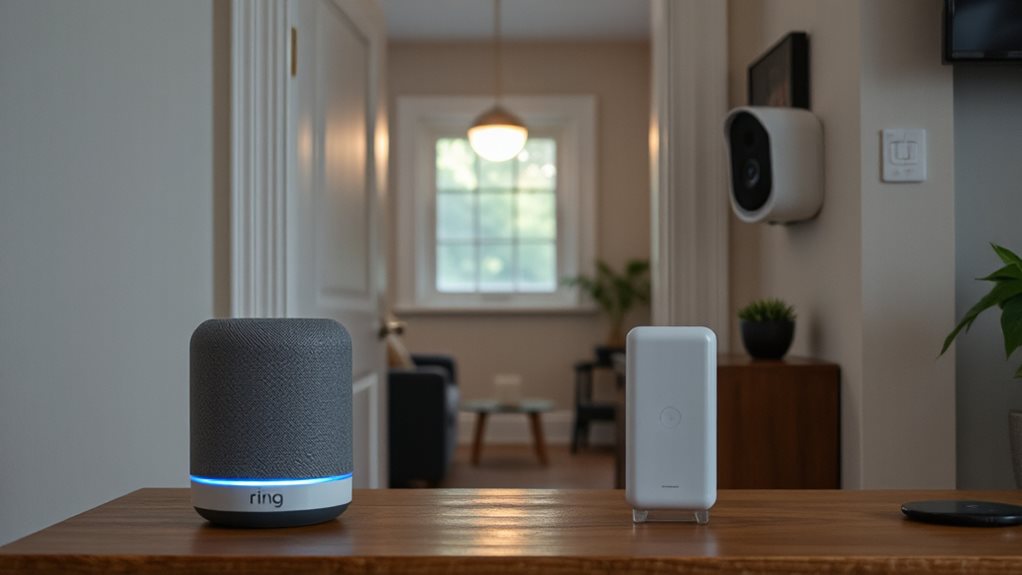
Because Ring Chime Pro operates on both 2.4 GHz and 5 GHz bands at the same time, it can create a dedicated, high‑capacity link between your router and Ring doorbells or cameras.
You’ll place it between the router and weak‑signal devices, letting each Ring unit pick the best band.
The dual‑band path eliminates dead zones, providing stable, fast connections across your home.
The built‑in nightlight adds extra visibility during nighttime.
Wi‑Fi extender capability helps you bridge gaps when you have multiple Ring devices spread out across floors or far from the router.
Understanding How a Standard Wi‑Fi Extender Boosts Coverage for All Devices
You’ll notice that a standard Wi‑Fi extender captures the router’s signal, amplifies it, and rebroadcasts it so every device in range gets stronger connectivity. Its universal signal amplification works across phones, laptops, smart home gadgets, and streaming gear without needing separate configurations. In larger homes or high‑demand setups, pairing an extender with a mesh system that supports wired backhaul can further stabilize speeds and reduce dead zones coordinated backhaul.
Universal Signal Amplification
When a Wi‑Fi extender captures the router’s signal, it first uses its internal antennas to detect the broadcast, and the quality of that capture hinges on where you place the extender relative to the router.
It digitally amplifies the signal, often on a separate band, then rebroadcasts it omni‑directionally.
This universal amplification preserves standard Wi‑Fi protocols, letting every device enjoy stronger, farther‑reaching connectivity.
Multi‑Device Compatibility
If you need every device in your home to stay online, a standard Wi‑Fi extender is the most versatile solution. It enhances signal for phones, laptops, smart TVs, and IoT gadgets alike.
You’ll place it between router and dead zones, then connect each device normally. No Ring‑specific setup is required, so all your tech enjoys reliable coverage without extra configuration.
Seamless Network Integration
Because a standard Wi‑Fi extender connects wirelessly to your router and acts as an intermediary bridge, it can capture the existing signal, amplify it, and rebroadcast it to hard‑to‑reach areas.
You place it midway where the router’s signal is strong, then it extends coverage up to 1,000 sq ft.or more with premium units), eliminating dead zones and keeping all devices on a single, seamless network.
Choosing Between Ring‑Specific Extension and a General‑Purpose Extender
Choose the Ring‑specific Chime Pro if you only need to enhance the signal for Ring doorbells and cameras and want indoor chime alerts in one device. It adds dual‑band Wi‑Fi for nearby Ring gear and includes a nightlight and guided placement. A general extender strengthens all home devices, requires separate setup, and suits larger homes. Decide based on device focus and coverage needs. Also, for IoT safety, ensure any guest network used for smart devices is properly isolated to shield your main network guest isolation and keep firmware up to date.
Ring Chime Pro Performance: Signal Strength, Video Quality, and Battery Life
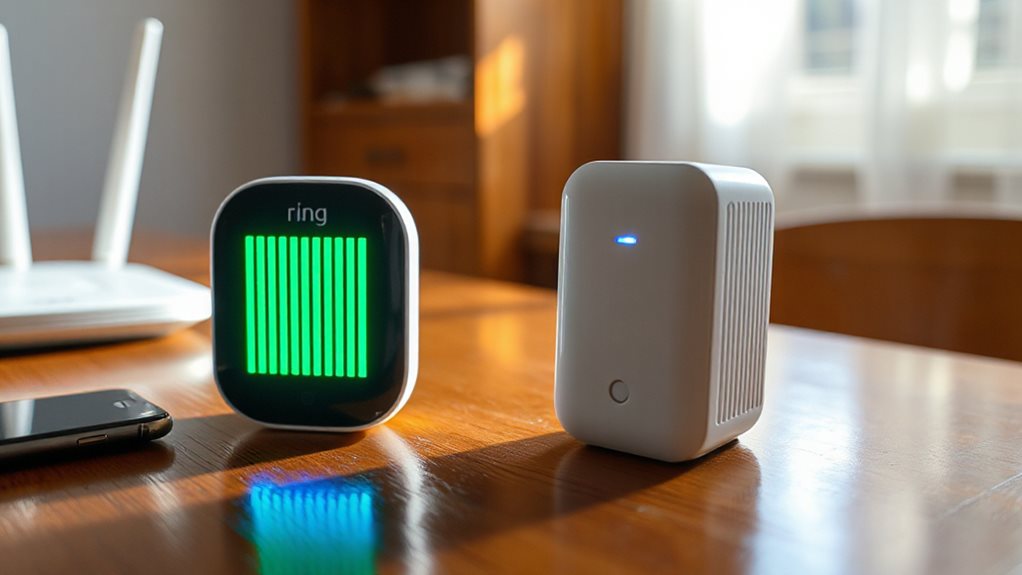
After deciding whether a Ring‑specific Chime Pro or a general Wi‑Fi extender fits your home, the next step is to evaluate how the Chime Pro actually performs.
Strong RSSI, ideally –40 dBm or better, cuts video lag and saves battery by limiting reconnections.
Aim for 2.4 GHz placement that lifts RSSI from –61 dBm to –40 dBm.
Run the app’s placement test, relocate until devices rank strong, and you’ll keep video crisp and battery lasting.
Four red lights on the Ring Doorbell can indicate power or connectivity issues that may affect performance, so address those as you optimize placement. Power issues
Ring App Guided Setup vs. Manual Extender Configuration
How does the Ring app’s guided setup compare to configuring a Wi‑Fi extender manually?
The app automates Wi‑Fi pairing, gives real‑time signal strength, and suggests easy control placement, letting you finish in minutes without network know‑how.
Manual setup forces you into router admin panels, SSID entry, channel selection, and power tweaks, demanding technical steps and longer troubleshooting.
The guided route frees you to focus on Ring devices, not configuration minutiae.
Scaling Your Home Network: Adding More Chime Pros or Switching to a Mesh System

A Ring Chime Pro can enhance signal for a single camera or doorbell, but adding several of them quickly becomes inefficient compared to a dedicated mesh Wi‑Fi system. The Ring ecosystem also benefits from broader smart home integration via Alexa routines when using a mesh system, rather than relying on multiple Chime Pros. mesh Wi‑Fi system
And Finally
Pick the Ring Chime Pro if you need a dedicated, plug‑and‑play boost for Ring devices and want seamless app setup. Choose a standard Wi‑Fi extender if you’re looking for broader coverage for all gadgets and are comfortable with manual configuration. For a few Ring units, a Chime Pro will keep signal strong and battery life high-performing. If your network must support many devices or you anticipate future expansion, a general extender or a mesh system is the more scalable solution.


